Organizing with folders and tags
You get both. They’re good at different things.
Folders
Section titled “Folders”Ordinary folders on disk. Make them in Pellet or in Finder — it’s the same thing either way, and Pellet notices immediately.
A note lives in exactly one folder, which makes folders good for questions with one answer: is this work or personal?
Drag notes between folders in the sidebar, and folders into other folders. Or right-click a note (or use any document’s ⋯ menu) and choose Move to folder…, which opens a searchable outline of your vault — easier than dragging on a long list, and on a phone. Select several notes first with ⌘-click (Ctrl-click on Windows and Linux) and they move together. If the folder you want doesn’t exist yet, make it right there: click New folder at the bottom for one at the top of your vault, or the folder-plus button at the end of any folder’s row for one inside it. Type a name and press Enter, and the folder is created and your notes move into it. However a note moves, the links to it are updated to its new place.
Right-click a folder for the rest: rename it, delete it, make a new note or subfolder inside it, choose whether the row shows a file count, or reveal it in your file manager.
Folder colors
Section titled “Folder colors”Click a folder’s icon to open its style popover. You can swap the icon for another one or an emoji, and give the folder a color.
A color has to paint on something, so you choose what: the icon, the folder name, the row background, or any combination. Tinting the row background is the loudest; coloring just the icon is the one you can use on twenty folders without the sidebar becoming a rainbow.
Subfolders too makes the color cascade down. A project folder with eight subfolders then needs the color set once instead of nine times, and a subfolder added next month picks it up on its own. A subfolder with a color of its own always keeps it — cascading never overwrites a decision you made. Colors reach past ancestors that aren’t cascading, so a folder with a color of its own doesn’t block one coming from further up.
Type # followed by a word anywhere in a note. A note can carry as many tags as you like, which makes tags good for questions with several answers at once: this is about a client, and it’s a meeting, and it’s urgent.
Nested tags put one tag inside another, using slashes:
That one tag gives you work, work/clients and work/clients/norvale — a tree in the Tags explorer, the pane down the left, with counts that roll up. Click any level to see everything beneath it.
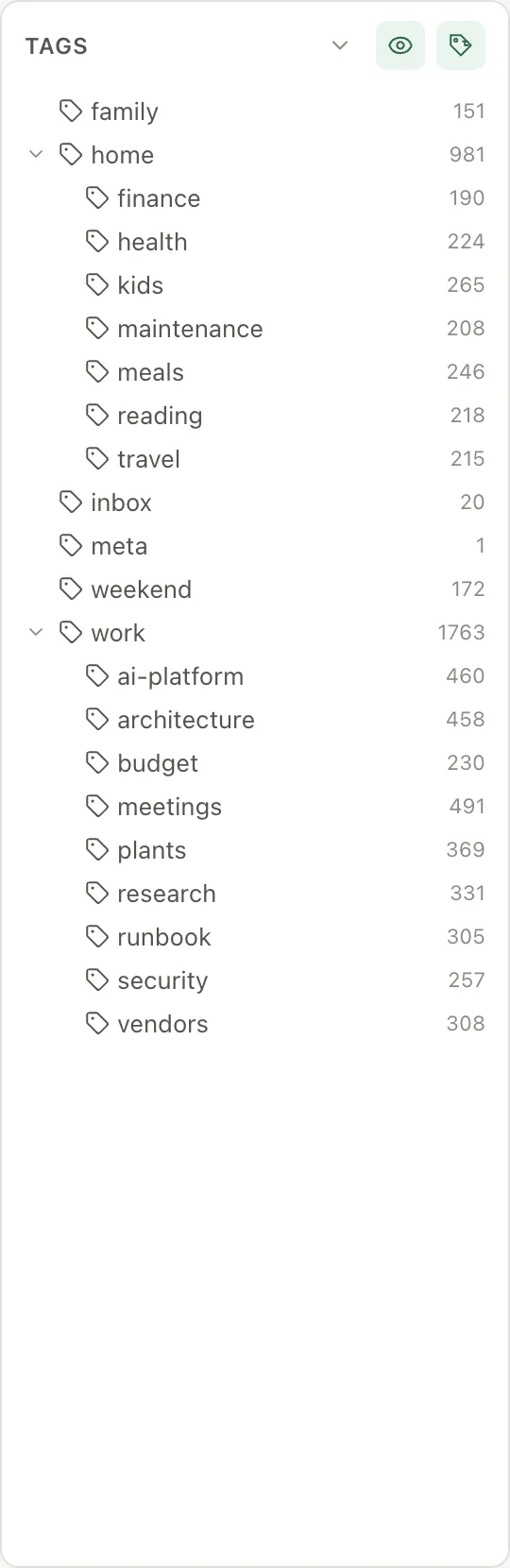
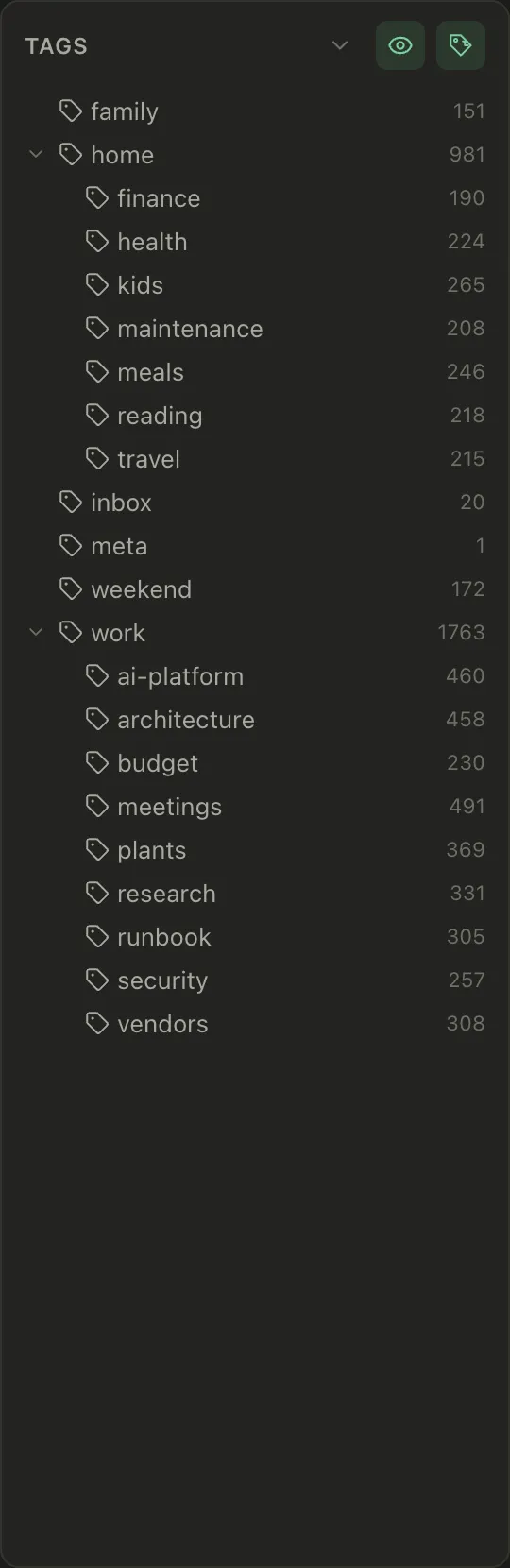
There’s a filter box under the header. Type into it and the tree narrows to matching tags, keeping the parents above each match so you can still see where it sits — handy once you have more tags than fit on screen. The count under it says how many tags match, Aa makes the match case-sensitive, and the × or Escape clears it.
Click a tag inside a note — or on a Table or Kanban card, or in the right panel — and the Tags explorer opens with that tag selected. The list beside it shows every note carrying the tag, along with the lines it’s on, so you can click straight to the place it’s used rather than to the top of the file.
Renaming and deleting tags
Section titled “Renaming and deleting tags”Tags spread. You start with #work, then #Work creeps in, then you decide
#clients should have lived under #work all along. Right-click any branch in
the Tags explorer to rename or delete it.
Both act on the whole branch. Renaming work to job also renames
work/clients and work/clients/norvale, because that’s the branch you clicked
and the count you saw. #workshop is left alone — it only matches at a / or
at the end, and case matters, so Work and work stay separate.
Every file carrying the tag is rewritten: in frontmatter and inline, in whatever
style you wrote it, and nothing else in the file moves. A #tag inside a code
block stays as it is. Pellet tells you how many tags and how many files are
about to change before it does anything.
Deleting a tag deletes the tag, never the notes. Every note stays exactly where it is, minus that one tag. And if file history is on, each edited note has a revision you can roll back one at a time.
Which to use
Section titled “Which to use”A rough rule that holds up: folders for where something belongs, tags for what it’s about. If you find yourself wanting to put one note in two folders, that’s a tag.
Don’t over-plan it. A flat vault with good links and a search box is easier to live with than a filing system you have to think about every time you write something down.
Favorites
Section titled “Favorites”Favorites is a short list at the top of the folders sidebar for the things you go back to every day. It can hold notes and other files, folders, saved filters, tags and boards, all in one list, in the order you choose.
To add something, right-click it and choose Add to Favorites. That works on a note in the note list, a folder, a saved filter in the Filters section, and a tag in the Tags explorer. An open note, PDF, board or saved filter’s table also has a star in its toolbar: click it to add, and click the filled star to remove. You can also drag notes and folders onto Favorites.
Click a favorite to open it, the same as clicking it anywhere else. A folder or saved filter fills the note list, a tag opens the Tags explorer on that tag, and a board opens on the board view.
To reorder, drag a favorite up or down, or right-click it and choose Move up or Move down. Remove from Favorites is in the same menu. On a phone, press and hold a favorite to get that menu.
A favorite follows its target. Rename or move a note or folder, or rename a tag, and the favorite keeps pointing at it. If a note goes to the Trash, its favorite stays and says In Trash, and it works again as soon as you restore the note. Anything that’s gone for good says Missing until you remove it. Your Favorites travel to your other devices with Pellet Sync, the same as saved filters.
Click the Favorites heading to fold the list away. While it’s folded, the heading shows how many favorites it holds.
Gallery view
Section titled “Gallery view”If your vault has a lot of canvases, drawings or PDFs, the note list can show thumbnails instead of rows — the toggle is in the note list header. It’s one setting for the whole vault, so a folder never surprises you by looking different, and there are three tile sizes.