The Vault Map
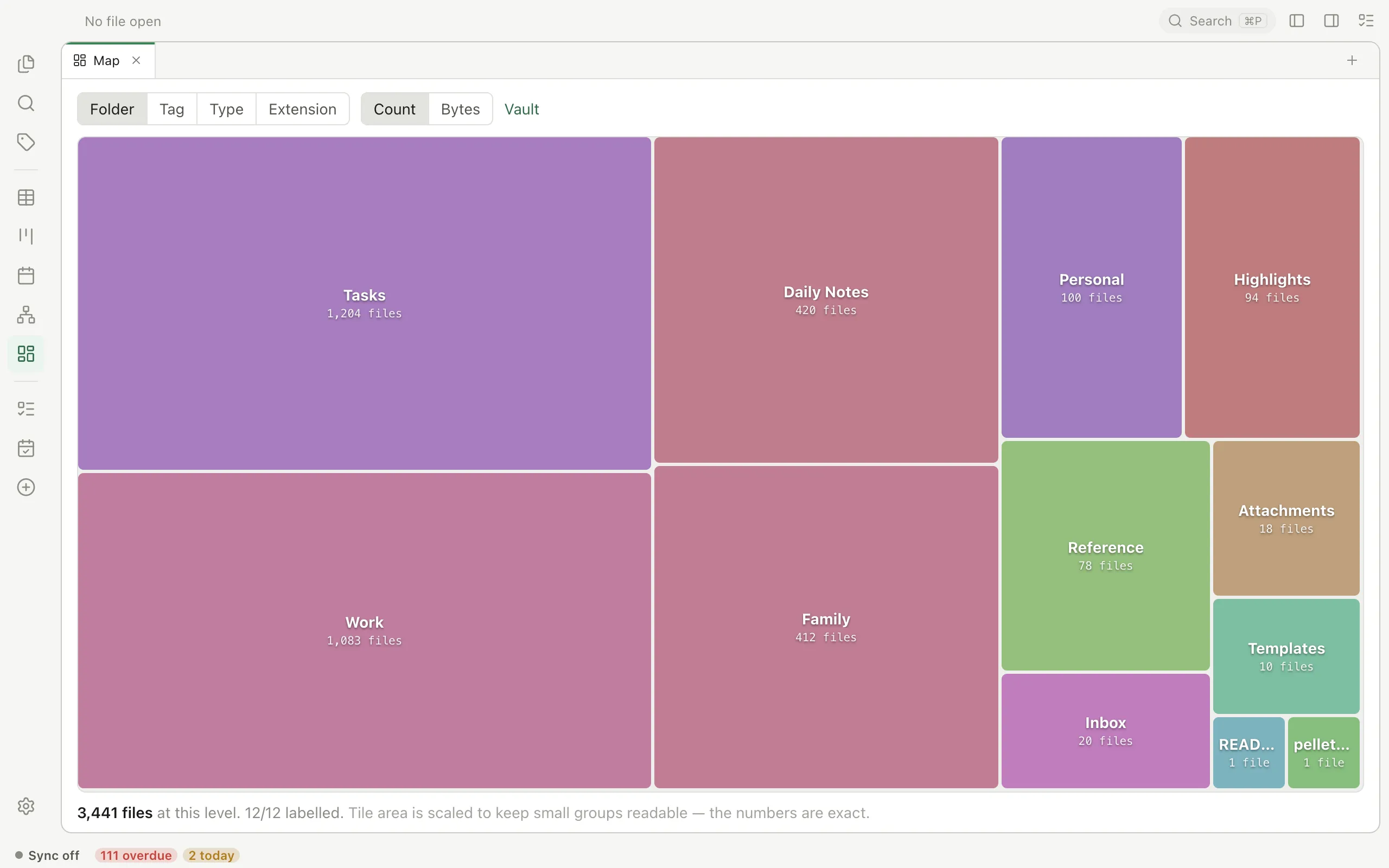
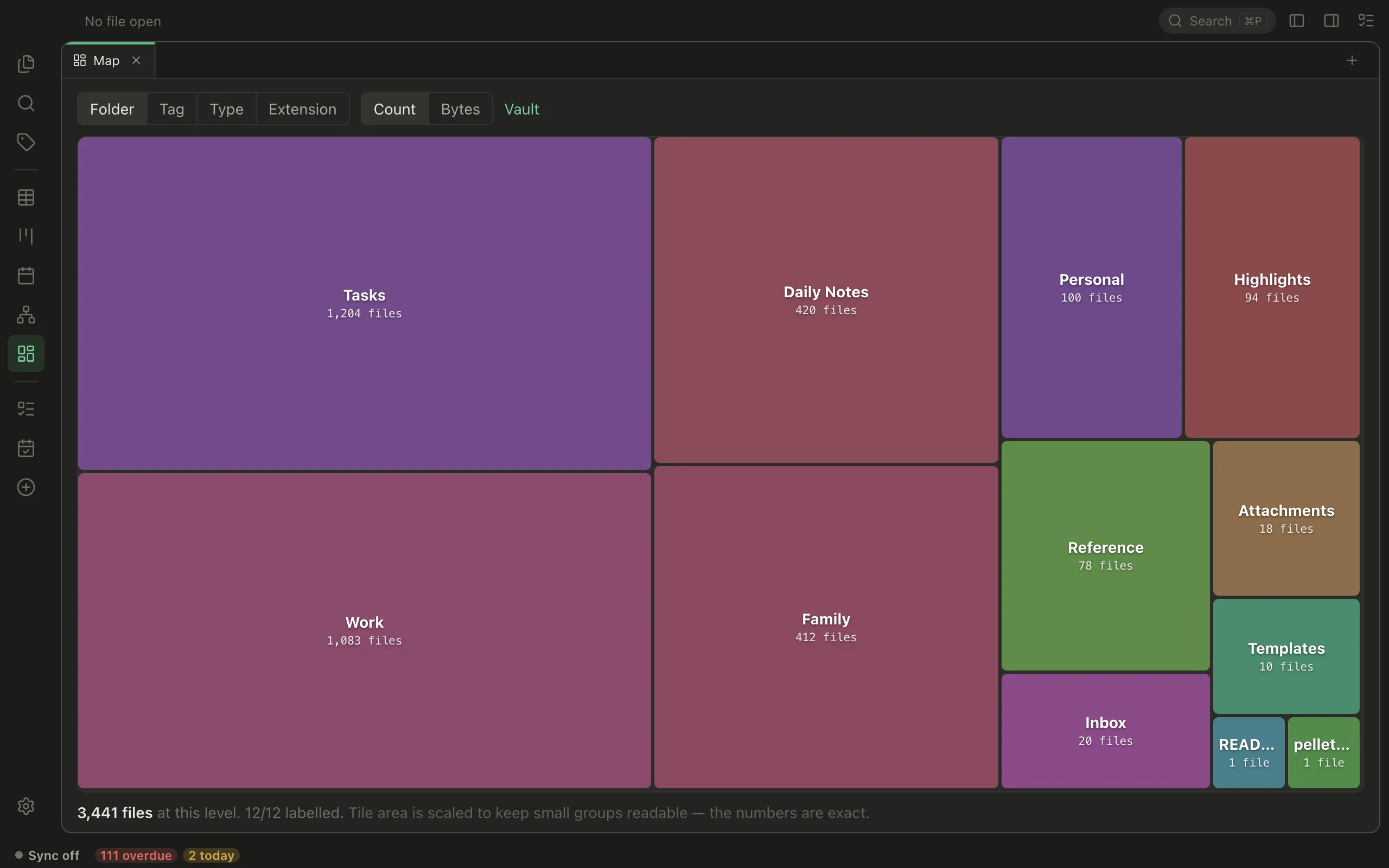
The Map draws your whole vault as rectangles, each sized by how much is in it. Big rectangle, lots of files. Click one to go inside.
It answers a question none of the other views do: where is all of this? The graph shows what links to what; the task views show what’s due. The Map shows where the weight sits.
Two things to choose
Section titled “Two things to choose”What the rectangles are — Folder, Tag, Type, or Extension.
What their size means — Count (how many files) or Bytes (how much disk).
Those two disagree more than you’d expect, and that’s the useful part. In one real vault, Journals is 83% of the files while Library is 88% of the bytes. Markdown is 98% of the files and 4% of the space; five ebooks are 61% of it. Whichever question you had, one of the two answers it.
Getting around
Section titled “Getting around”Click a rectangle to go inside it. The trail along the top takes you back. Click a file and it opens.
Folders and tags nest as deep as you’ve made them — a tag like Type/dailynote sits inside Type, the same way a subfolder sits inside its parent.
Things worth trying
Section titled “Things worth trying”- Folder + Count — where your writing actually lives, as opposed to where you think it does.
- Extension + Bytes — what’s taking up the space. Usually a surprise, and usually a few ebooks or PDFs.
- Tag + Count — how much you’ve really tagged, and how lopsided it is. There’s an Untagged rectangle too, which is often the interesting one.
- Type + Count — how many notes versus tasks versus drawings versus handwriting.
One thing to know about the sizes
Section titled “One thing to know about the sizes”Rectangles aren’t drawn to exact proportion. If they were, a vault where one folder holds most of the files would be a single slab with a row of unreadable slivers beside it, and you’d learn nothing.
So the sizes are eased: a rectangle twice the size doesn’t hold twice as much. Bigger still means bigger, and the order is always right — but for the exact figure, read the number. Every number on screen is the true one, and hovering anything gives you its count, its size on disk, and its real percentage.
A note on tags
Section titled “A note on tags”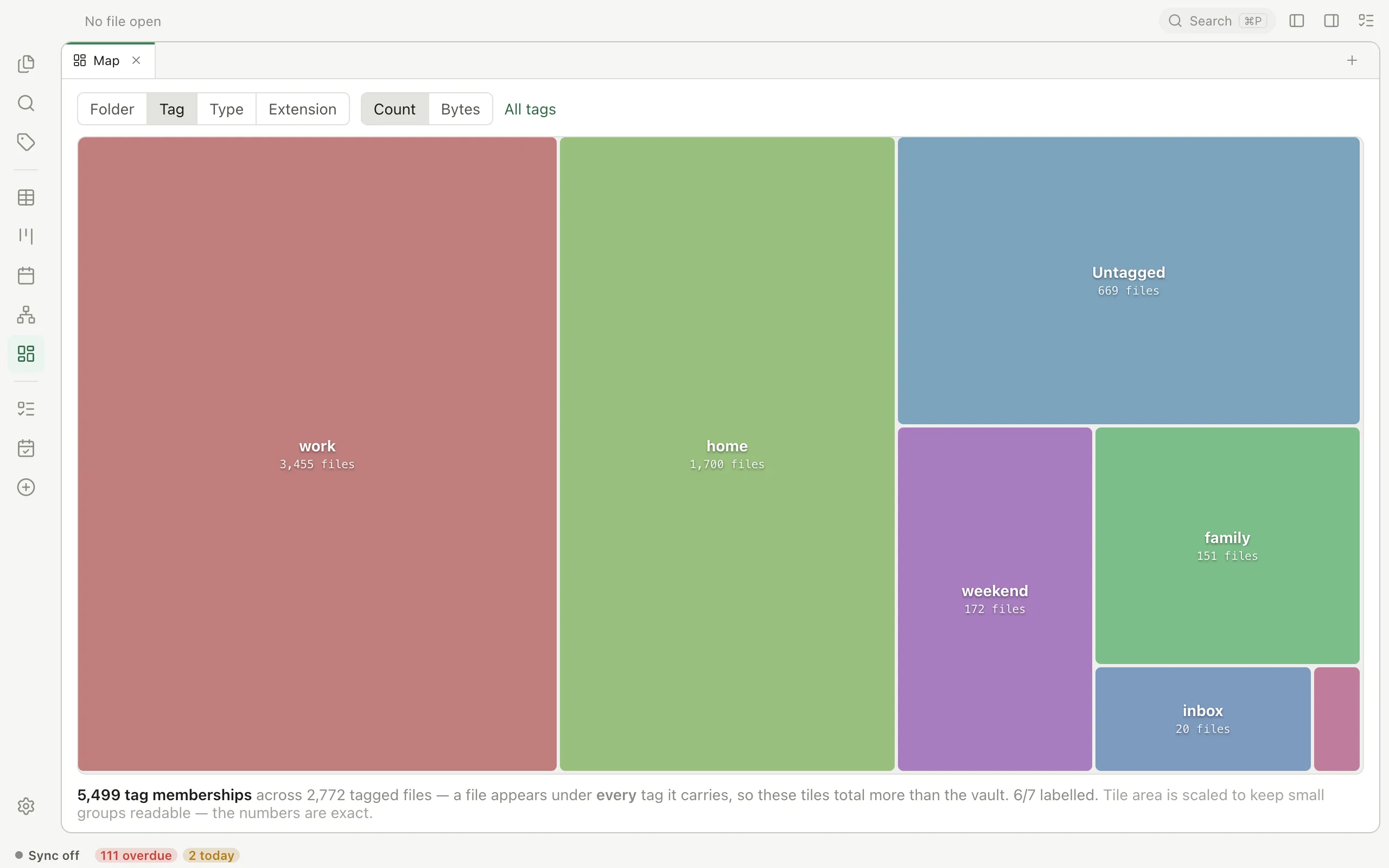
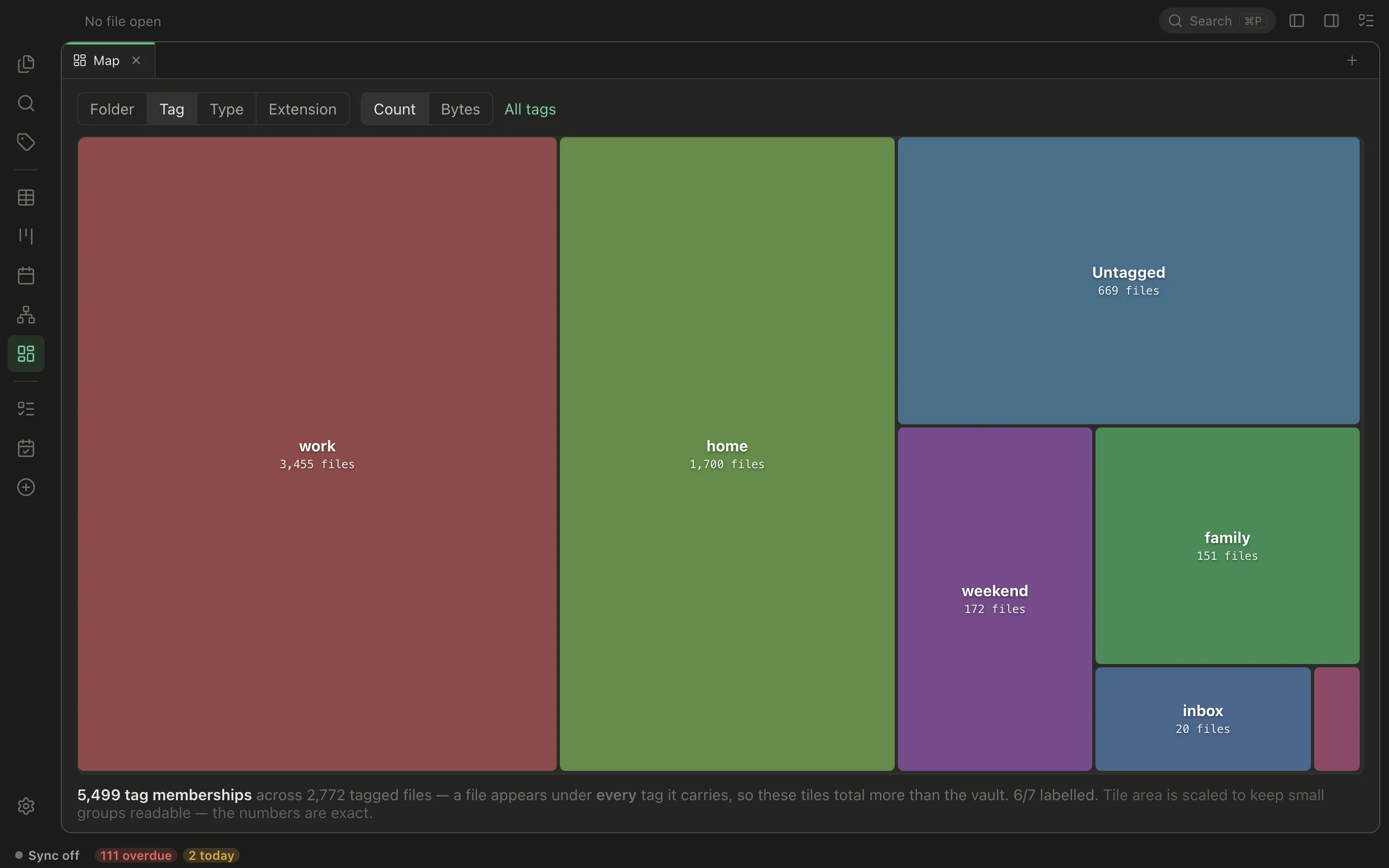
Grouping by Tag counts a file under every tag it carries, not just the first — so a note tagged three ways appears in all three. That’s what makes each tag’s number a true count of the files carrying it, and it means the rectangles add up to more than your vault does. The footer says so when you’re in that view.