Notes
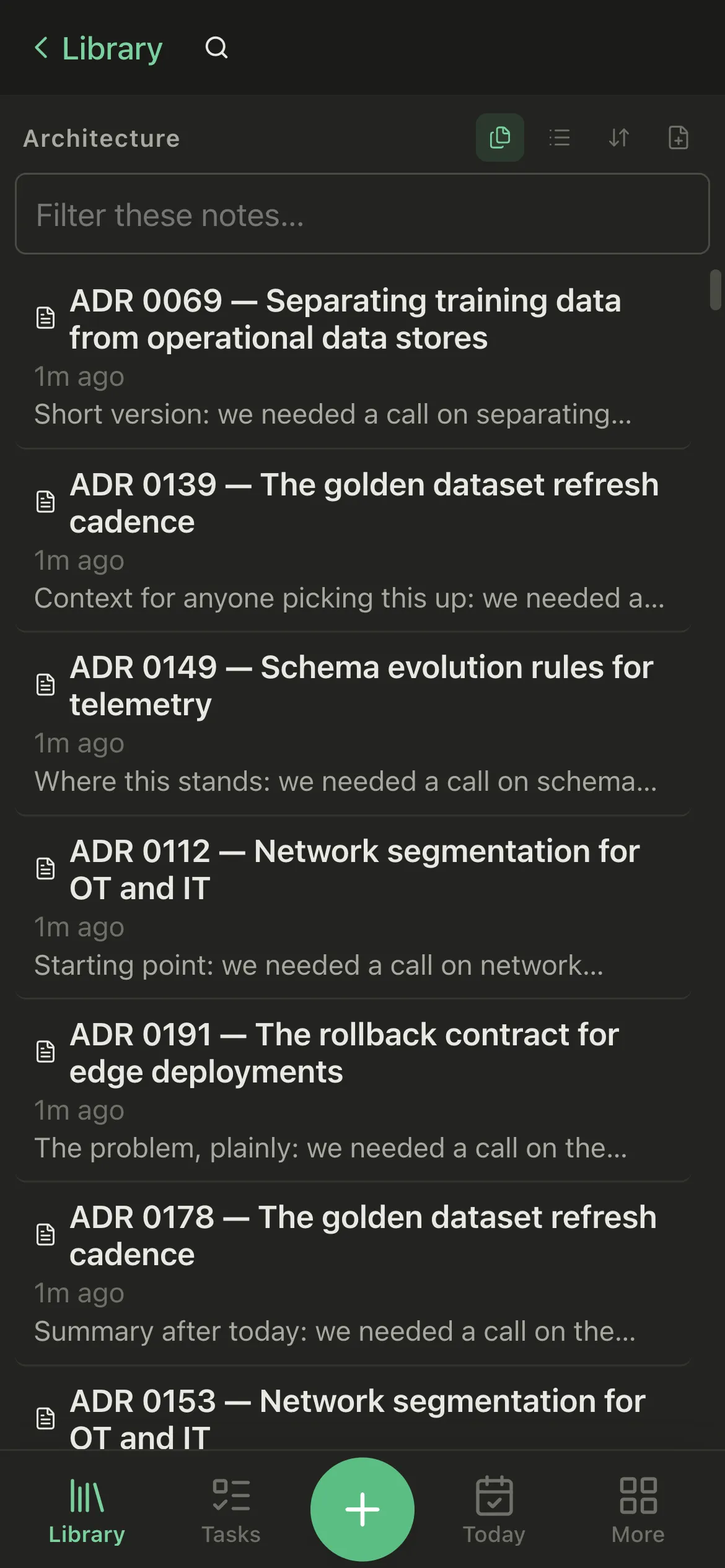
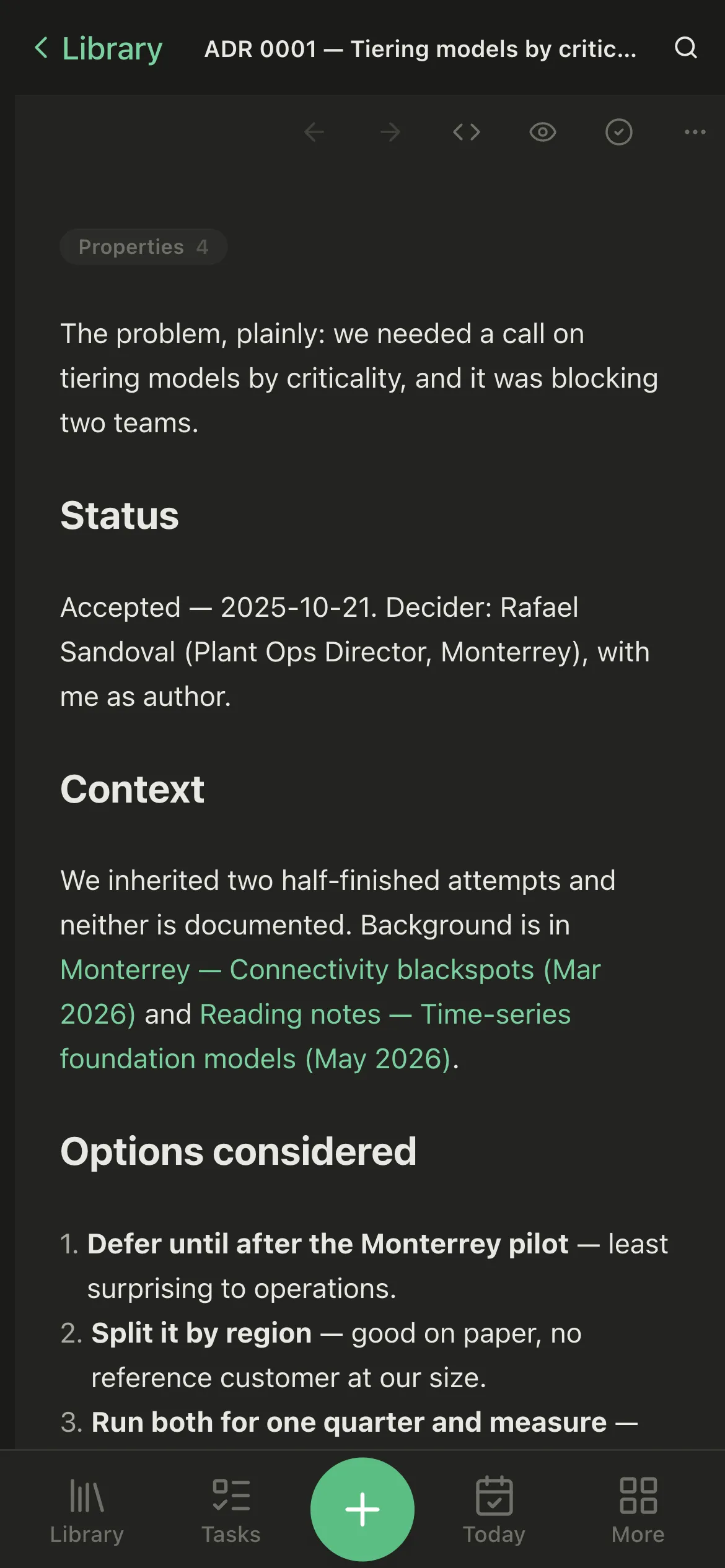
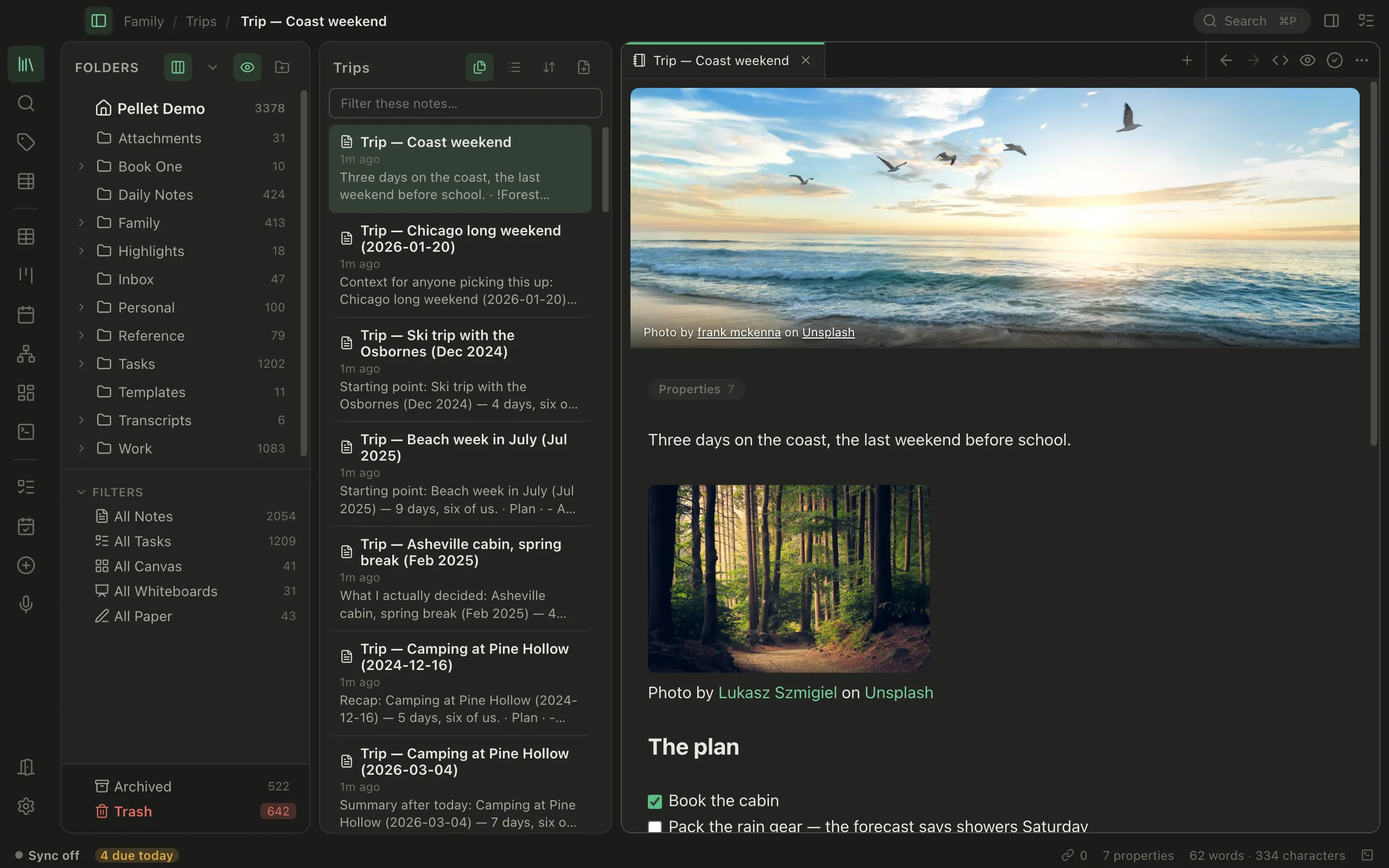
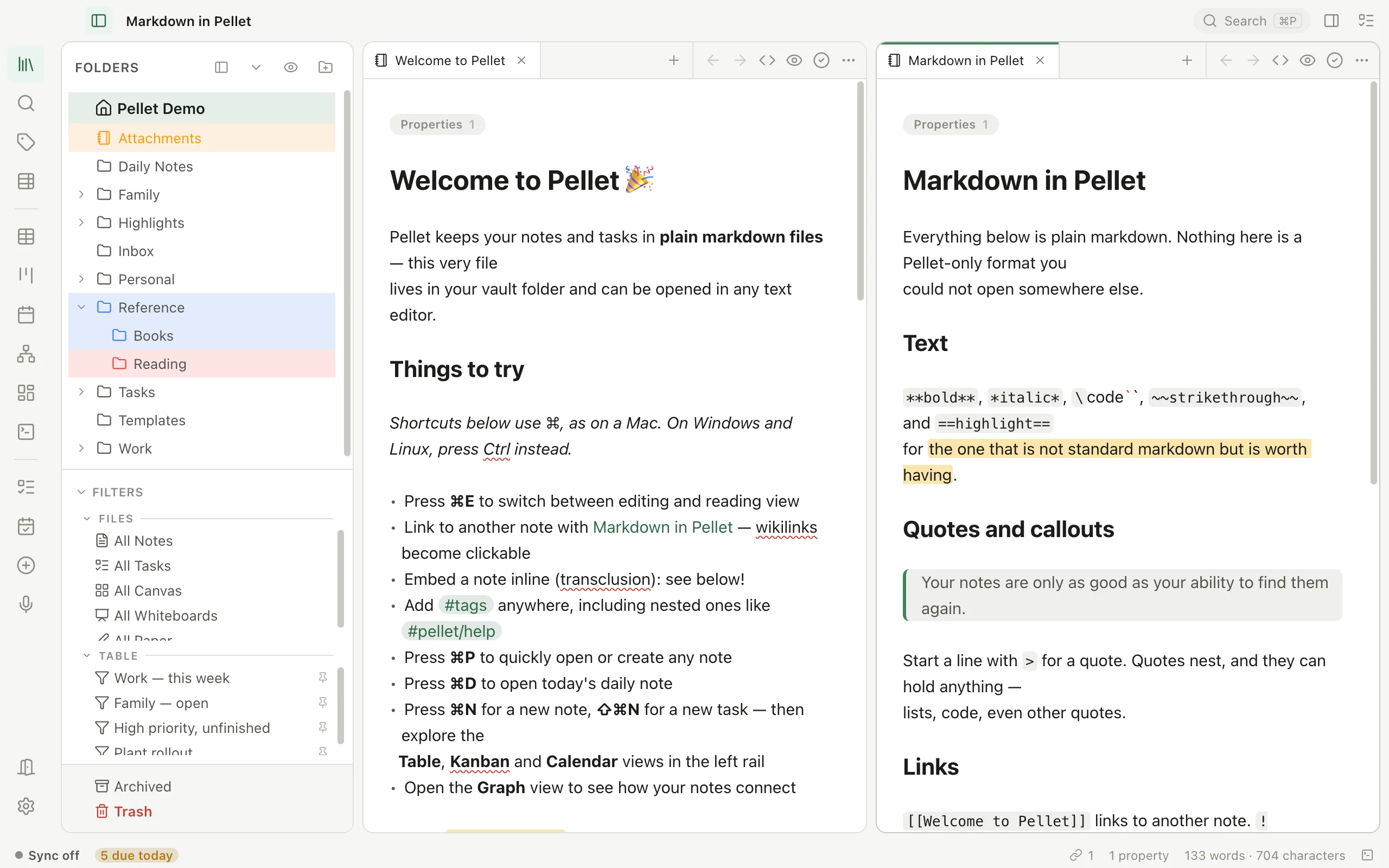
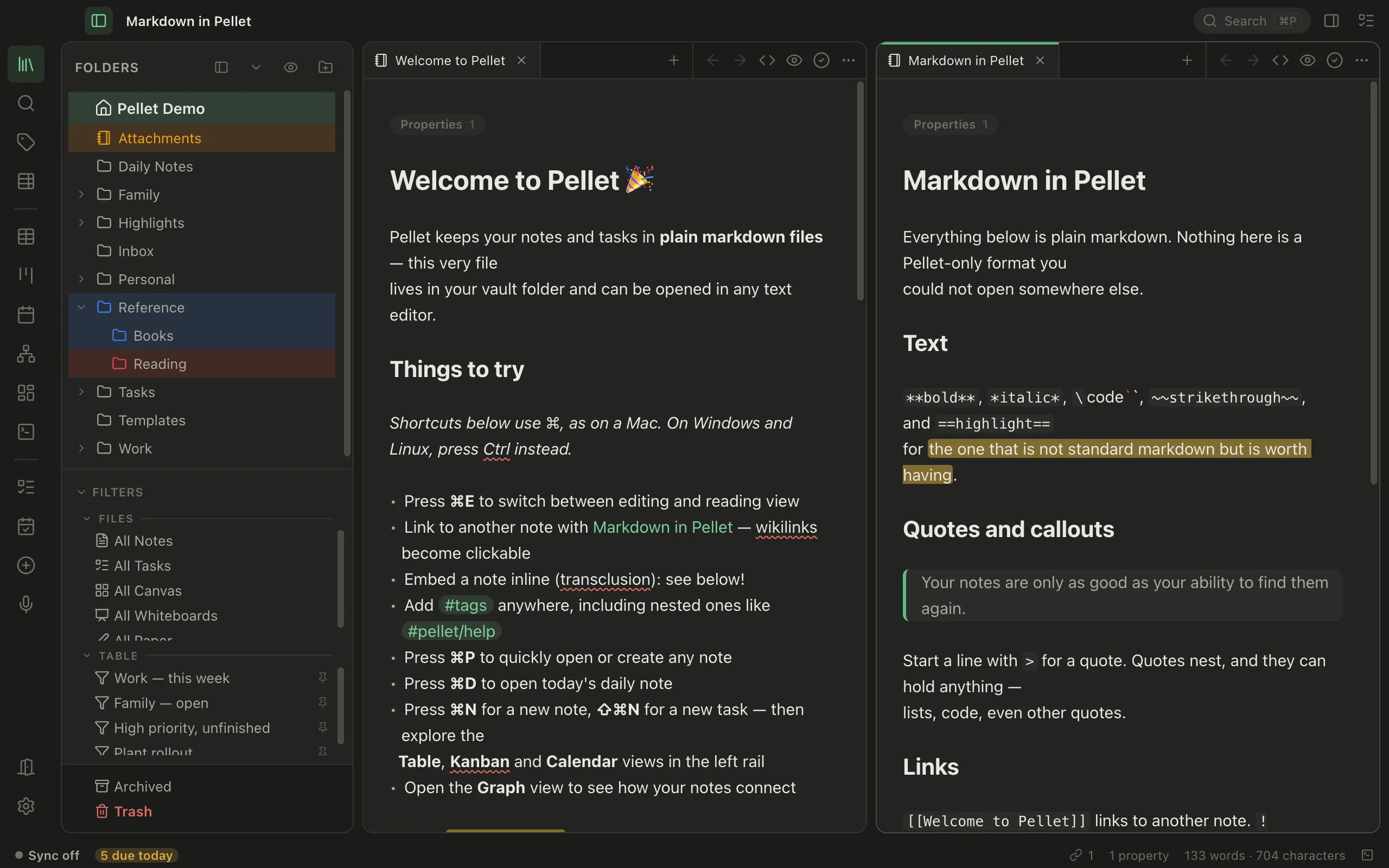
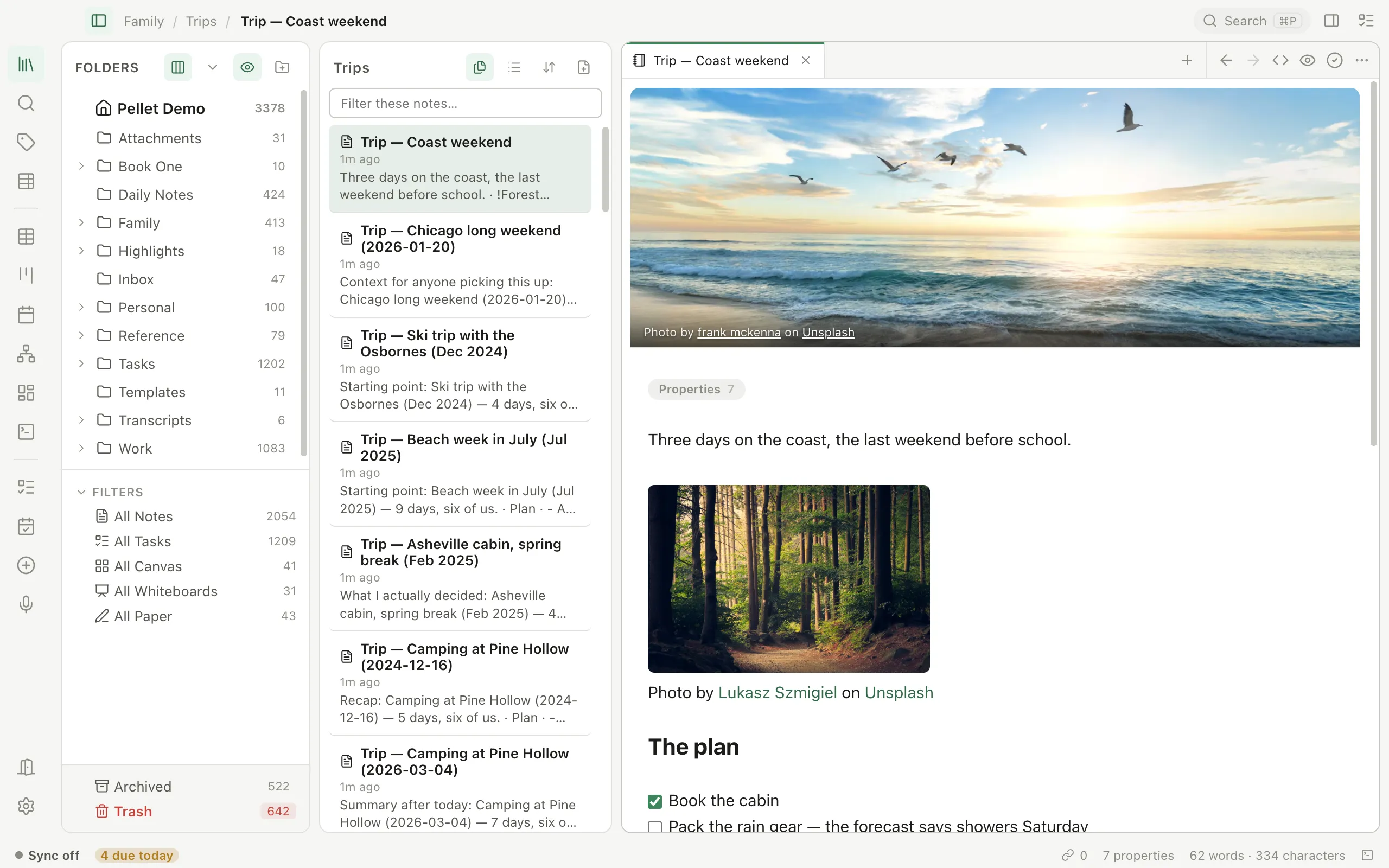
Plain markdown files, formatted as you write. Link notes with [[wikilinks]], tag anywhere, embed one note inside another, and open two side by side. Every note is a file in your folder, so any other editor can open it too.
Notes, tasks, calendar, canvas, handwriting and voice in plain markdown you own. Local-first, works offline, no account.
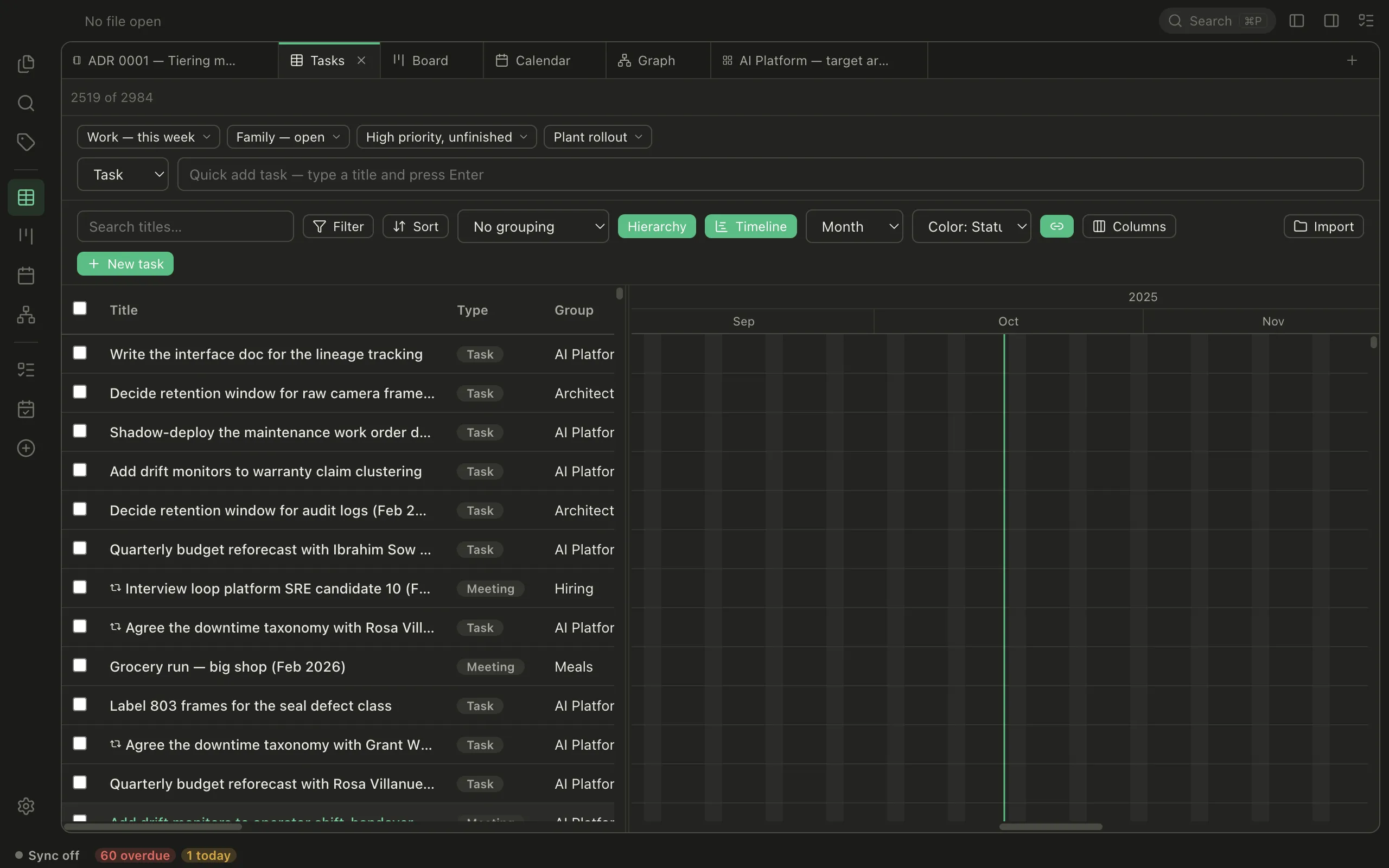
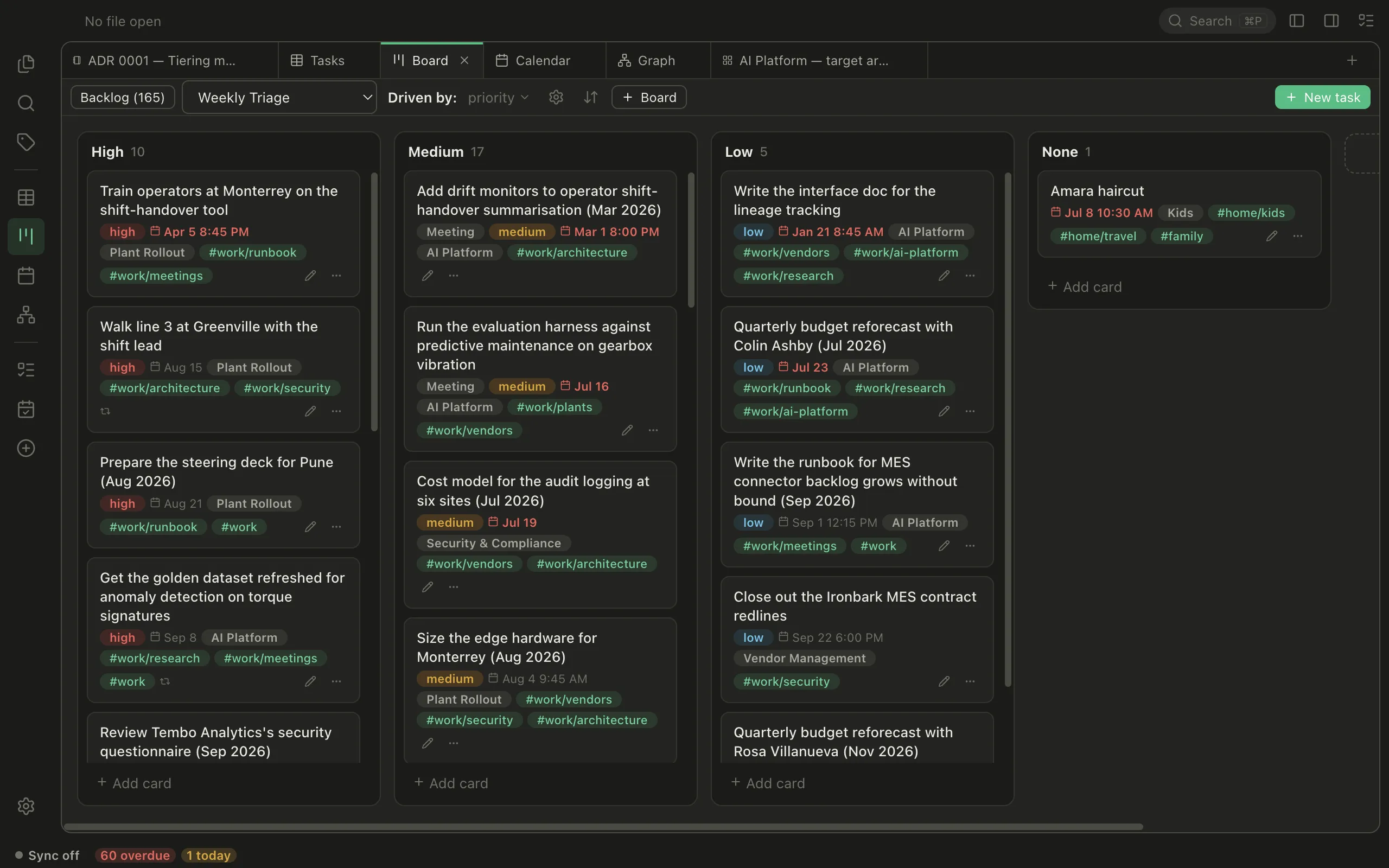
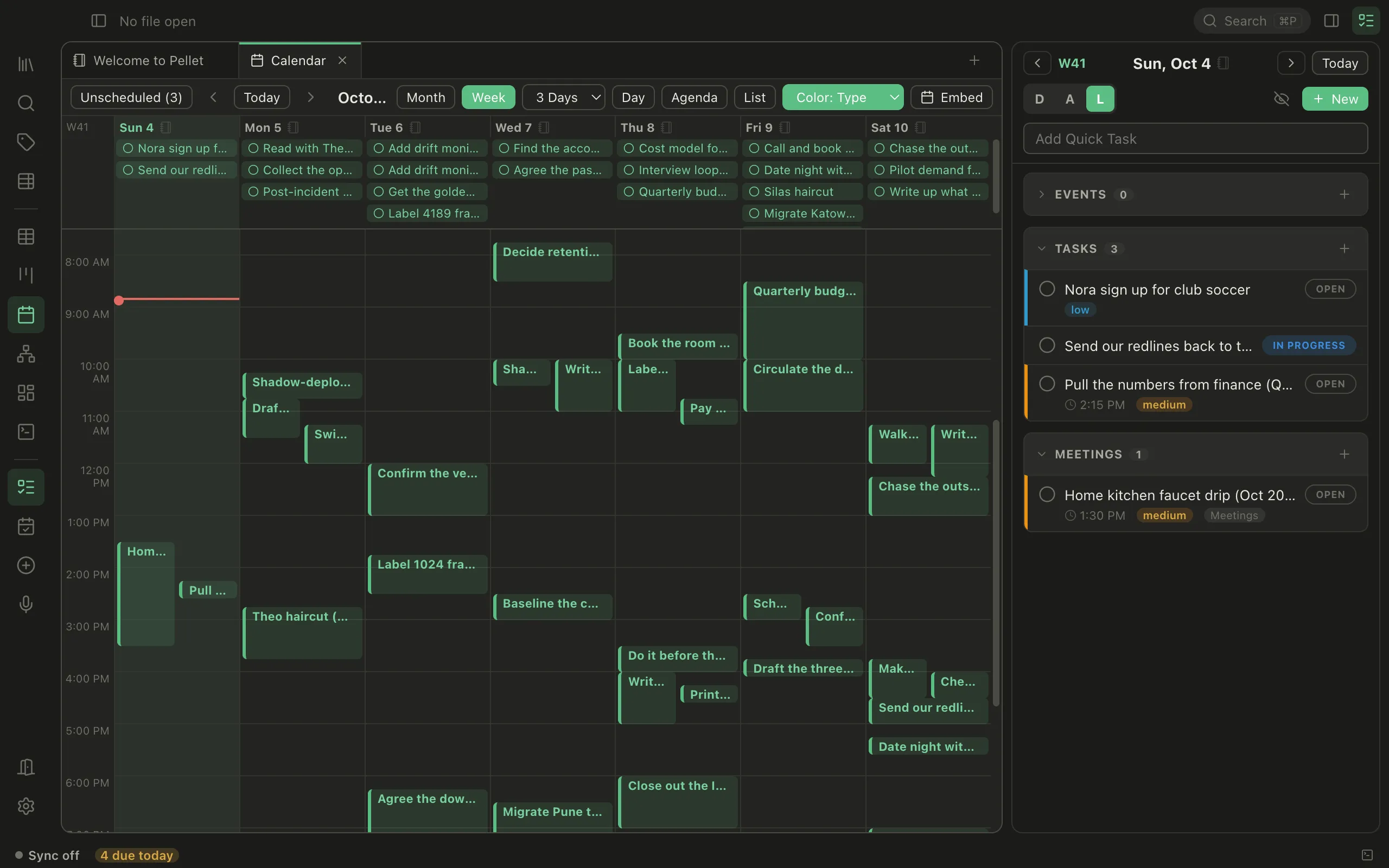
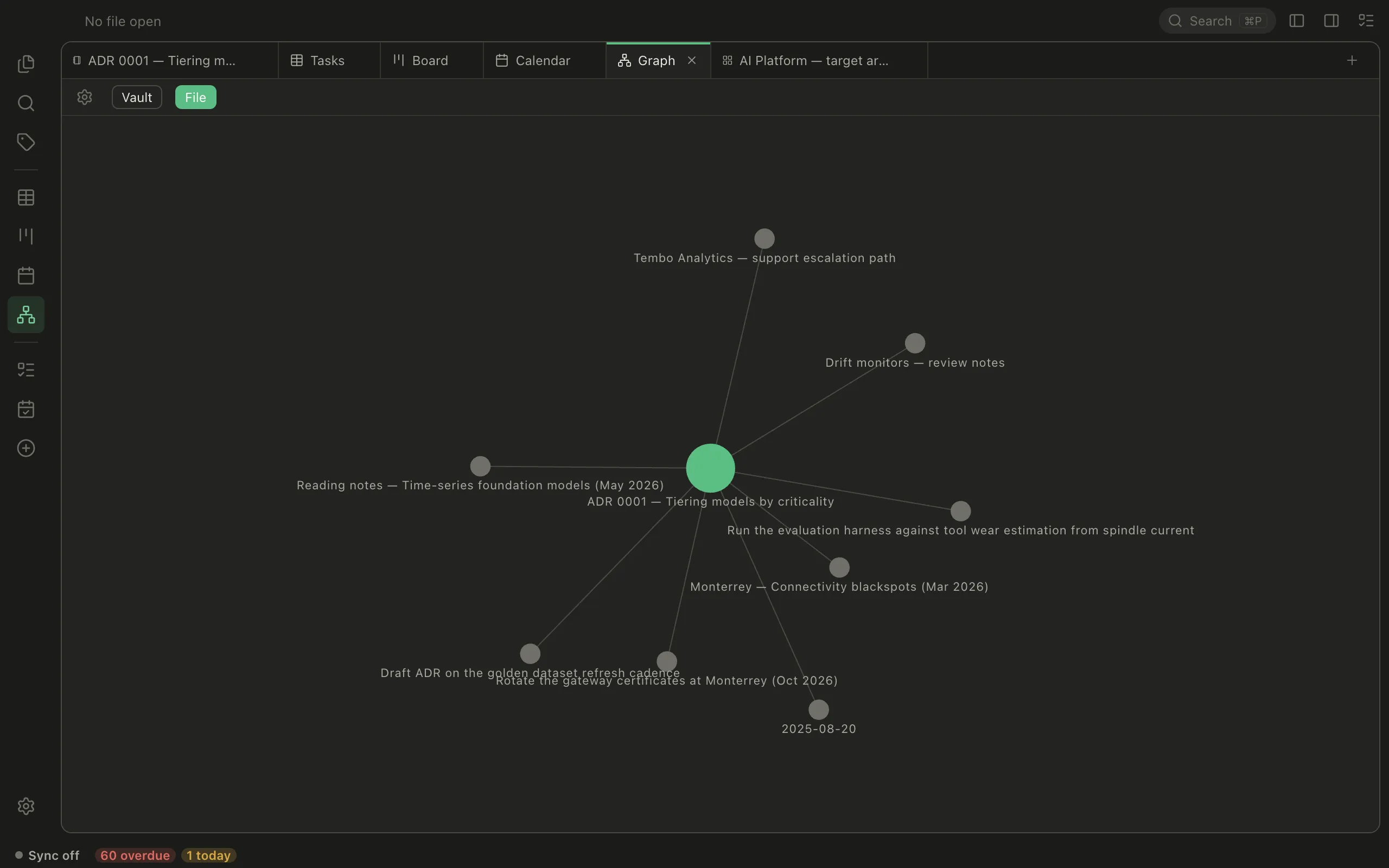
Nothing is duplicated or synced between views — they're all reading the same markdown files. Change a due date on the calendar and the table row moves too, because there's only ever one copy. These are screenshots of the real thing.
Plain markdown files, formatted as you write. Link notes with [[wikilinks]], tag anywhere, embed one note inside another, and open two side by side. Every note is a file in your folder, so any other editor can open it too.
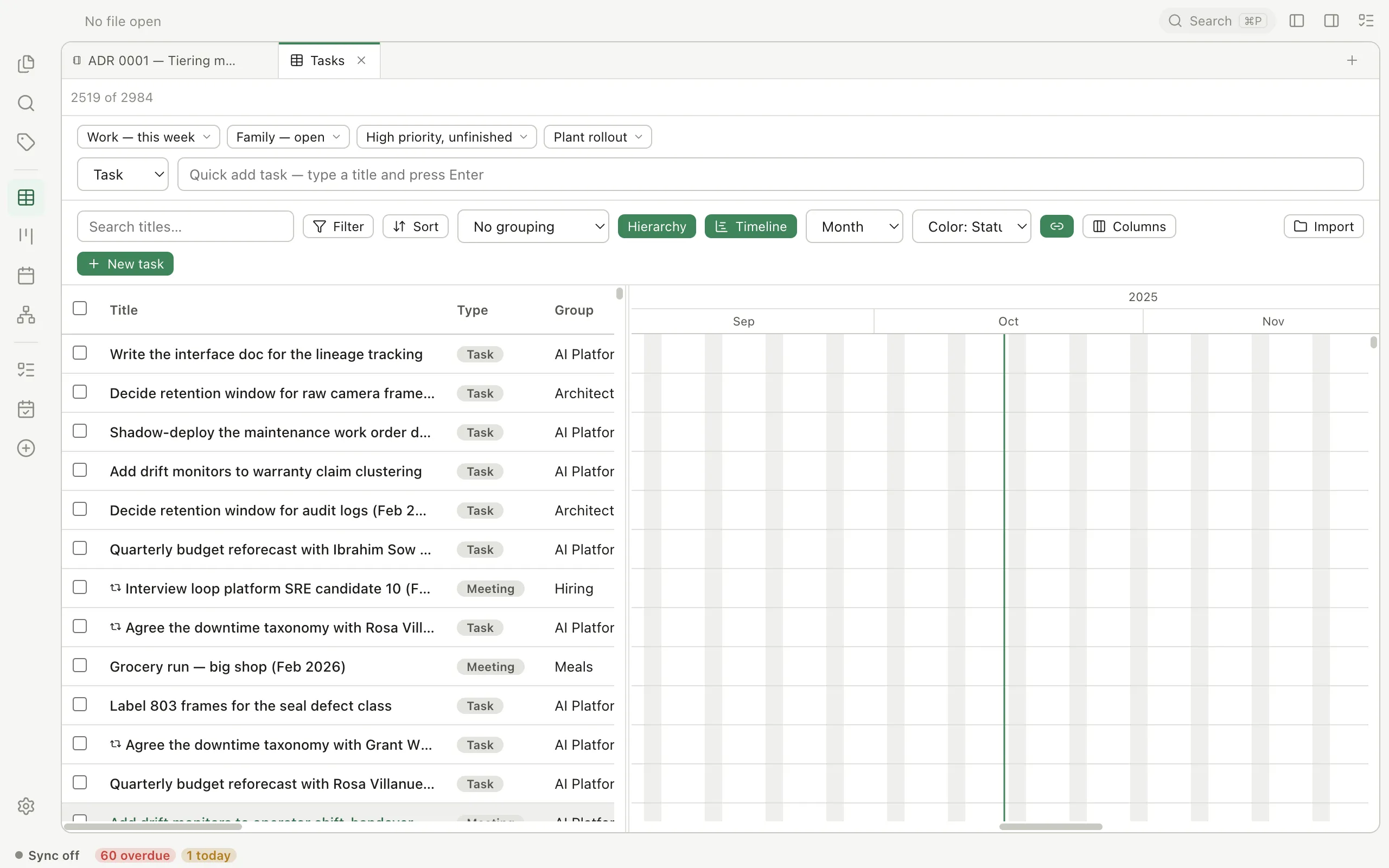
Filter with real AND/OR conditions, sort three levels deep, group, and save the whole thing as a pill you click once. Subtasks nest. Edit inline without opening anything.
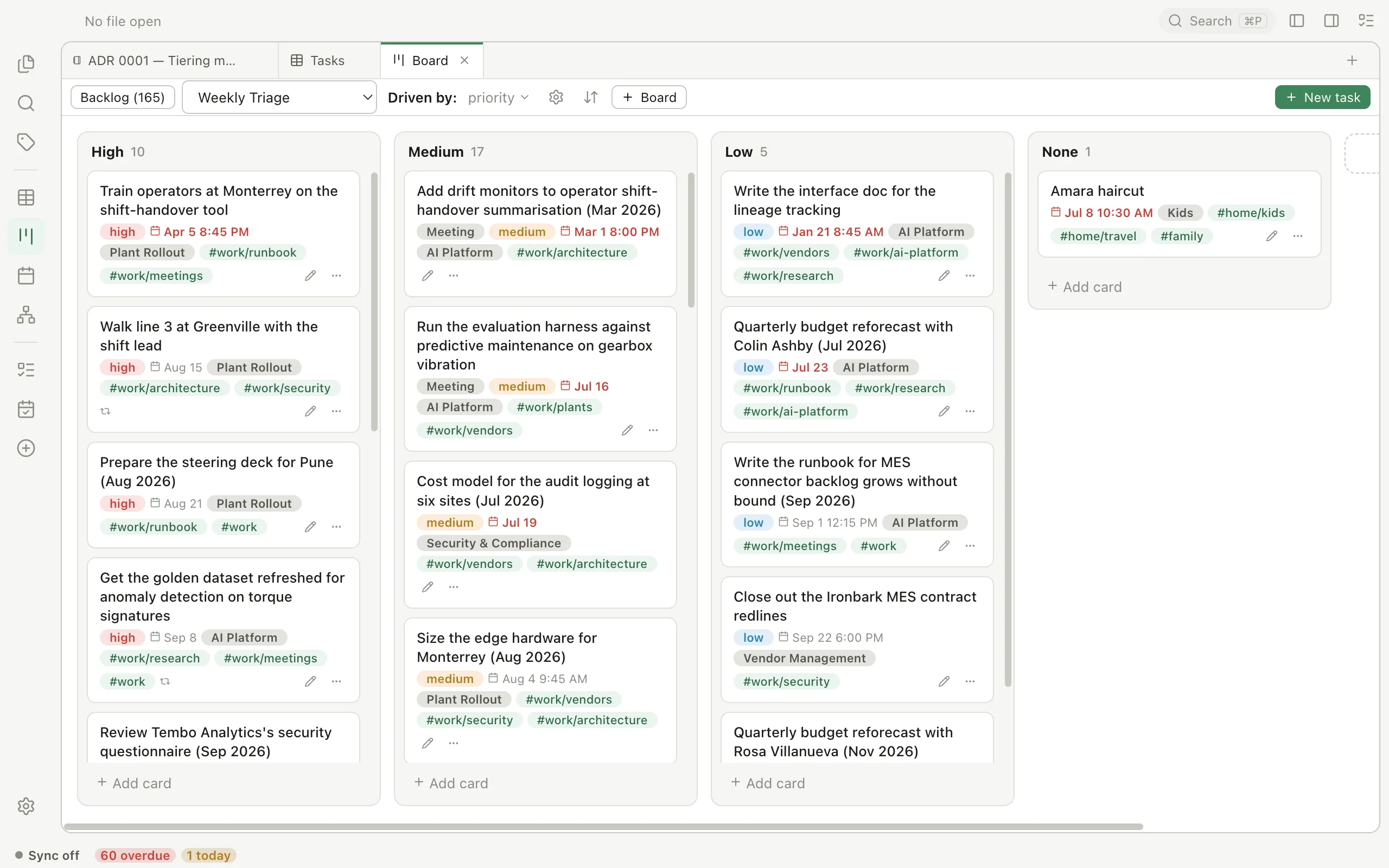
As many boards as you want, columns by status, priority or group, drag between them. Cards carry badges — including a countdown when something is coming due.
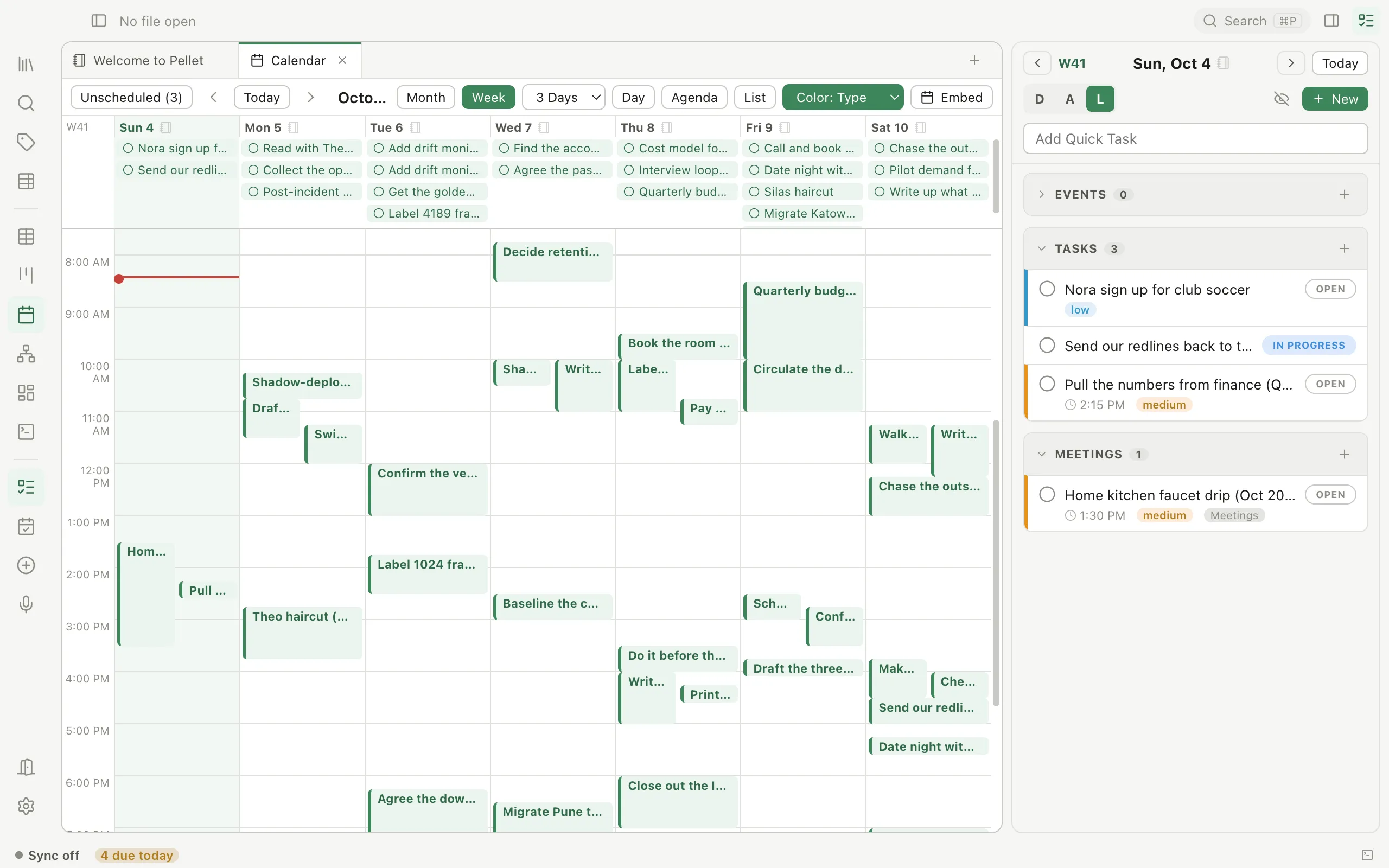
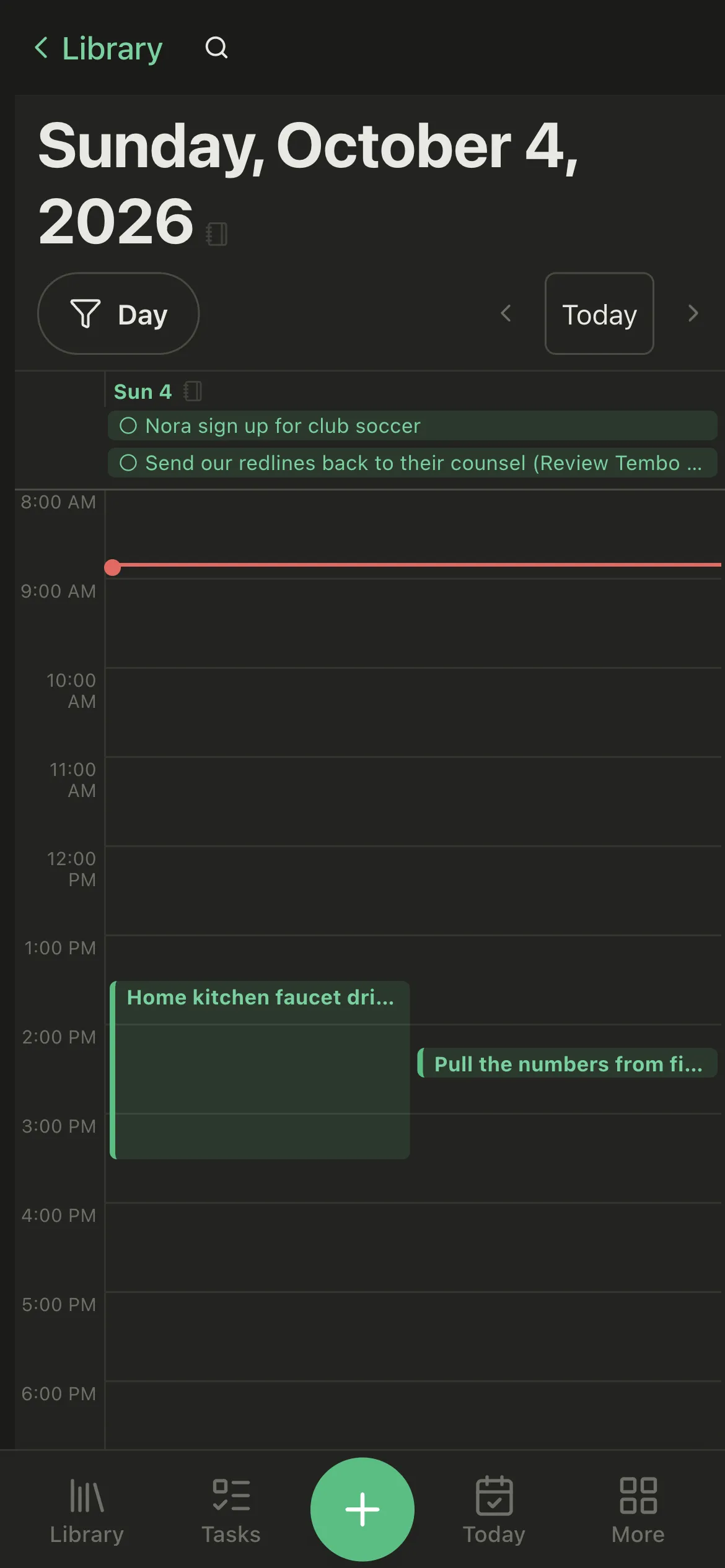
Month, week, or agenda. Drag a task to reschedule it, click empty space to make one. The Tasks panel on the right rides along in every view, so the day's events and work stay visible while you write. Future occurrences of a repeating task show as ghosts.
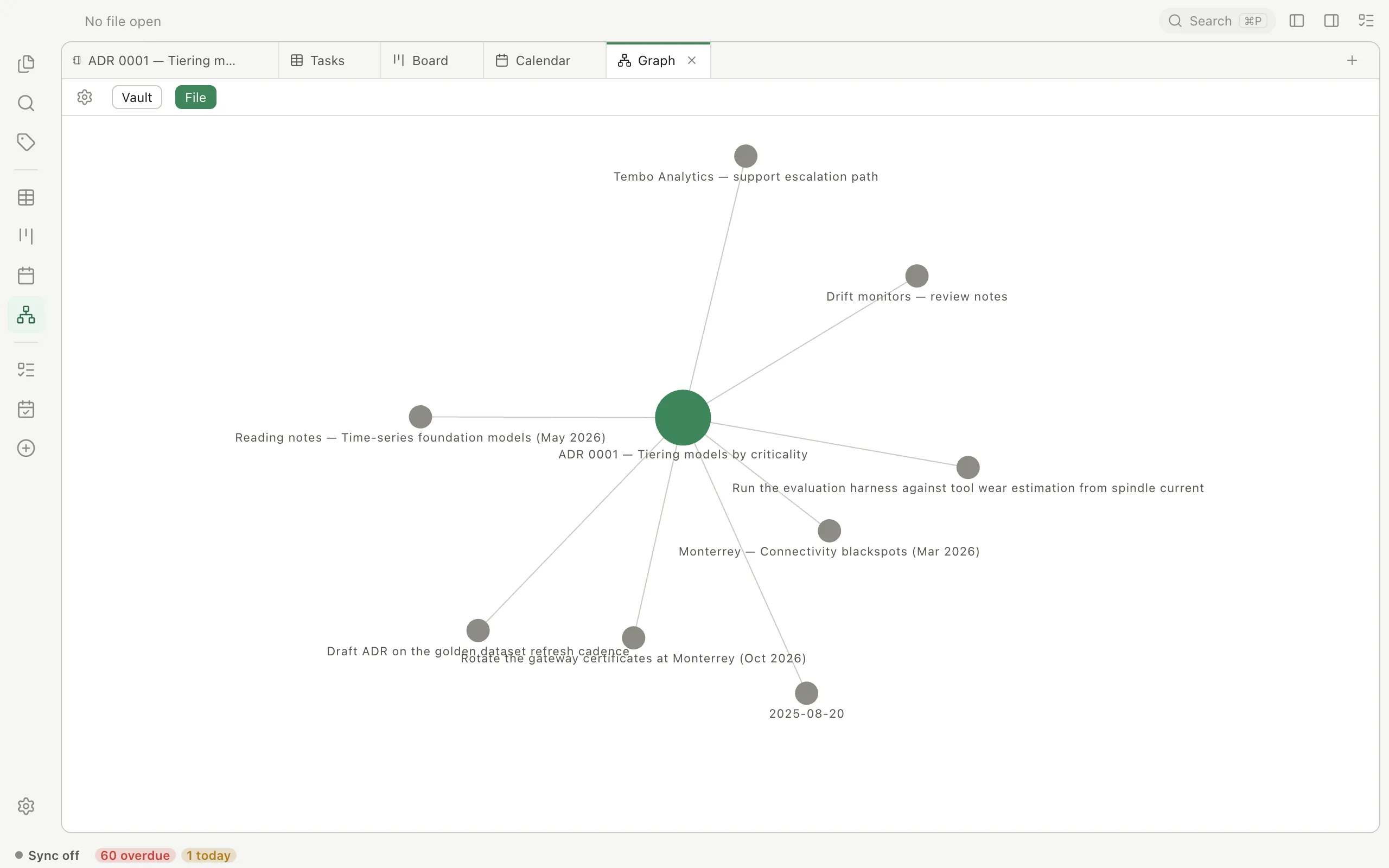
Every link you've written, as a map — the whole vault, or just what one note touches. The simulation runs in a worker, so a few thousand notes stay interactive.
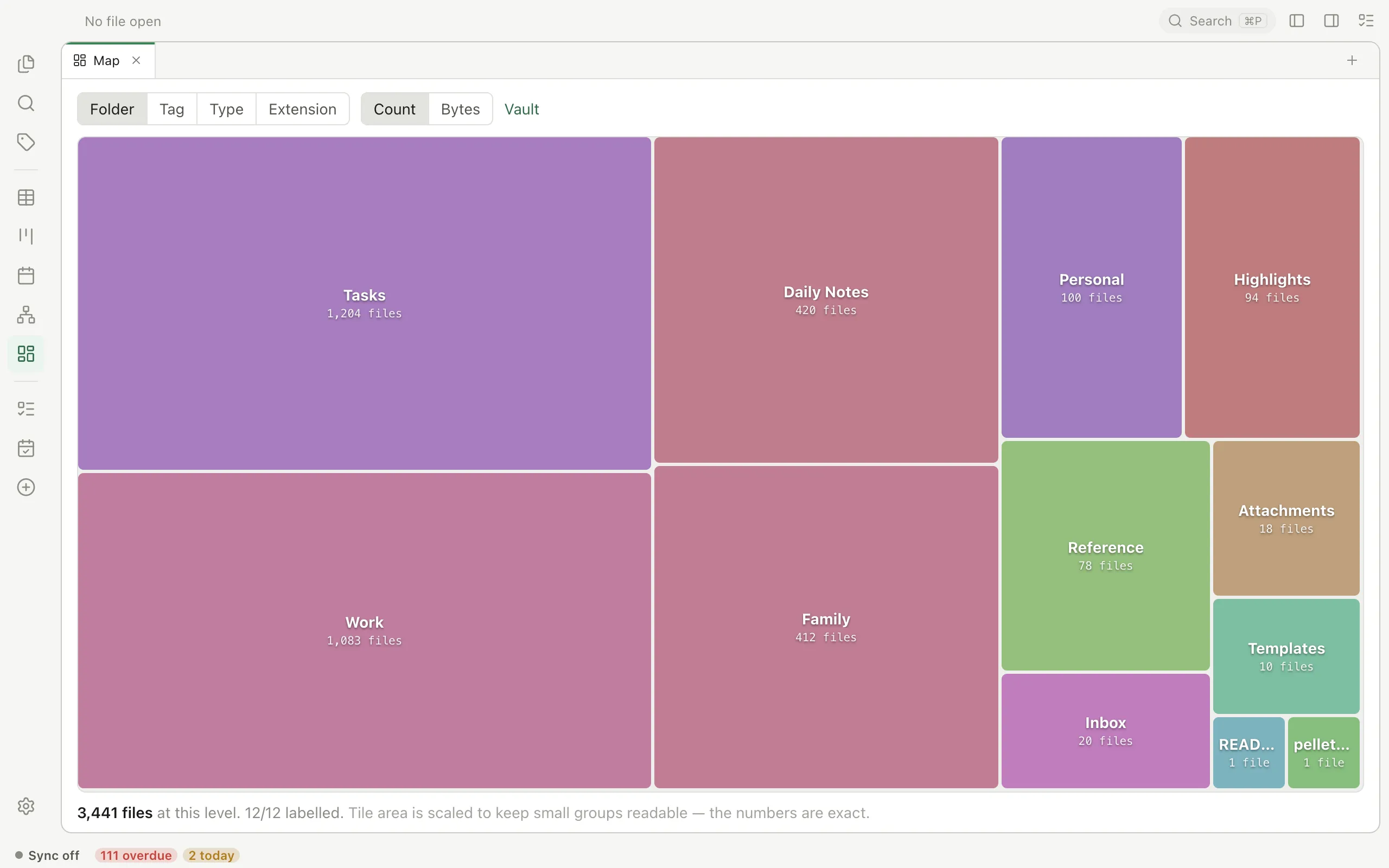
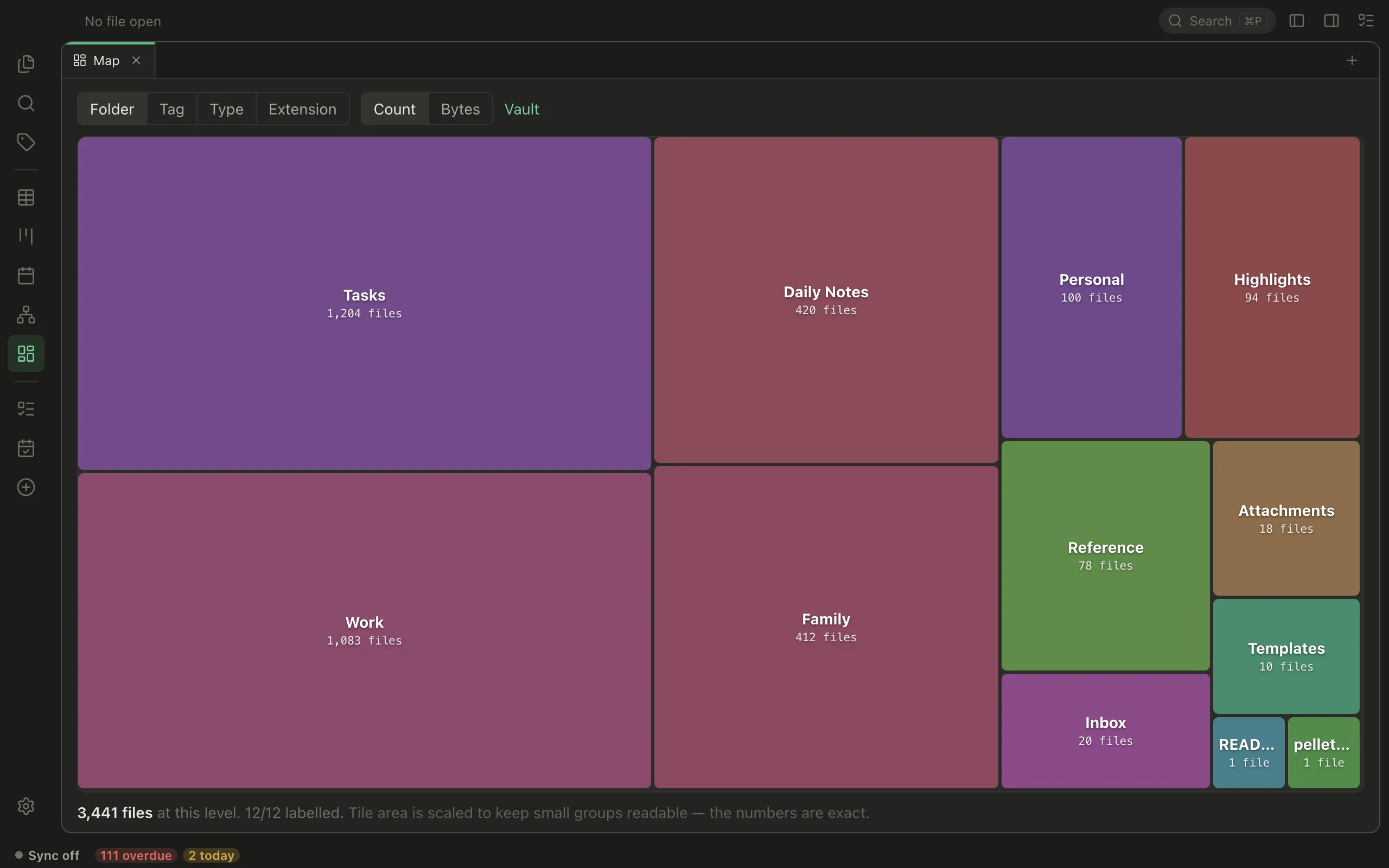
What is your vault actually made of? Rectangles sized by what is in them, grouped by folder, tag, type or extension, and counted by files or by disk. Click one to go inside; click a file to open it.
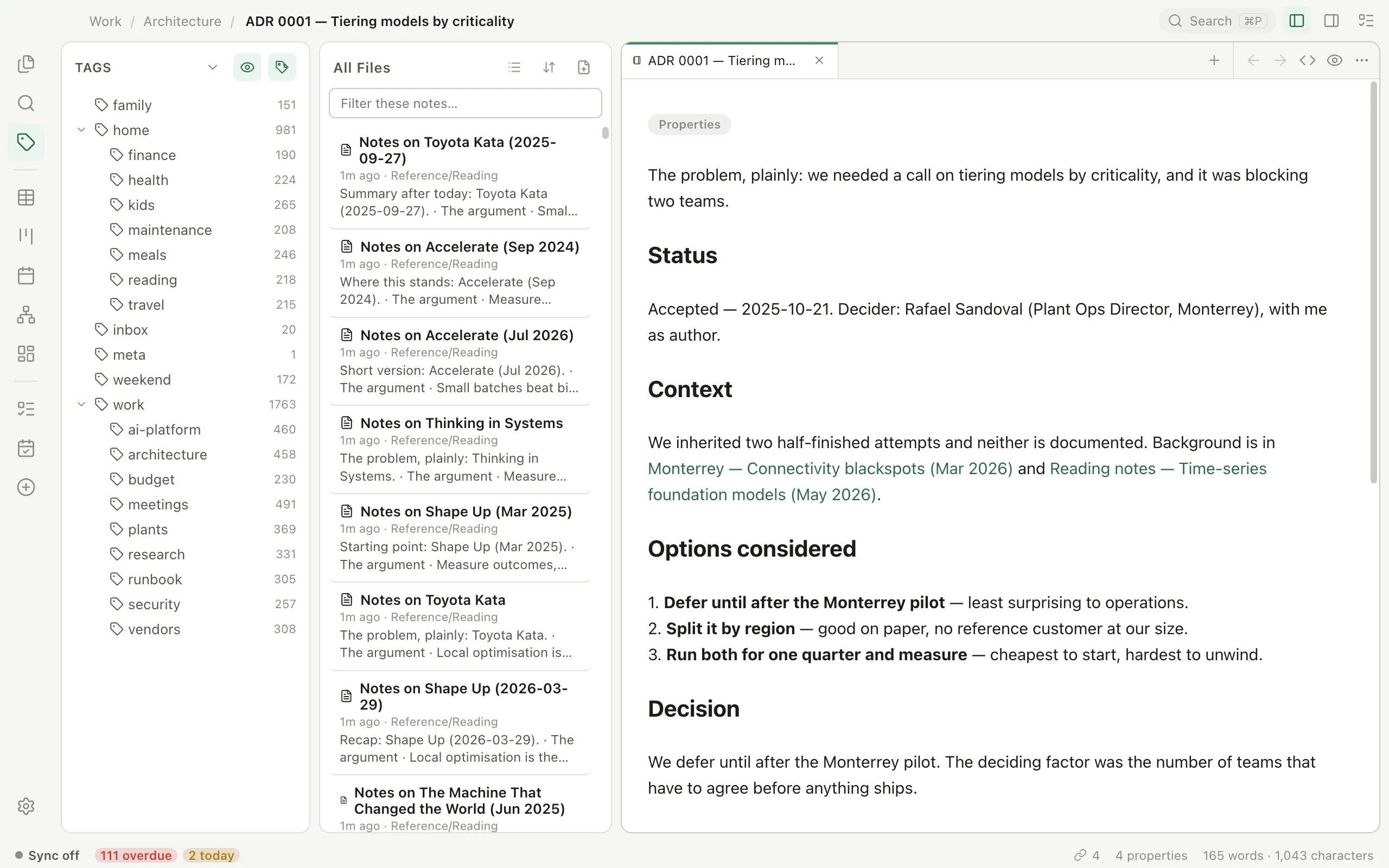
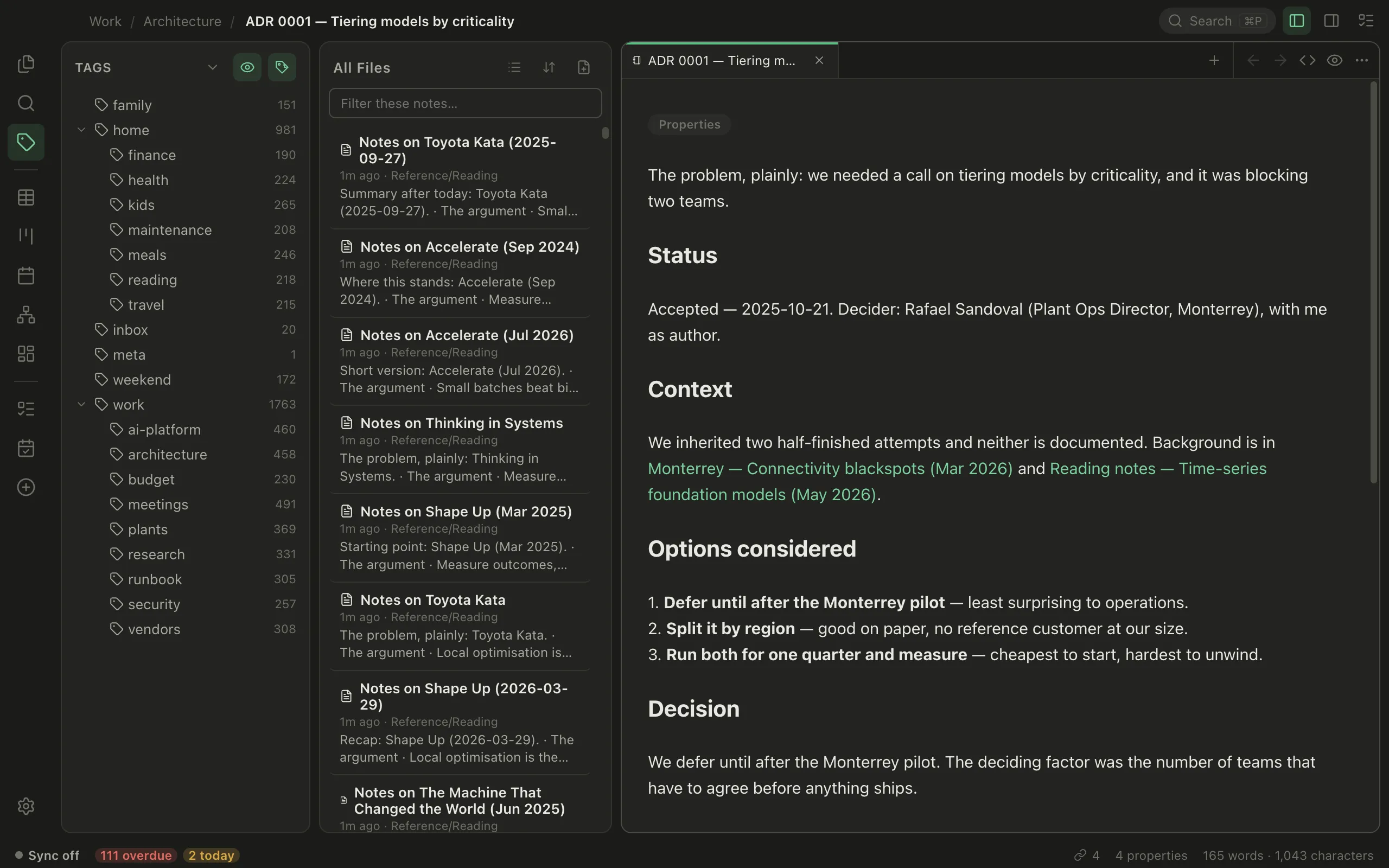
Tags explorer. Write a nested tag like #work/architecture and it files itself under work, with a count beside every level. Click one to filter the list to it, or open the Map to see how lopsided your tagging really is.
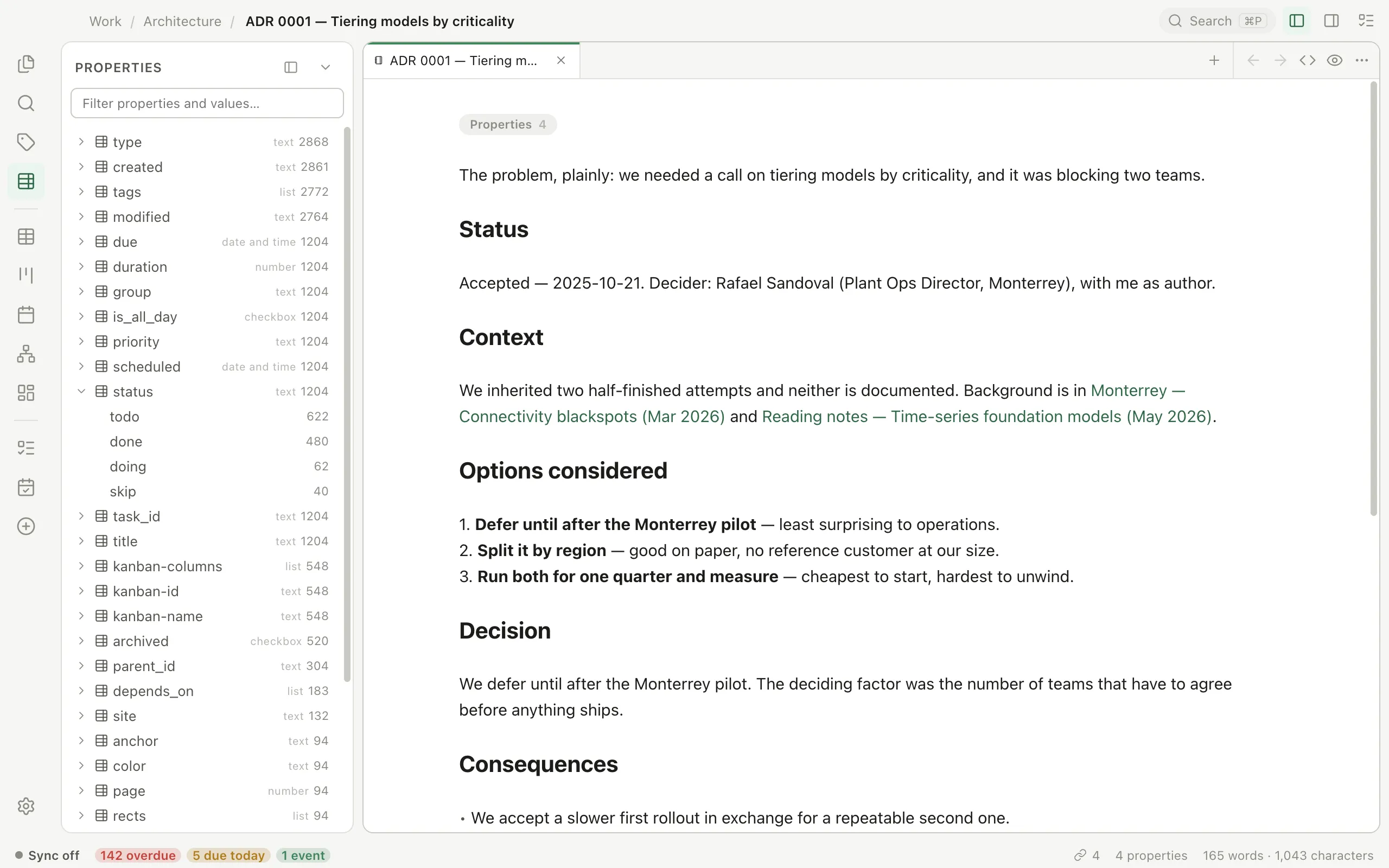
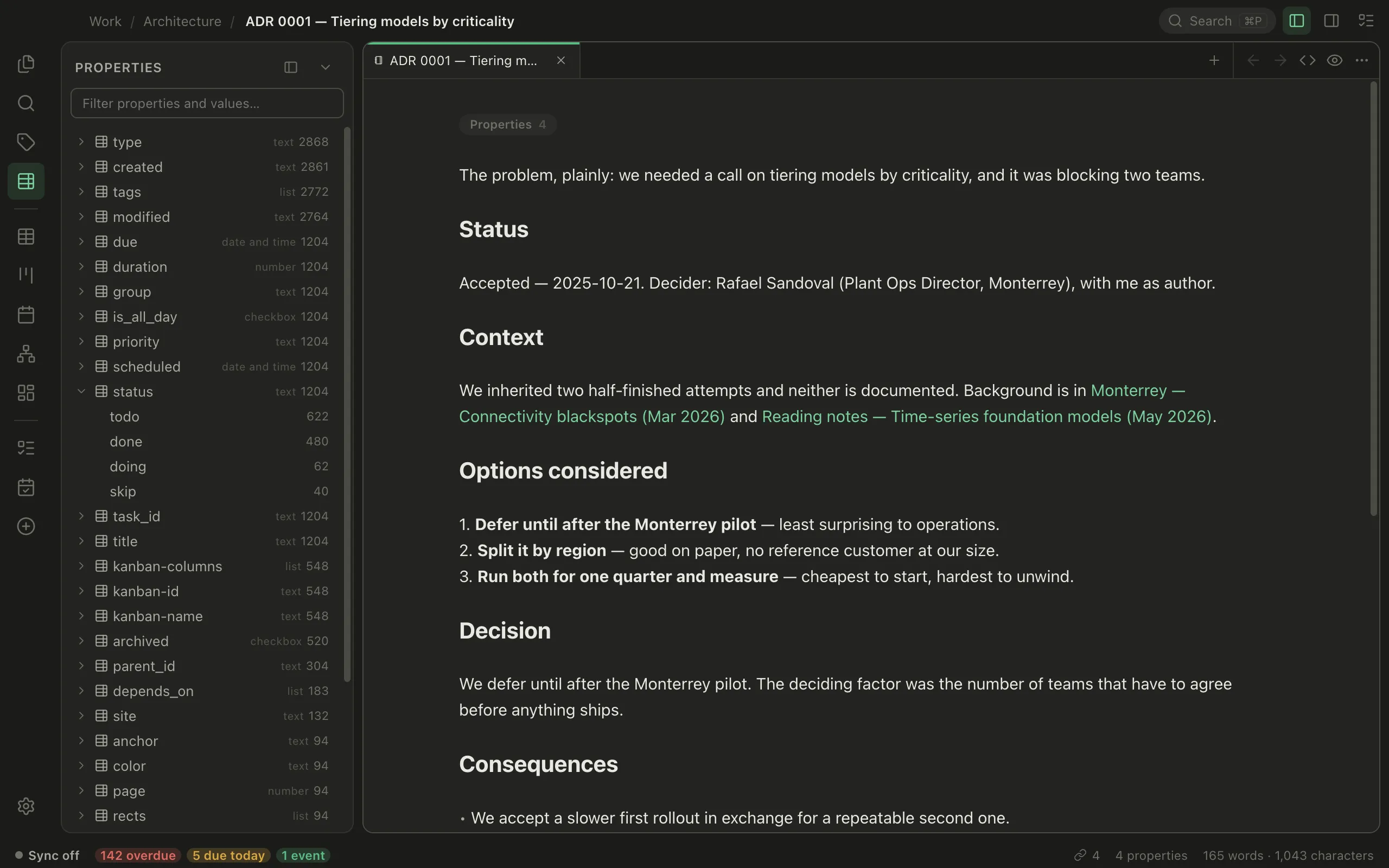
Every frontmatter key your vault uses, with its values and counts underneath — click a key to list the files carrying it, a value to narrow to those holding it. Give a key a type once and it means that everywhere, including the Table's columns. Rename, retype or delete one across every file from the right-click menu.
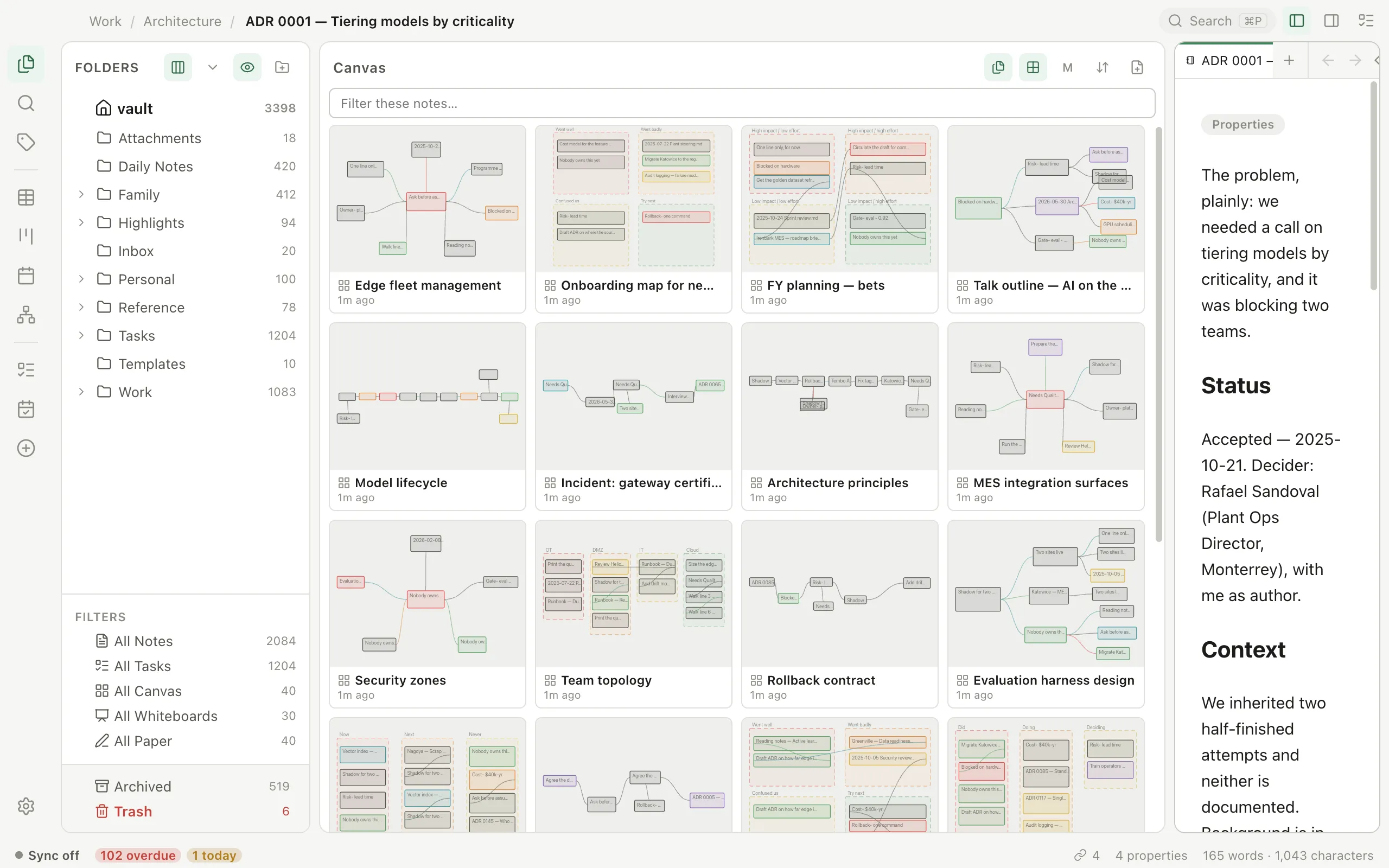
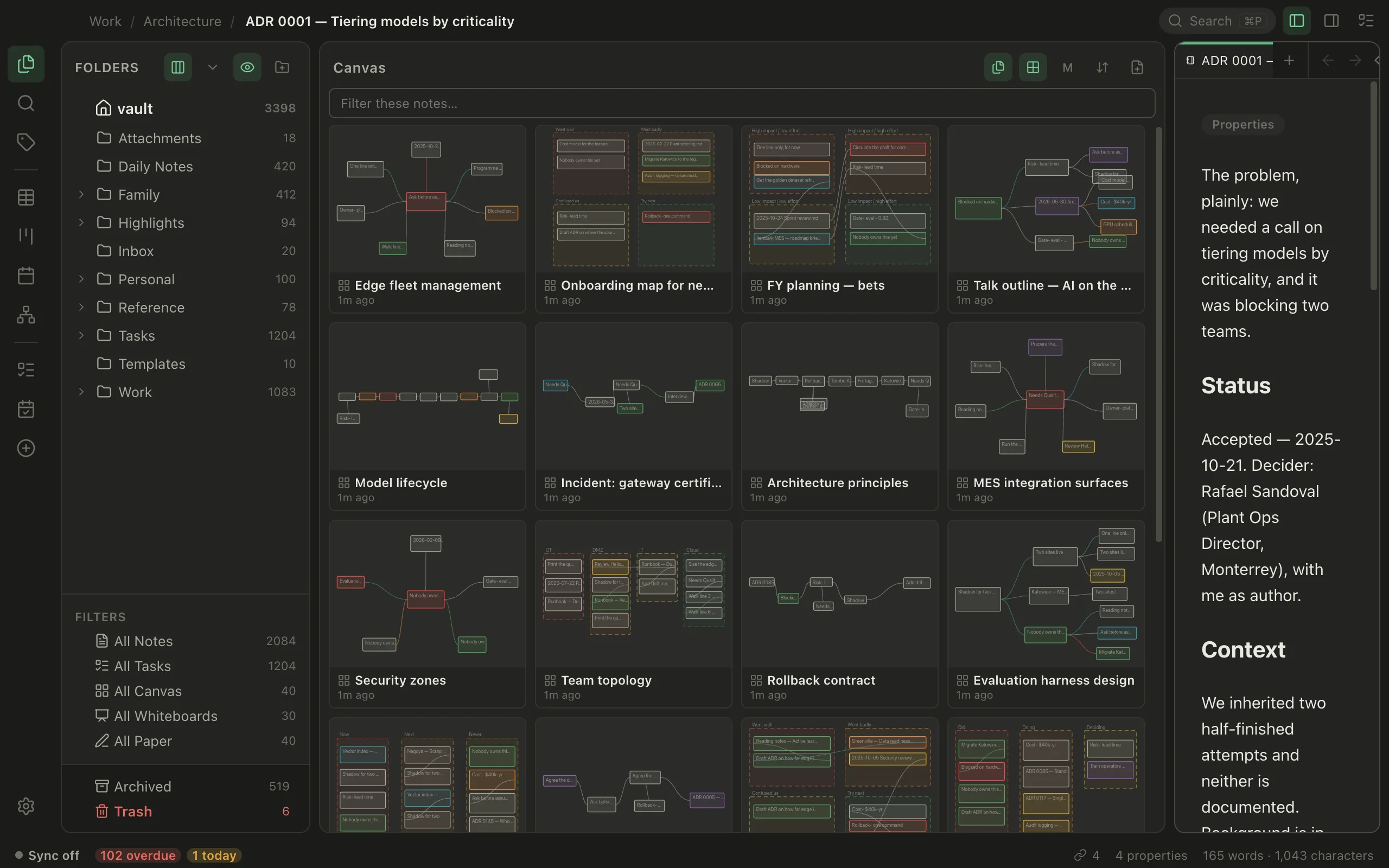
Switch any listing from rows to a grid of thumbnails — generated from the real file, so a canvas looks like that canvas. One vault-wide toggle, three tile sizes.
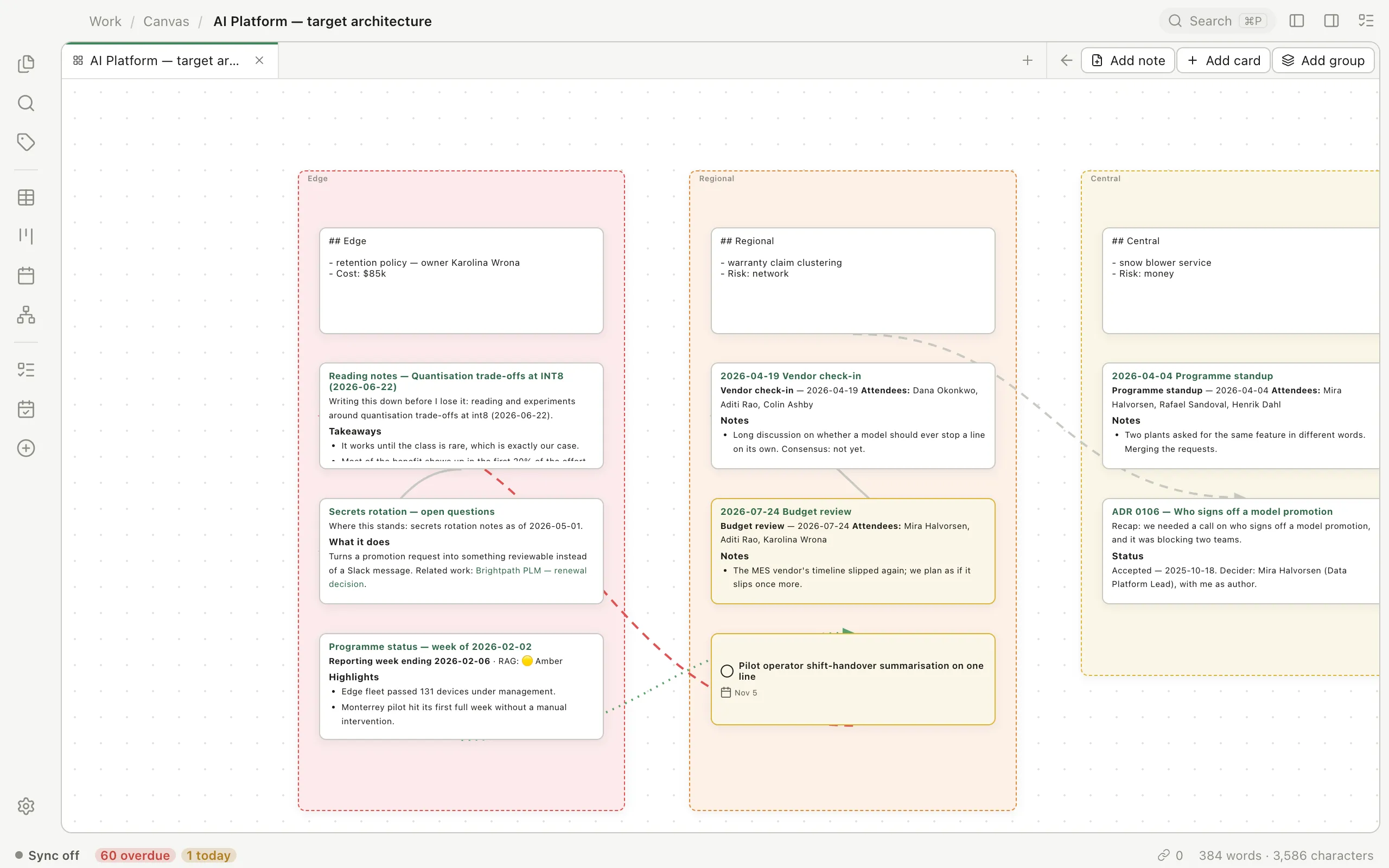
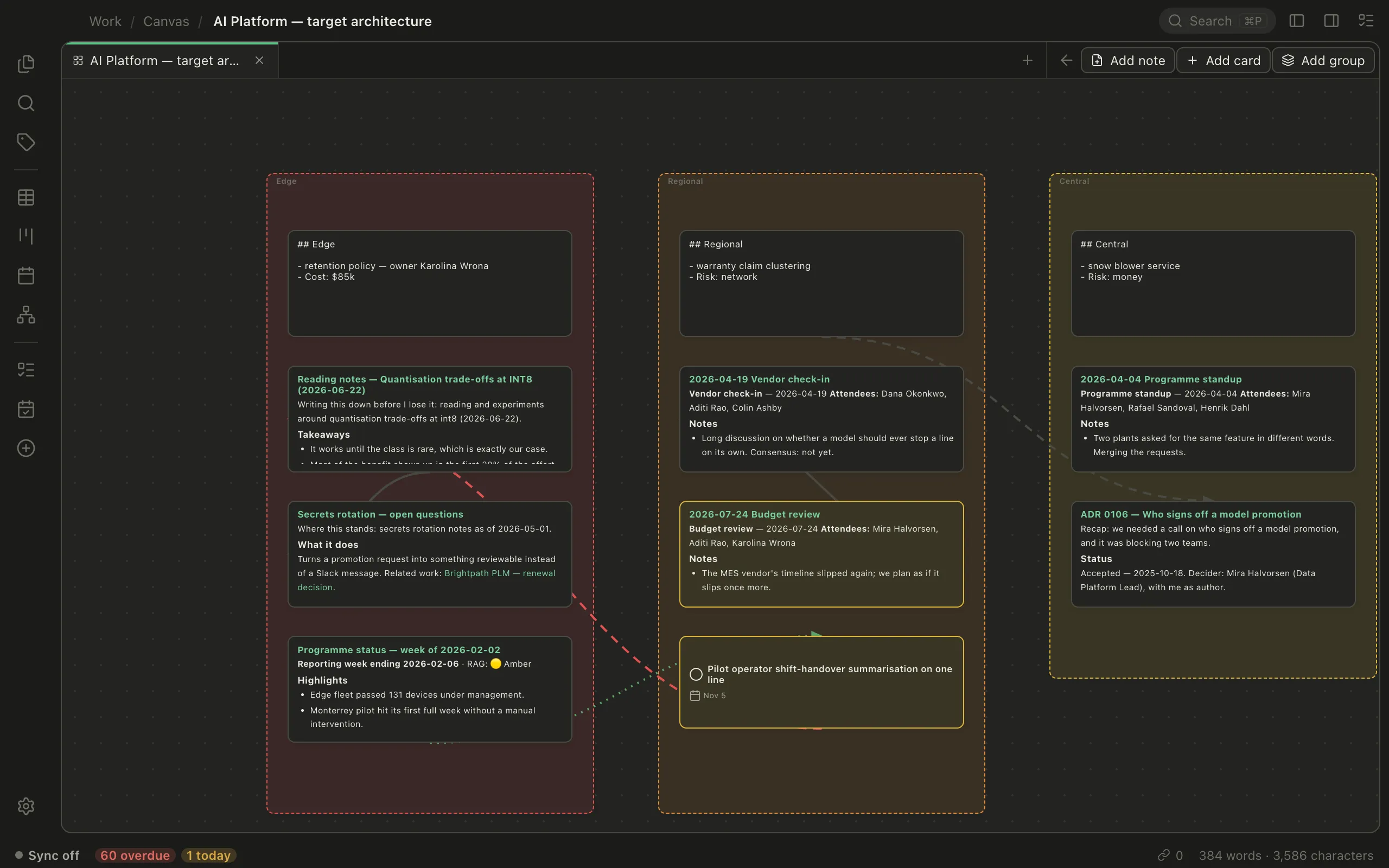
Arrange cards and whole notes in space, group them, link them. Saved as JSON Canvas — the open format — so Obsidian opens them and Pellet opens Obsidian's.
They all read the same markdown files, so nothing has to sync between them. Move a due date on the calendar and the table already knows.
Markdown renders in place with the source still underneath. Editable tables, collapsible lists, and a format bar over any selection. Type / for headings, lists, tables and links — /date and /time insert the real value, and / glued to other text never fires, so a URL stays a URL.
[[like this]], with autocomplete. The side panel shows what points here and where this goes. ![[note#heading]] embeds just that section, live, so you write a thing once.
Every link you've written, as a map — the whole vault, or just one note's neighborhood. The simulation runs in a worker with Barnes–Hut approximation, so a few thousand notes stay interactive instead of locking the window.
Links and the graph →A real filter builder: eleven fields, and operators that fit the type — thirteen date operators including is overdue, is within next N days and is next month. Sort three levels deep, group, save it as a pill. Subtasks nest; the list virtualizes.
Filters and saved views →Month, week, agenda. Drag to reschedule, click empty space to create. The timeline adds percent-complete bars, parent rollups, milestones, and finish-to-start dependencies you draw by dragging — with a warning when you draw one that can't happen.
Choosing a view →Full RRULE. BYMONTHDAY=-1 is the last day of the month; BYDAY=TU;BYSETPOS=2 is the second Tuesday. Completing one occurrence stamps a permanent file and advances the parent, and COUNT counts down as you go.
Spatial boards in JSON Canvas — the open format, so Obsidian opens them too. Whiteboards are the genuine Excalidraw editor over real .excalidraw files that round-trip with excalidraw.com.
Read them in the app. Highlights in four colors become real notes under Highlights/ — linkable, searchable, and anchored so they survive the document being re-rendered.
Apple Pencil pages on iPad, stored as open JSON rather than a proprietary blob. Send one off for transcription and get an ordinary note back.
Handwriting pages →Markdown renders as you type, with the source still sitting underneath where you left it. No mode switch to hunt for, no preview pane eating half the window.
[[ and pick. The right panel shows what links here and where this goes.![[note#heading]] pulls that section in live, so you write a thing once.Ship the site first, then the signed builds. Everything about the relay lives in Sync design.
Pellet started as an Obsidian plugin. This is that whole feature set, rebuilt so it no longer needs Obsidian — same file format, so an existing vault just opens.
Not a cut-down companion app — the same core, laid out for a small screen. Tabs and split panes collapse to one document, the panes become a stack you can walk back up, and handwriting gets Apple Pencil on iPad.
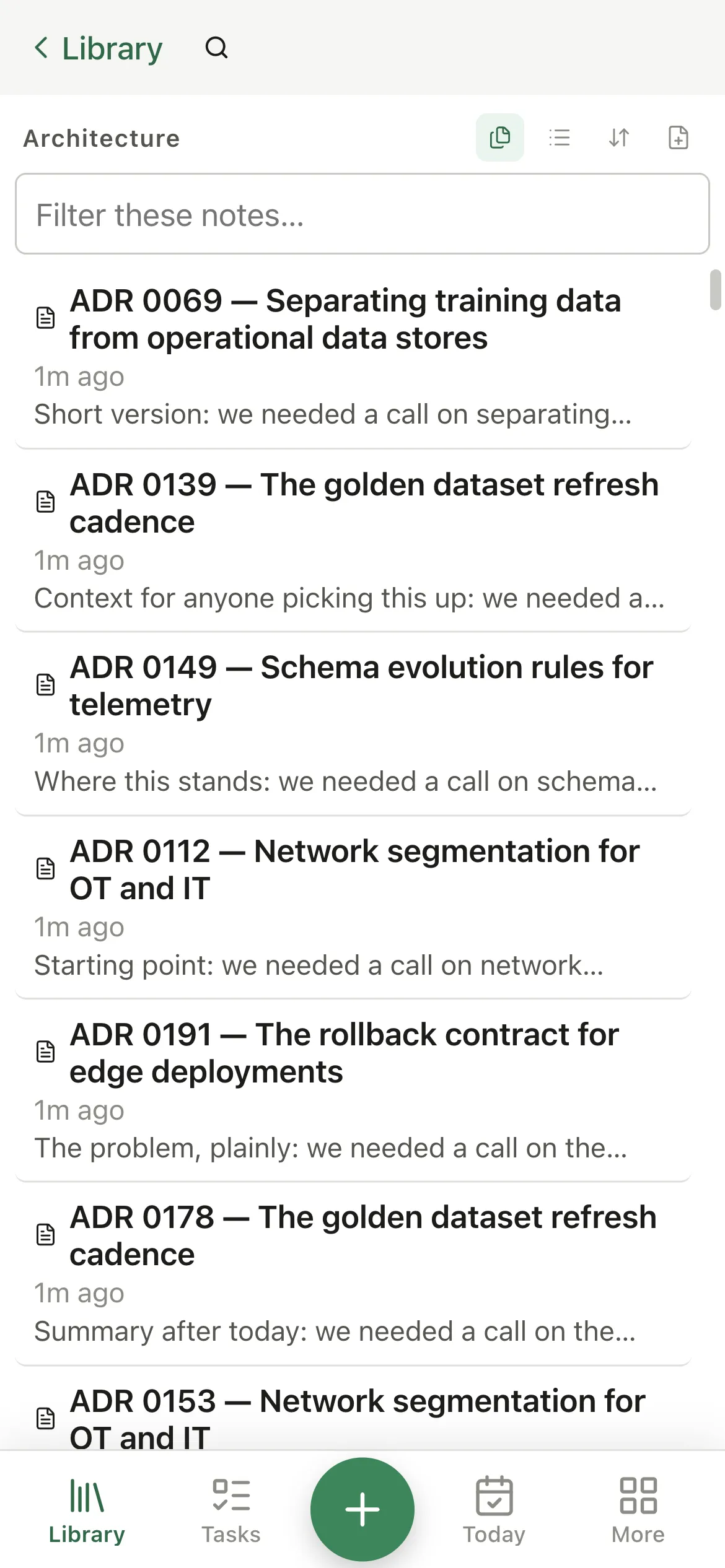
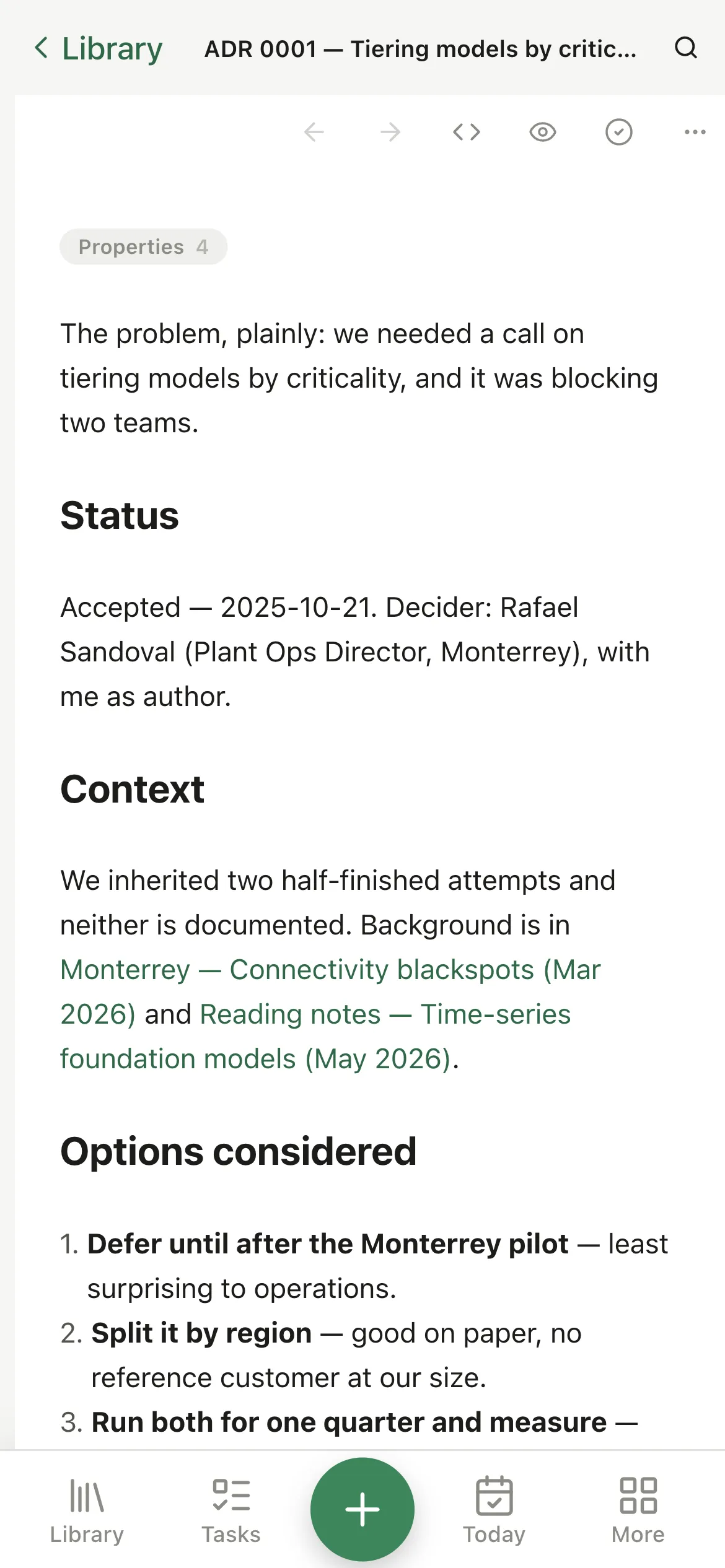
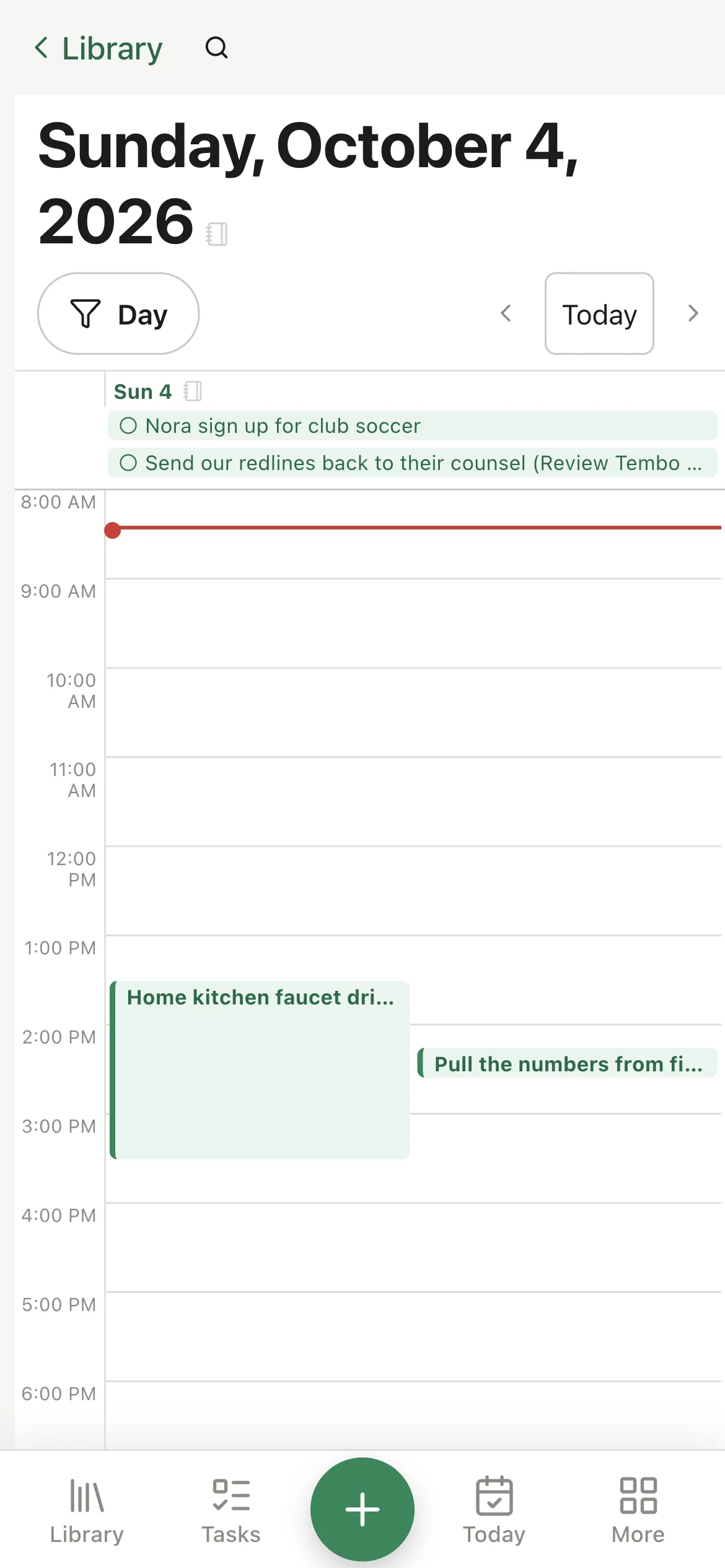
If you want your vault on more than one device, the sync relay runs on a computer of your own — Pellet hosts it, one switch in Settings. It holds nothing but ciphertext: your devices trade keys directly with each other at pairing and pin them, so the relay is never asked to vouch for anyone.
It can refuse to hand your data over. It cannot read it, change it, or slip something in.
Pellet can open a small server on 127.0.0.1 that speaks MCP, with forty-five tools covering your notes, tasks, boards and calendar. It never leaves the loopback interface, it takes a bearer token, and it's off until you switch it on — and when you do, you decide whether it can write at all and which folders it can even see.