Canvas, whiteboards and handwriting
Some thinking doesn’t want to be a document. Pellet has three answers, and all three save as open files you can open elsewhere.
Canvas
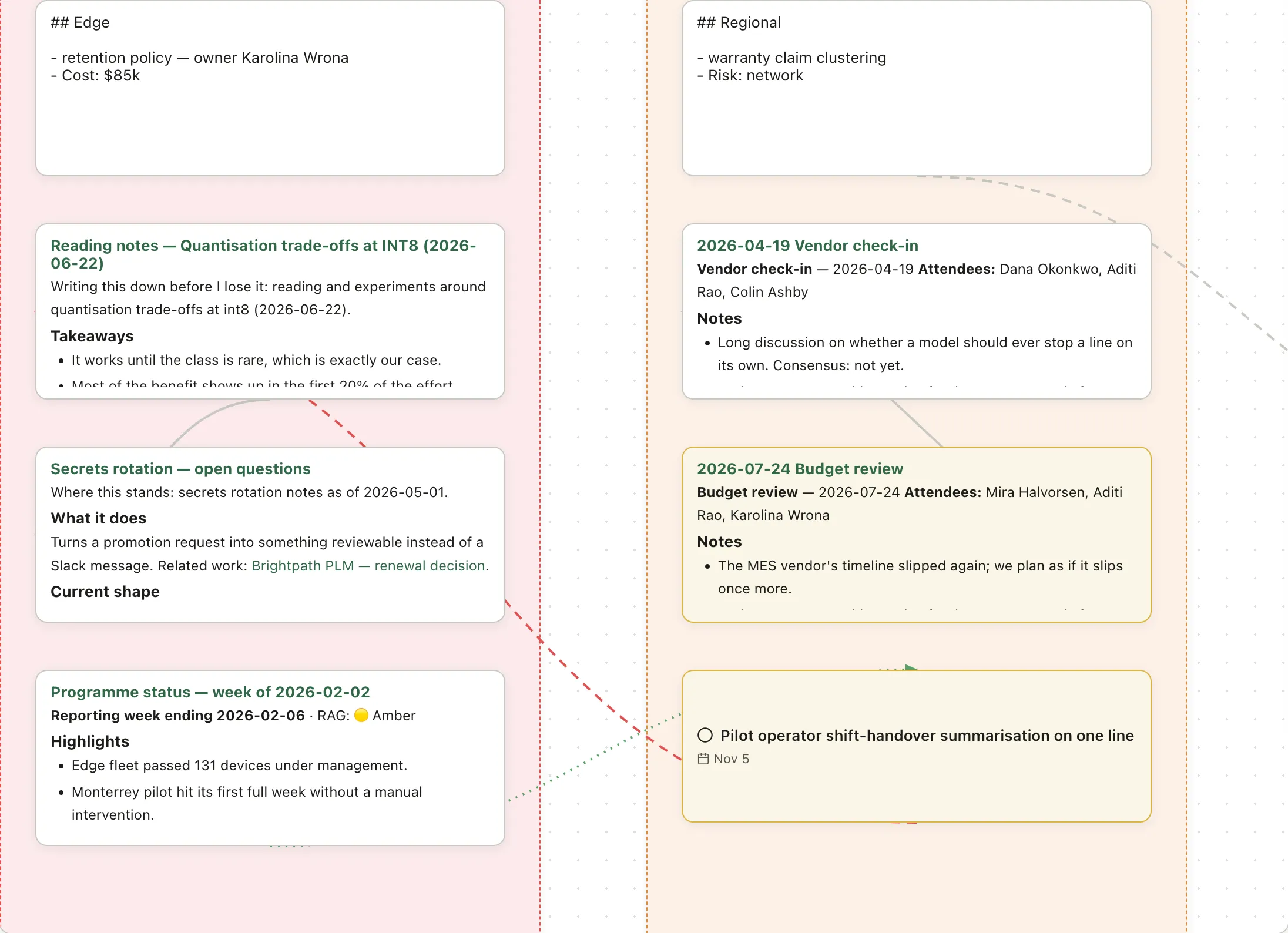
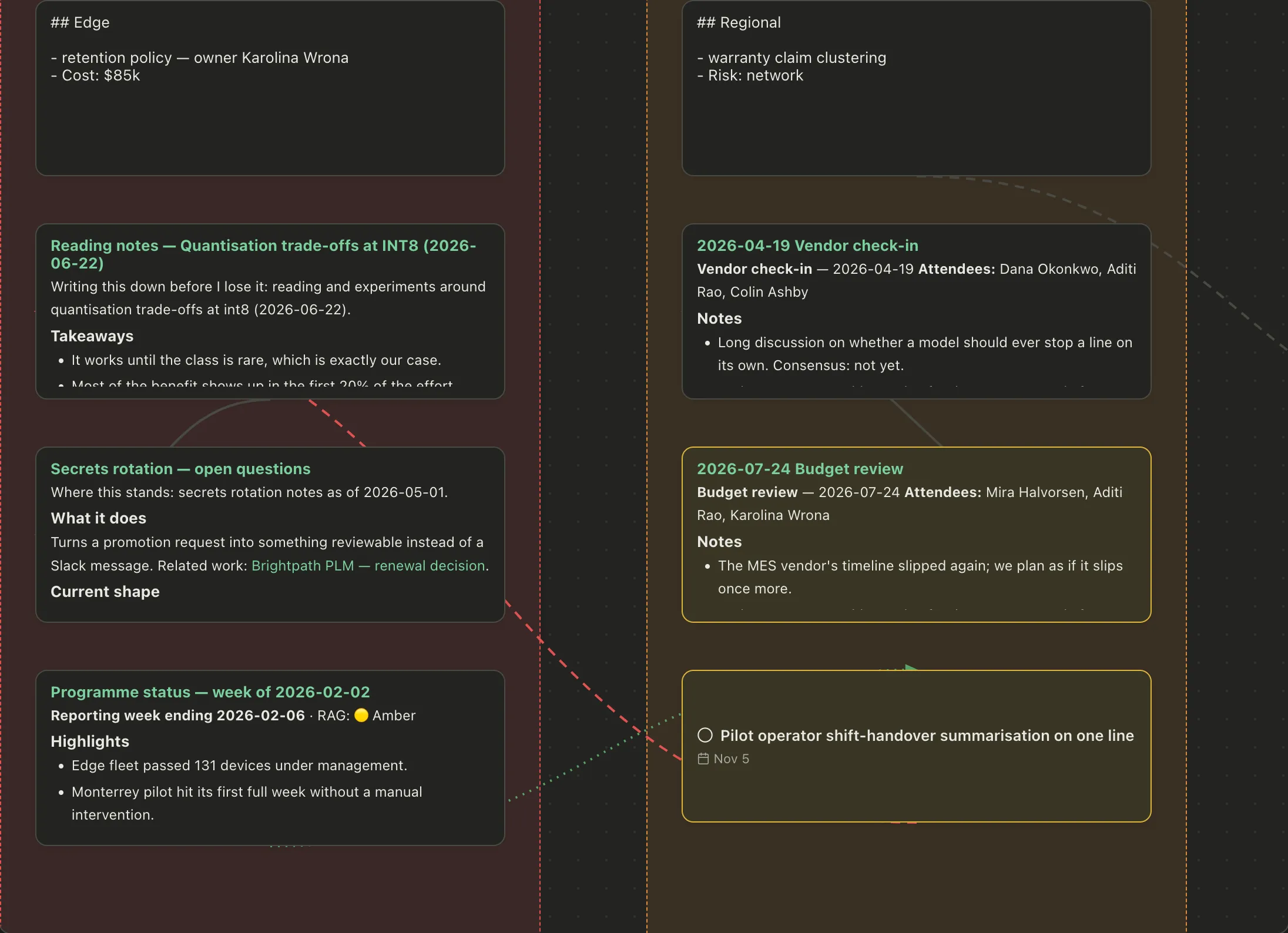
Section titled “Canvas”An infinite board you arrange cards on. A card can be a scrap of text you type straight onto the board, or a whole note from your vault — which stays live, so editing the note updates the card.
Good for: planning something with parts, mapping how ideas connect, laying out a project where the arrangement itself carries meaning.
You can group cards, color them, draw arrows between them, and drag a selection to move it as one. Saved as .canvas in the JSON Canvas format — the same one Obsidian uses, so canvases open in both.
Whiteboards
Section titled “Whiteboards”For freehand diagramming, Pellet embeds Excalidraw — the actual editor, not an imitation. Shapes, arrows, hand-drawn-looking boxes, text.
Saved as real .excalidraw files, so you can open them at excalidraw.com or in Obsidian’s plugin, edit there, and come back.
Good for: sketching an architecture, a seating plan, anything where the shapes matter more than the words.
Handwriting
Section titled “Handwriting”On iPad with an Apple Pencil, .ink pages let you write by hand. Pressure-sensitive, using the system’s own handwriting engine.
Stored as plain JSON, not a proprietary blob — so a handwritten page is still a readable file in ten years.
Transcription turns a handwritten page into a normal typed note, which then behaves like any other note: searchable, linkable, in the graph. It uses an AI service you choose with your own API key, and it’s off until you set that up.
Which to reach for
Section titled “Which to reach for”Roughly: canvas when the pieces are notes you already have, whiteboard when you need to draw, handwriting when you think better with a pen.