What a second brain actually is, and what it isn't
“Second brain” has become a phrase people sell courses about, which is a shame, because the idea underneath it is small and useful. A second brain is a place outside your head where you keep the things you will need again, arranged so that you can find them when you need them. That’s it. The rest is technique.
I’ve kept one for years, first in a stack of apps, then in a folder of plain text files, and eventually I built Pellet because I wanted the folder and the app to be the same thing. This post is about the idea, not the product; the product comes up at the end because it’s the one I know best.
Why your first brain needs a second one
Your memory is good at meaning and bad at storage. You’ll remember that a conversation with a supplier went badly long after you’ve forgotten what was said, what you agreed, and when. You’ll remember that there was a good argument against the plan, and not what it was.
A second brain takes the storage job away from your head. Not because the head is weak, but because it’s busy. The moment you trust that a thought is written down somewhere you’ll find it again, you stop rehearsing it. That is the whole benefit, and it’s larger than it sounds. Most of the low-grade background anxiety of a working life is unwritten things.
What goes in
Three kinds of thing, and it’s worth keeping them distinct in your head even if they share a folder.
- Things you did or decided. Meeting notes, decisions and why you made them, what you tried and what happened. This is the record. It’s the least glamorous part and the one you’ll thank yourself for most.
- Things you learned. A passage from a book, a technique that worked, the way someone explained something well. This is the reference library.
- Things you have to do. Tasks, commitments, the stuff with a date on it. This is the part most note apps handle badly, and the part that turns the whole thing from a diary into a working tool.
A second brain that holds only the middle kind is a scrapbook. One that holds only the last kind is a to-do list. The value comes from all three sitting together, so a task can point at the meeting that created it, and the meeting can point at the decision it changed.
What a second brain isn’t
It isn’t a filing system you have to maintain. The systems that fail are the ones that ask for a decision at capture time: which folder, which tag, which template. If writing something down takes more than a few seconds of thought about where, you’ll stop writing things down. Capture has to be fast and dumb. Organizing can happen later, or never.
It isn’t a second copy of the internet. Saving every article you might read one day is hoarding, and hoarding makes the useful things harder to find. The test for keeping something is not “is this interesting” but “will I want this again, and would I fail to find it otherwise”.
And it isn’t the app. People spend months choosing one, then move six months later and lose half of what they wrote in the migration. Which brings me to the one strong opinion I’ll offer.
The one rule: own the files
If a second brain is going to hold a decade of your working life, the question that matters is what happens to it when the app goes away. Apps go away. They get acquired, they pivot to teams, they raise prices, they shut down.
The answer that survives all of that is plain files in a folder you control. Markdown text for notes. Open formats for everything else. A folder you can back up with whatever you already use, open in any editor, search with any tool, and hand to the next app without an export step.
Everything else about a second brain is preference. This one is structural. It’s the reason Pellet keeps your notes as a folder of markdown on your own disk with no account and no server: if the app vanished, the folder wouldn’t.
The habits that make it work
Owning the files is necessary and not sufficient. Three habits do most of the rest.
Write it down at the moment it happens. A daily note is the easiest way I’ve found: one page per day that everything lands on first, sorted out later. In Pellet, ⌘D opens today’s note and creates it if it doesn’t exist. See Daily notes and templates.
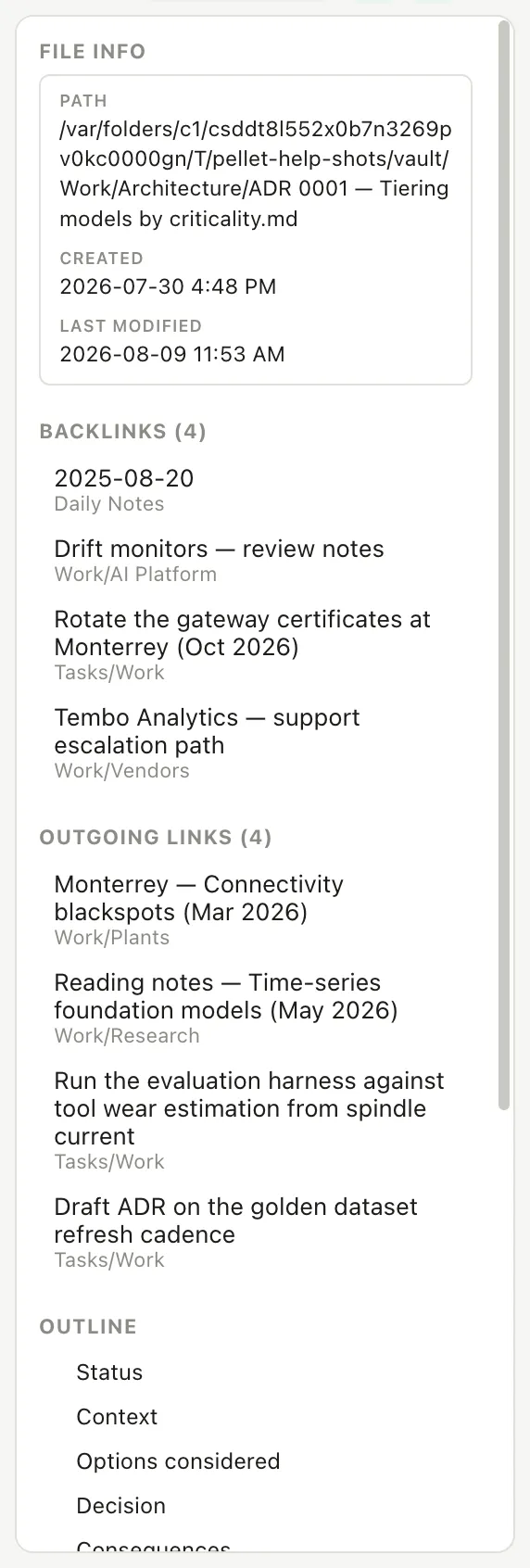
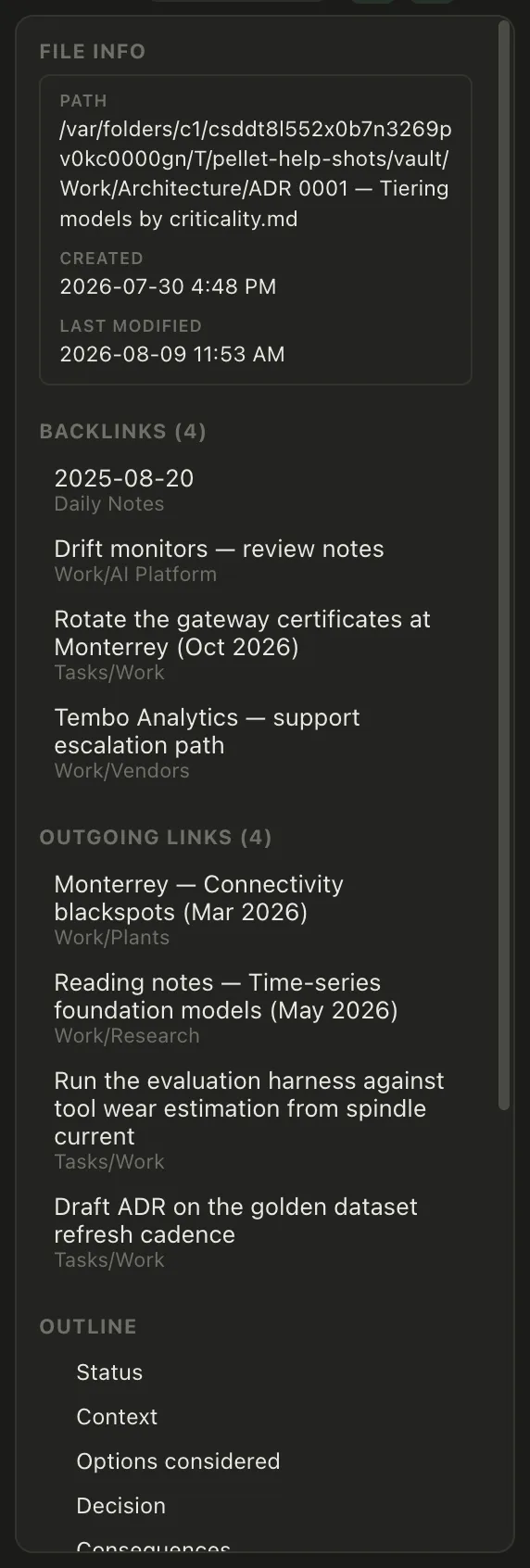
Link instead of filing. When a note mentions a person, a project or a decision that has its own note, link to it. Over time the links do the organizing for you: open the supplier’s note and every conversation it came up in is listed under it, without you maintaining anything. Pellet does this with [[wikilinks]] and shows backlinks automatically. See Link notes together.
Make tasks out of the record. A meeting note that ends with three commitments should produce three tasks, with dates, that show up where you plan your day. If that’s a separate app, it won’t happen. In Pellet a task is a note with a few fields at the top, so it lives in the same folder and links back to where it came from. See Your first task.
Where to start
Don’t design a system. Make a folder, start a daily note, and write down what happens today. In a week you’ll have a handful of names and topics that keep coming up. Give those their own notes and link to them. In a month you’ll have a second brain, and it will be shaped like your actual life rather than like a template.
If you want to try that in Pellet, the download is free to try and the folder it makes is yours either way.
- Setting up the PARA method in a folder of notes18 August 2026
- Personal knowledge management in plain markdown files4 July 2026
- Letting an AI agent work on your notes without uploading them8 September 2026