Personal knowledge management in plain markdown files
Personal knowledge management, PKM if you’ve spent any time on the forums, is the practice of keeping what you know somewhere better than your head. The tooling argument around it never ends, so I’ll make my position clear early: the base layer should be plain markdown files in a folder you own, and the app should be a view onto that folder rather than a vault the folder lives inside.
Here’s why, and what an app still has to bring for the plain files to be pleasant.
What “plain markdown” buys you
Markdown is text with a little punctuation for headings, lists, emphasis and links. A markdown file is readable in any editor, on any computer, with no software installed, in twenty years. That’s the durability argument and it’s the one people quote.
The less-quoted argument is about tools. Because the files are text, every tool that works on text works on your notes: version control, search from a terminal, backup software, scripts, other note apps, and whatever AI tooling turns up next year. You don’t need the app’s blessing to do something new with your own writing.
And it keeps the app honest. An app that stores your notes in its own database can make leaving expensive. An app that reads a folder of markdown can’t. You can open the same folder in two apps at once and nobody can stop you.
What plain files are bad at
Honesty in the other direction. A folder of text files, on its own, is a poor knowledge system.
- Links are just text until something resolves them and shows you what points back.
- Structured fields (a due date, a status, a project) are just lines at the top of a file until something reads them as fields and lets you sort by them.
- Search across ten thousand files needs an index, not a folder scan.
- Anything that isn’t text (a sketch, a PDF’s highlights, a recording) needs a format and a viewer.
So the interesting question isn’t “files or app”. It’s what an app should add to files without taking ownership of them.
The frontmatter convention
The piece that makes structured knowledge possible in plain text is a small block at the top of a file, between two lines of dashes, holding fields:
---type: taskstatus: tododue: 2026-09-12project: Warehouse movetags: [logistics, q3]---
# Confirm the forklift hire
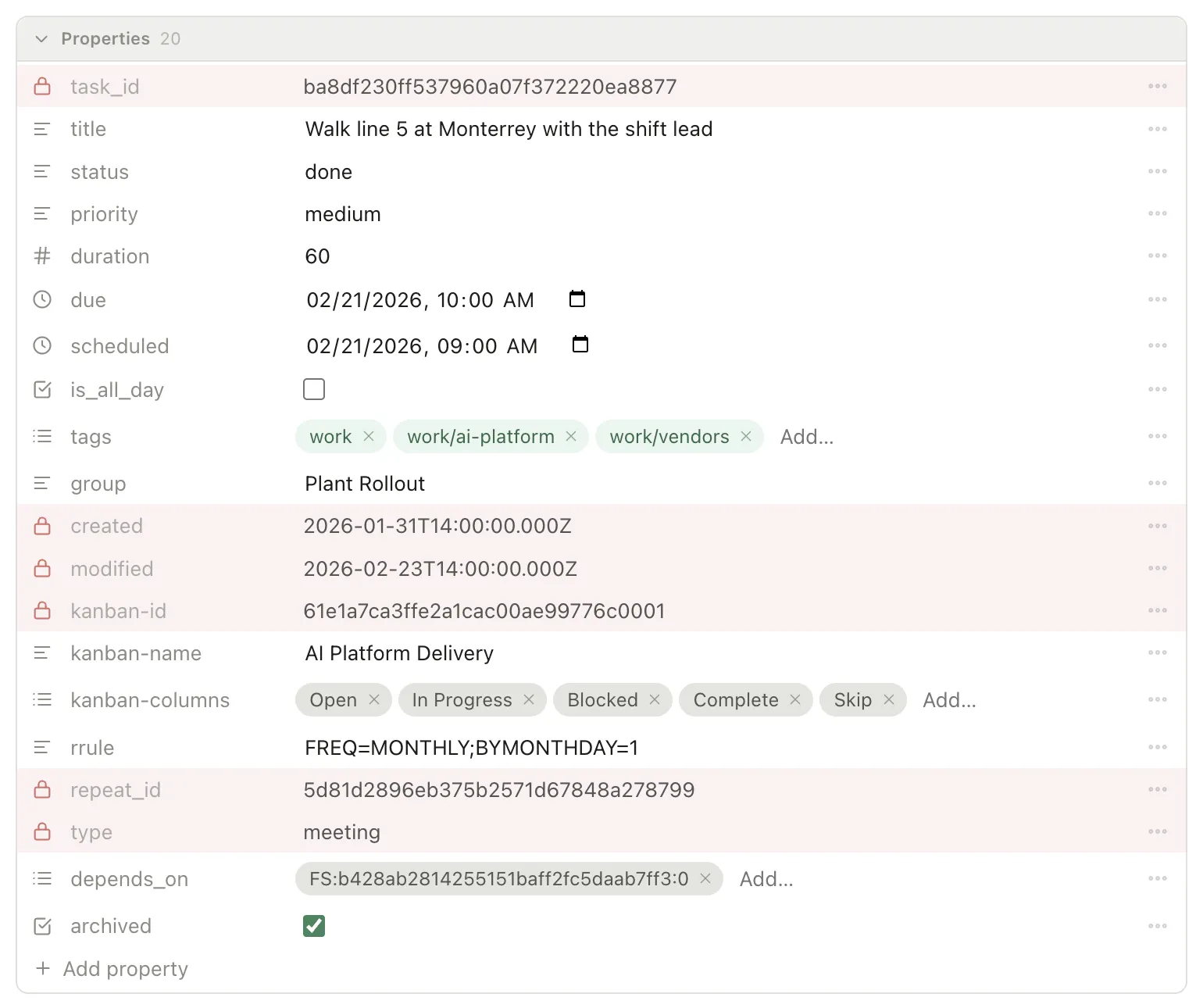
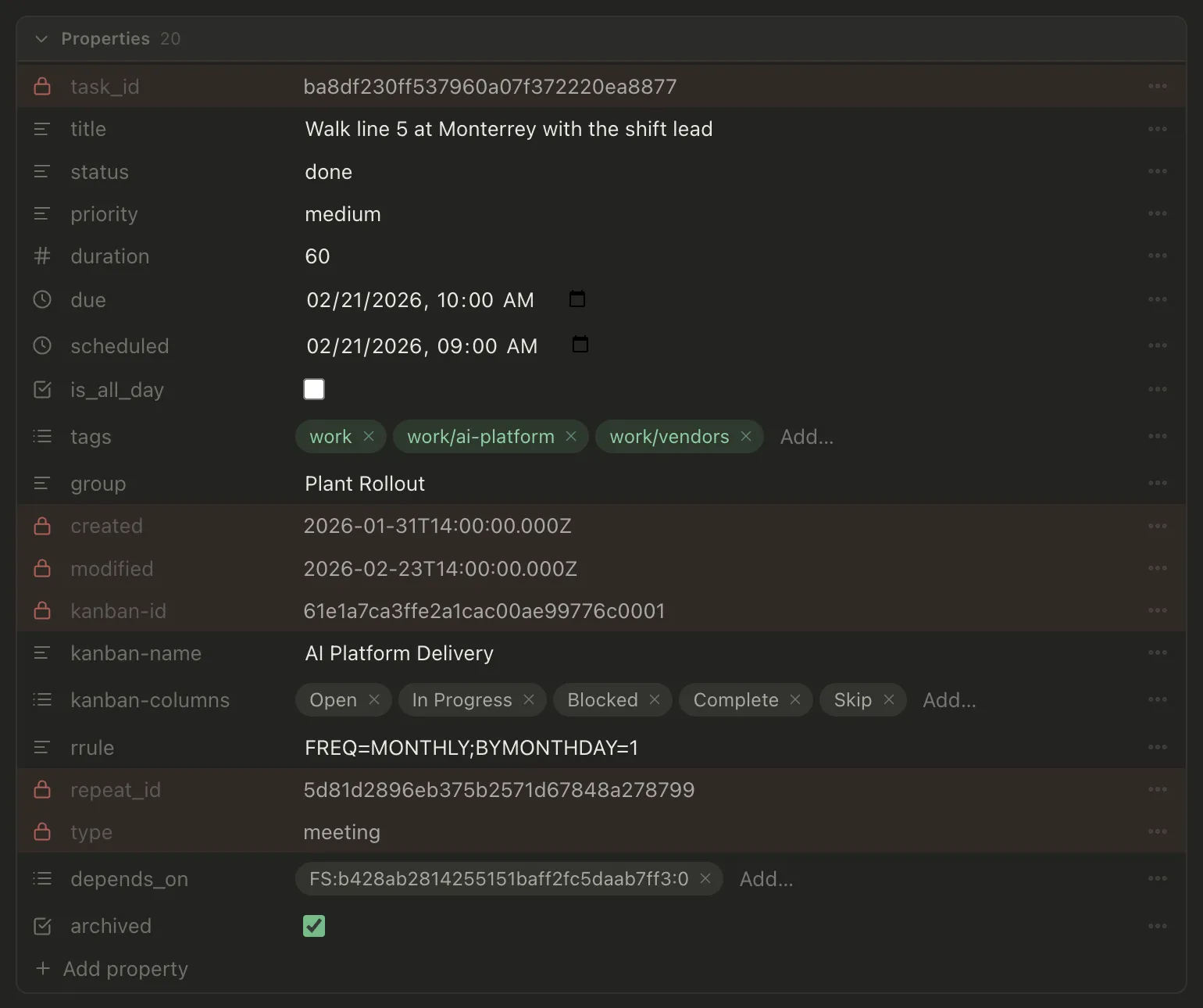
This is frontmatter, and it’s the convention most markdown tools share. The file is still a note. Any editor shows the fields as text. But an app that understands the convention can treat this file as a task with a due date, filter it into “due this week”, drag it onto a board column, and put it on a calendar.
Pellet is built on this. A task is a note with fields at the top; there is no separate task database. The properties panel edits the block as typed fields, and everything it doesn’t recognize is left exactly as you wrote it, including fields other tools put there. That last part matters more than it sounds: it’s what lets two apps share one folder without fighting.
What a PKM app should add
With the files as the base, here’s the list I’d hold any app to.
Links that work both ways. Typing [[Supplier]] should make a link, and opening the supplier’s note should list everything that links to it, with no maintenance. See Link notes together.
Folders and tags, both. Folders for where a thing belongs, tags for what it’s about. A note lives in one folder but can carry many tags, and nested tags like #work/clients/norvale give you a tree for free. See Organizing with folders and tags.
Tasks as first-class notes. A task should be a file you can open, link to, and write under, not a row in a separate list. And there should be more than one way to look at the same tasks: a table for triage, a board for flow, a calendar for when. See Choosing a view.
Fast capture. A shortcut that opens today’s note. A quick-add box for a task. Anything slower than a few seconds gets skipped. See Daily notes.
Search that reads inside files, not just titles, and a quick switcher that finds a note from a few letters of its name. See Finding things.
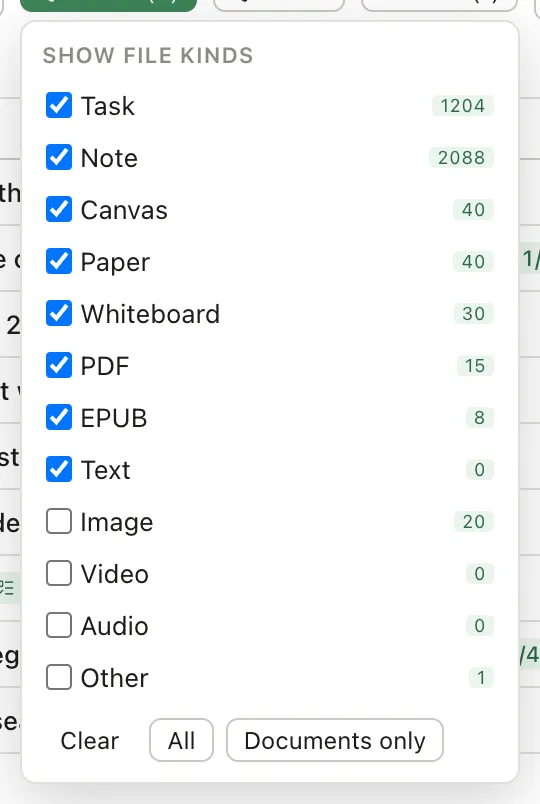
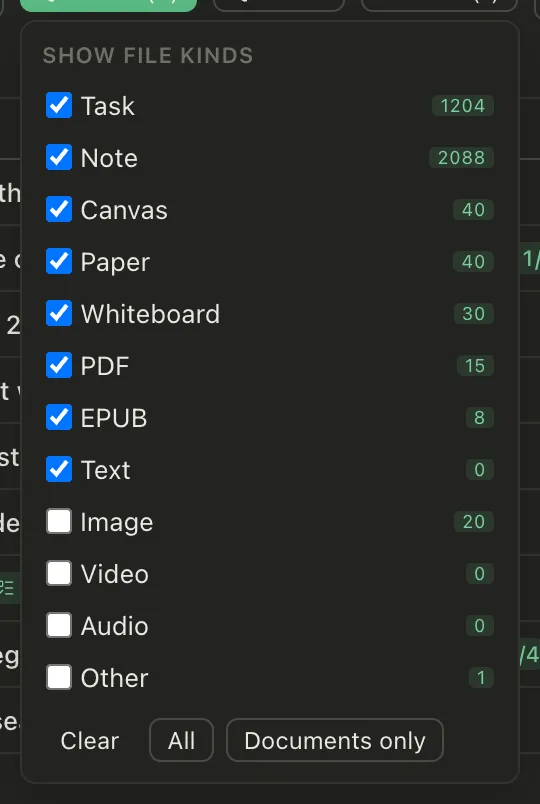
Room for what isn’t text. Canvases, drawings, handwriting, PDFs and their highlights, voice notes, each in an open format alongside the markdown. Pellet stores a canvas as JSON Canvas and a whiteboard as an .excalidraw file, so both open elsewhere. See Where your notes actually live.
Nothing that leaves the machine without being asked. No account to make, no server that holds a copy. If sync exists it should be yours to host and encrypted so the relay can’t read it. See Sync across devices.
The trade you’re making
Plain files ask a little more of you than a cloud workspace does. There’s no shared editing with a colleague in real time. There’s no “open it on any browser”. You are responsible for backups, though the folder works with every backup tool already on your computer.
In exchange, the thing you’re building stays yours. Not “exportable”, which usually means a zip of something lossy, but literally the same files, in the same folder, whatever you decide to open them with next.
That’s the trade I made for my own notes, and the one Pellet is built around. If it’s the trade you want, Pellet is free to try, and the folder it creates is ordinary markdown from the first note.
- Letting an AI agent work on your notes without uploading them8 September 2026
- Leaving Notion for local-first notes24 August 2026
- Setting up the PARA method in a folder of notes18 August 2026