Leaving Notion for local-first notes
Notion is a good product for the thing it’s for: a shared workspace where a team builds pages and databases together, in a browser, in real time. The trouble starts when it becomes the place your personal knowledge lives, because the trade-offs that make it good for a team are the ones that make it fragile for a second brain.
If you’re searching for a Notion alternative for your own notes, here’s what the move actually involves.
Why people leave
The reasons I hear, in the order I hear them:
- It’s someone else’s server. Your workspace lives on Notion’s infrastructure. Offline is a partial experience at best, and the notes exist for as long as the account does.
- Speed. A big workspace in a browser gets slow. A folder of text files doesn’t.
- The format. Notion pages are blocks in a proprietary model. Export produces markdown and CSV, but tables, relations and embeds come out flattened, and links between pages need fixing. The longer you wait, the more there is to lose.
- Databases became busywork. The relational database is Notion’s best feature and the one most personal setups end up over-using, until maintaining the schema takes more time than the notes.
- Pricing built for teams. Paid plans are per member, which makes less sense for one person than for a team.
None of these are complaints about Notion doing its job badly. They’re a mismatch between a team tool and a personal one.
What “local-first” means in practice
Local-first is the opposite arrangement: the files live on your own disk, the app reads them there, and anything that happens across devices happens by syncing your copies, not by everyone reading one copy on a server.
For personal notes that gives you three things Notion structurally can’t:
- The notes are plain markdown files. They open in any editor, get backed up by whatever already backs up your computer, and outlive any app.
- Everything works offline, always, because offline is the normal state.
- Nobody else holds a copy. Pellet, for instance, has no account, no Pellet server, and no analytics; if the company vanished, the folder wouldn’t. See Where your notes actually live.
The cost is real-time shared editing. If you and a colleague need to type in the same document at the same time, that’s a team tool’s job and you should keep one for it.
What you keep, what you translate, what you lose
You keep your writing. Notion’s markdown export is imperfect, but the words come through, headings come through, and most formatting comes through.
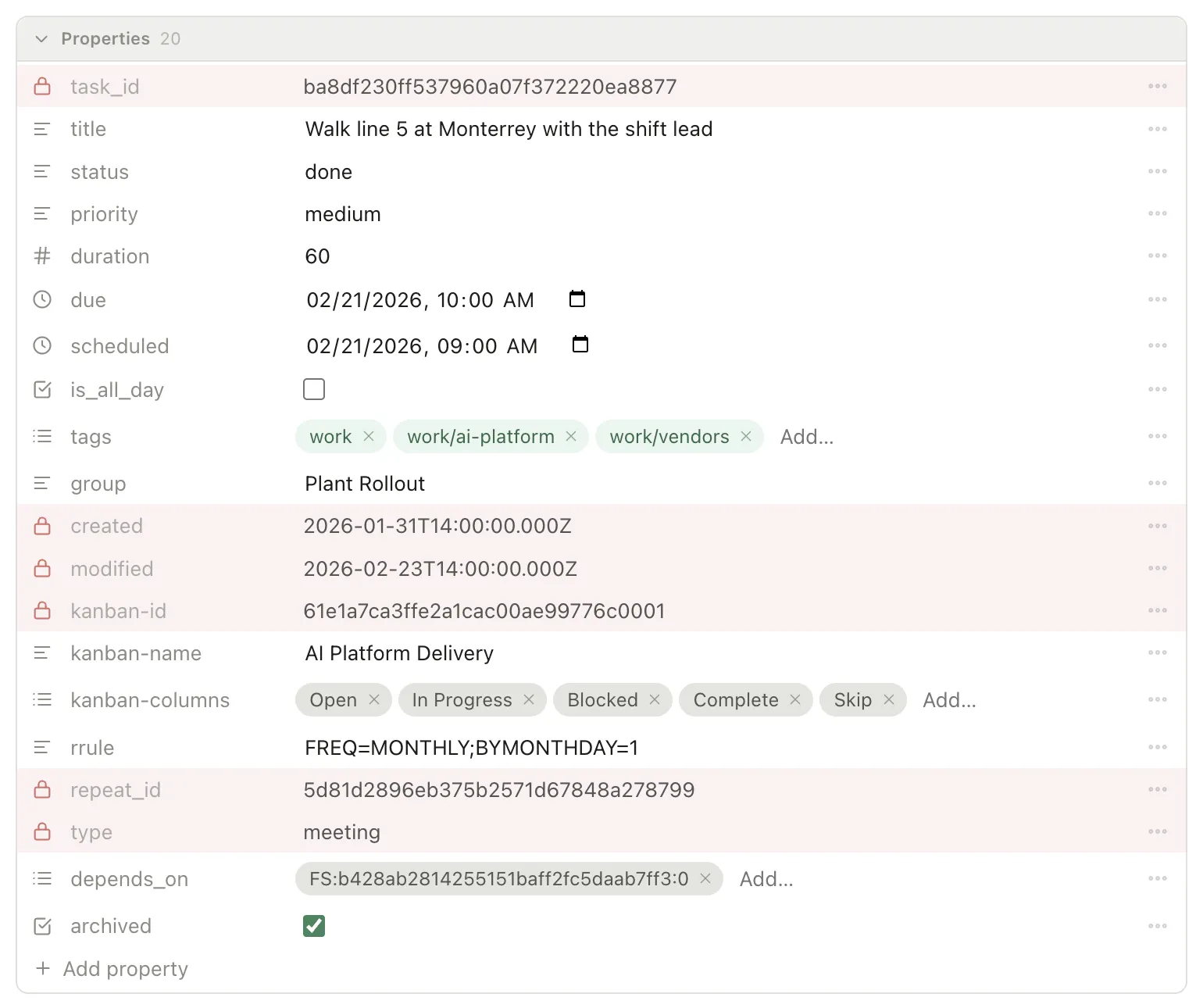
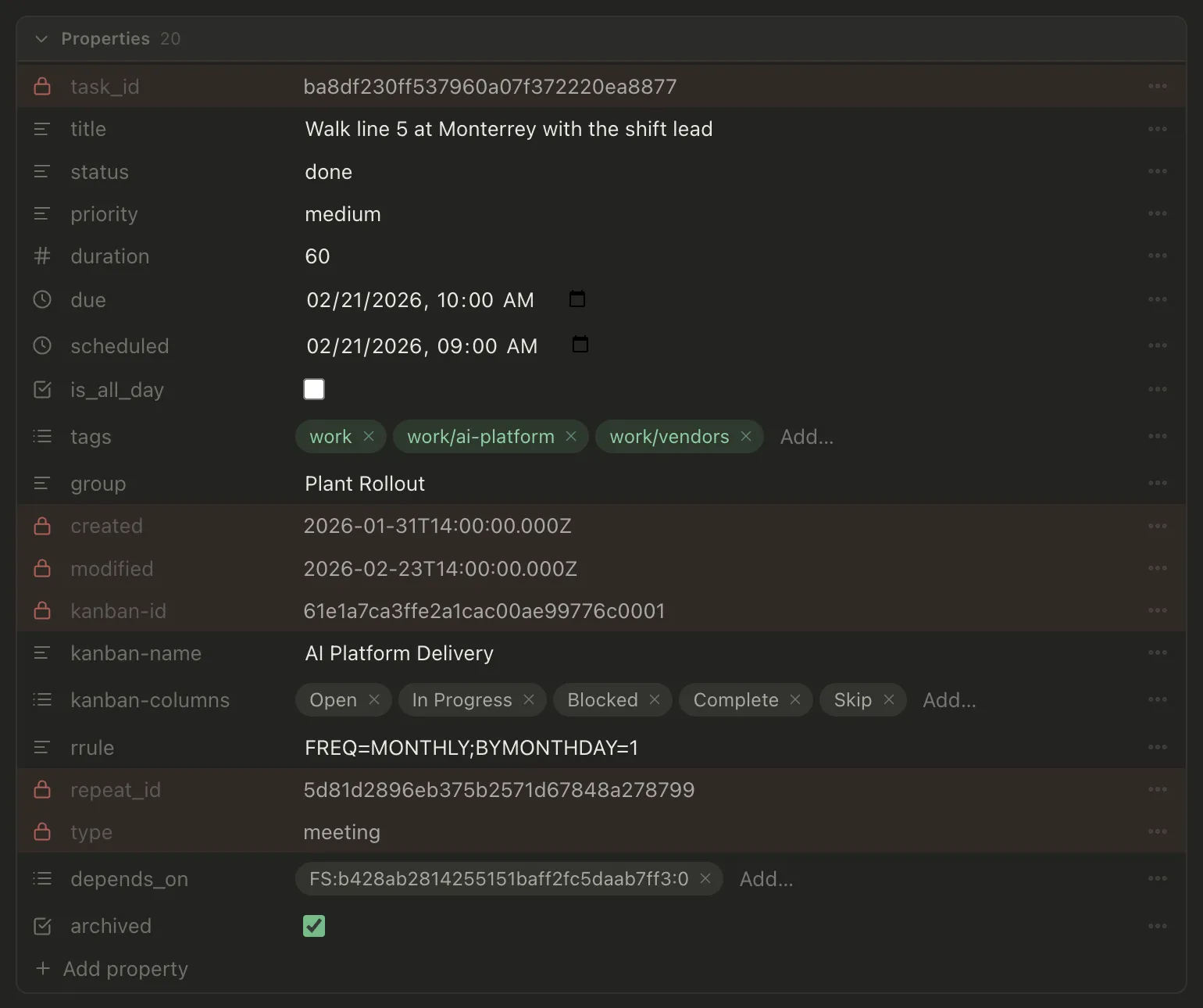
You translate databases. This is the part to plan. A Notion database is a table of pages with properties. The local-first equivalent is a folder of markdown files where each file has those properties as frontmatter at the top:
---status: doingdue: 2026-09-15project: Warehouse movetags: [logistics]---Pellet reads that block as typed fields, and its Table view shows a folder of such files as rows you can filter, sort and group, which is most of what a Notion database was doing. Boards, a calendar and a timeline read the same files. See Properties and The Table. Relations become links: a page that pointed at a “Client” row becomes a note that links to the client’s note, and the client’s note shows every note pointing back at it.
You lose formula properties, rollups, and the specific look of Notion’s gallery and board layouts. Some of it has an equivalent (Pellet can calculate on table columns), some of it doesn’t. Be honest with yourself about which database views you actually opened last month. It’s usually two.
A migration that doesn’t take a weekend
- Export from Notion as Markdown and CSV, with subpages included. You get a folder tree that mirrors your page tree, and a CSV per database.
- Make a vault and copy the folder into it. That’s your notes, done. Open it in Pellet and read a few pages; the markdown is the source of truth now.
- Rebuild the two databases that matter as folders of notes with frontmatter. For a task database, that means one file per task with
status,dueandprojectfields, then Convert to task on each from the note’s menu, which adds the task fields Pellet needs and keeps the rest of the frontmatter as you wrote it. For a reference database, a folder of notes with atypeand whatever fields you used. - Fix the links that matter as you come across them. Notion’s export leaves page links as relative file links;
[[wikilinks]]are quicker to type and survive renames. Don’t fix all of them up front. Fix the ones you follow. - Leave the rest as archive. Old pages you never open can stay exactly as they exported. They’re searchable, and search is how you’ll find them.
Getting the good parts of Notion back
The things people miss most from Notion have local-first equivalents worth knowing about:
- Templates. A template is a note whose content is copied into new ones, with placeholders for the date and title. See Daily notes and templates.
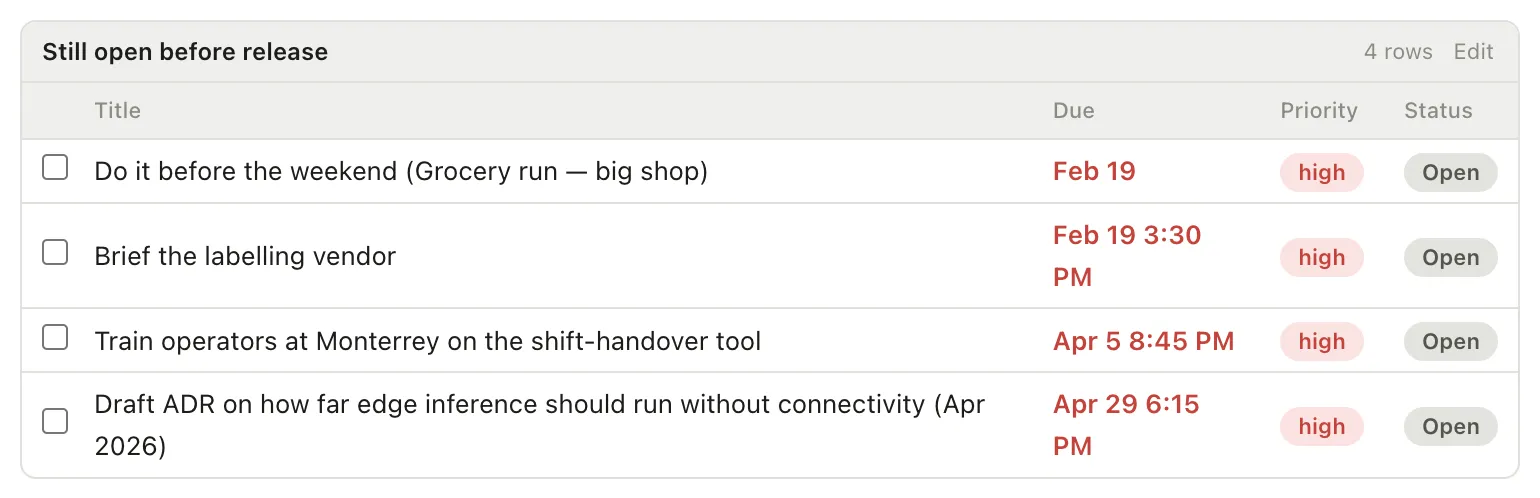
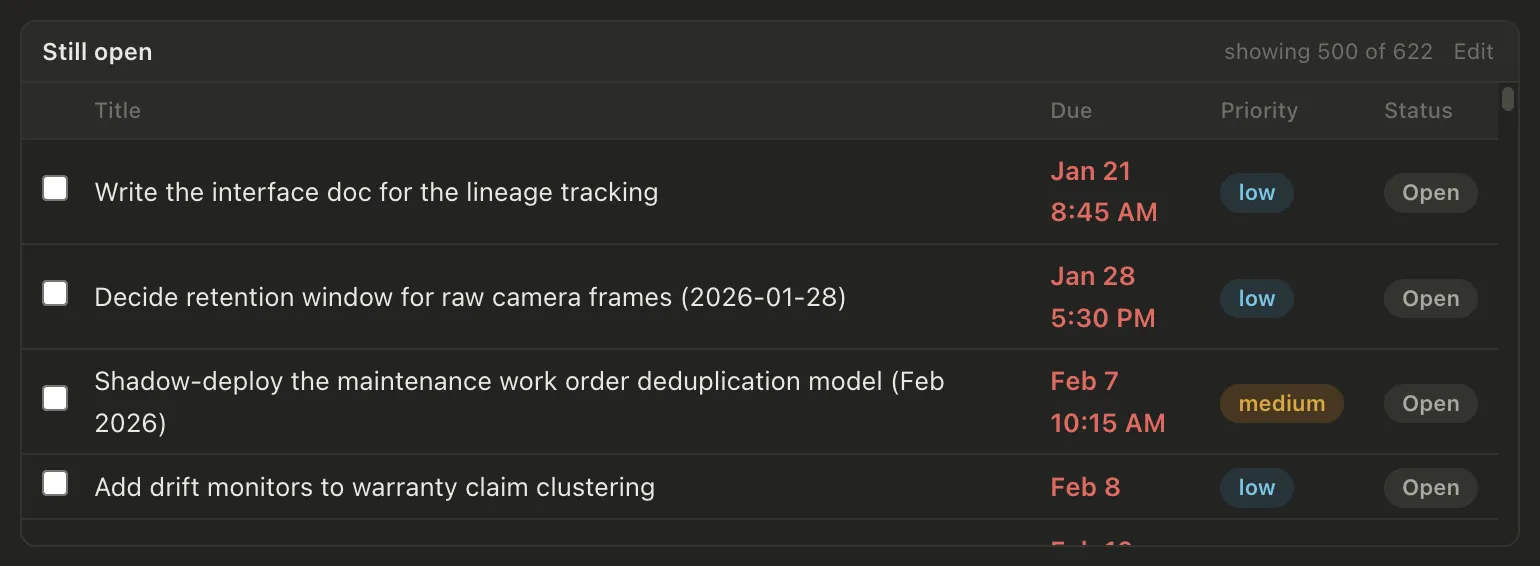
- Databases as views. A saved filter over the Table, pinned as a pill. See Filters and saved views.
- Boards. Kanban columns driven by status, priority, project, or any field of your own. See Kanban boards.
- Embeds.
![[Some note]]pulls one note into another, live, including a single section. See Link notes together. - Sync across devices, without a company in the middle. Pellet’s sync is a small relay you host on one of your own computers, with your devices holding the only keys. See Sync across devices.
Whether to do it
If Notion is where your team works, keep it for that. If it’s where you think, and you’ve felt the slowness or the unease about where the pages really are, the move is smaller than it looks: an export, a folder, and rebuilding the two databases you actually use.
Pellet is free to try. Point it at the exported folder and you’ll know in an afternoon whether local-first suits you.