Bubblegum
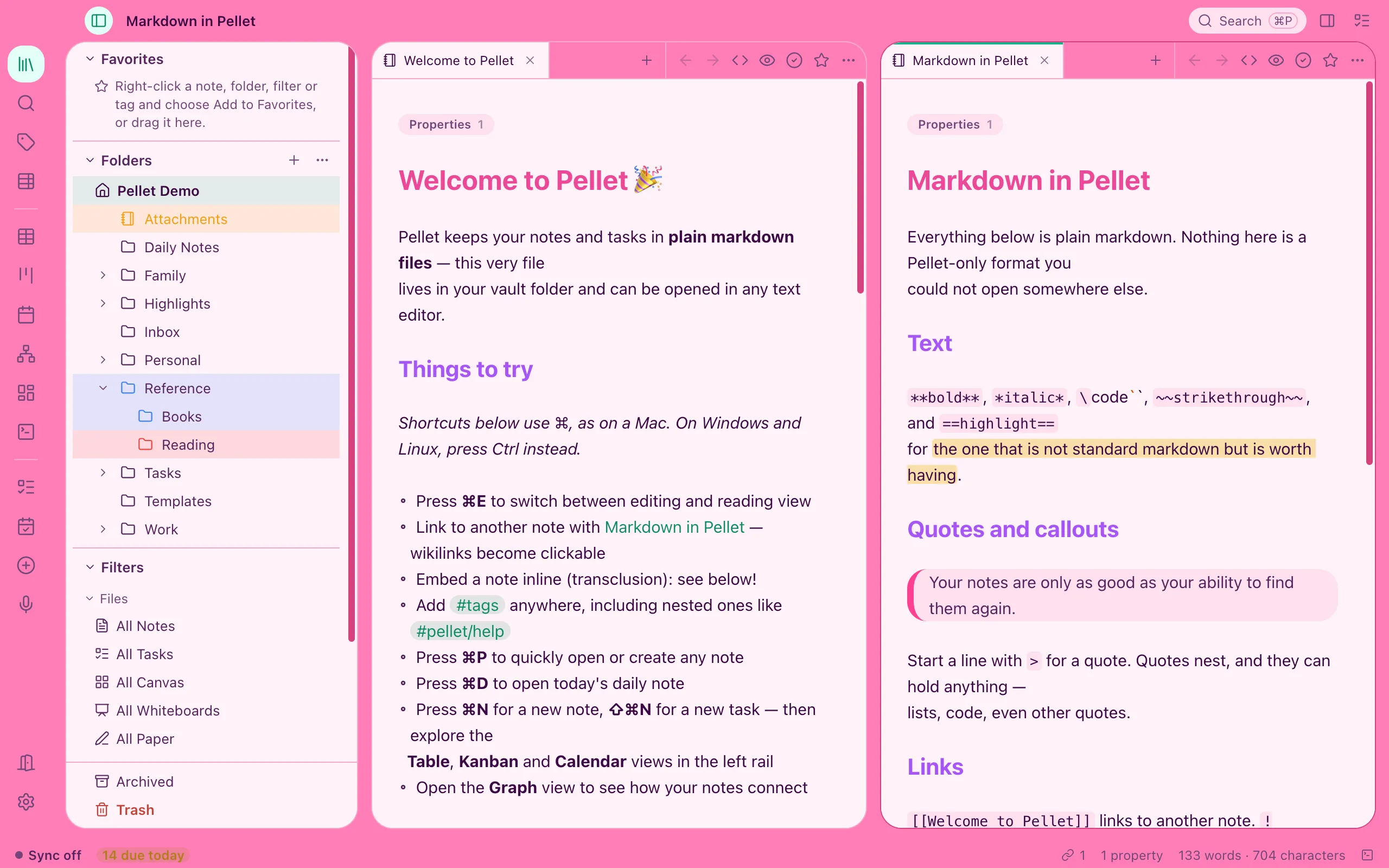
Swipe to see the whole screenshot.
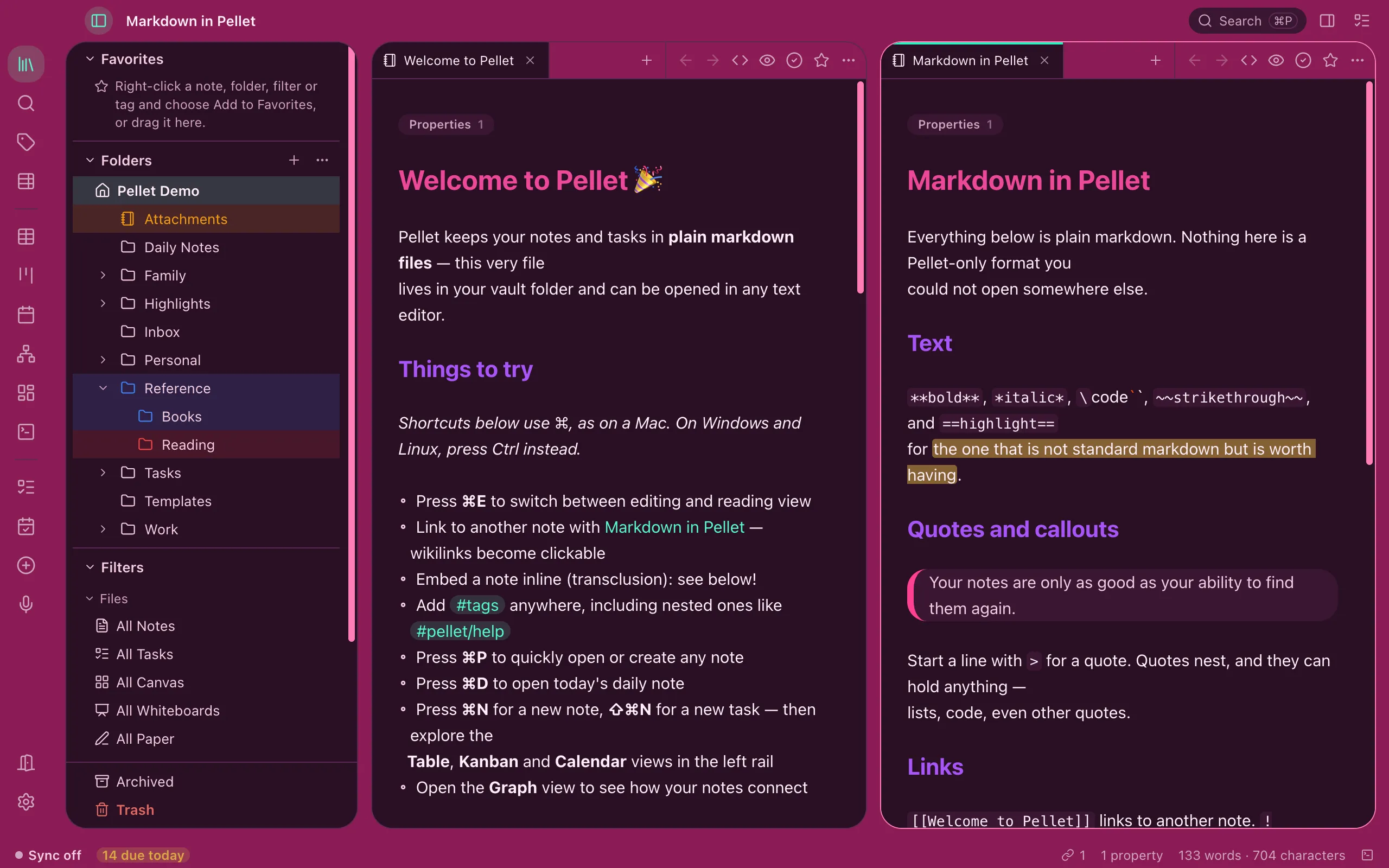
Swipe to see the whole screenshot.
DownloadBubblegum.json
Each theme sets the colors of the app, in light and in dark, and how headings, quotes and lists look. Download a theme file, import it in Pellet, and it follows your Light, Dark or System setting.
Needs Pellet 0.29.0 or later. More about theme files
Swipe to see the whole screenshot.
Swipe to see the whole screenshot.
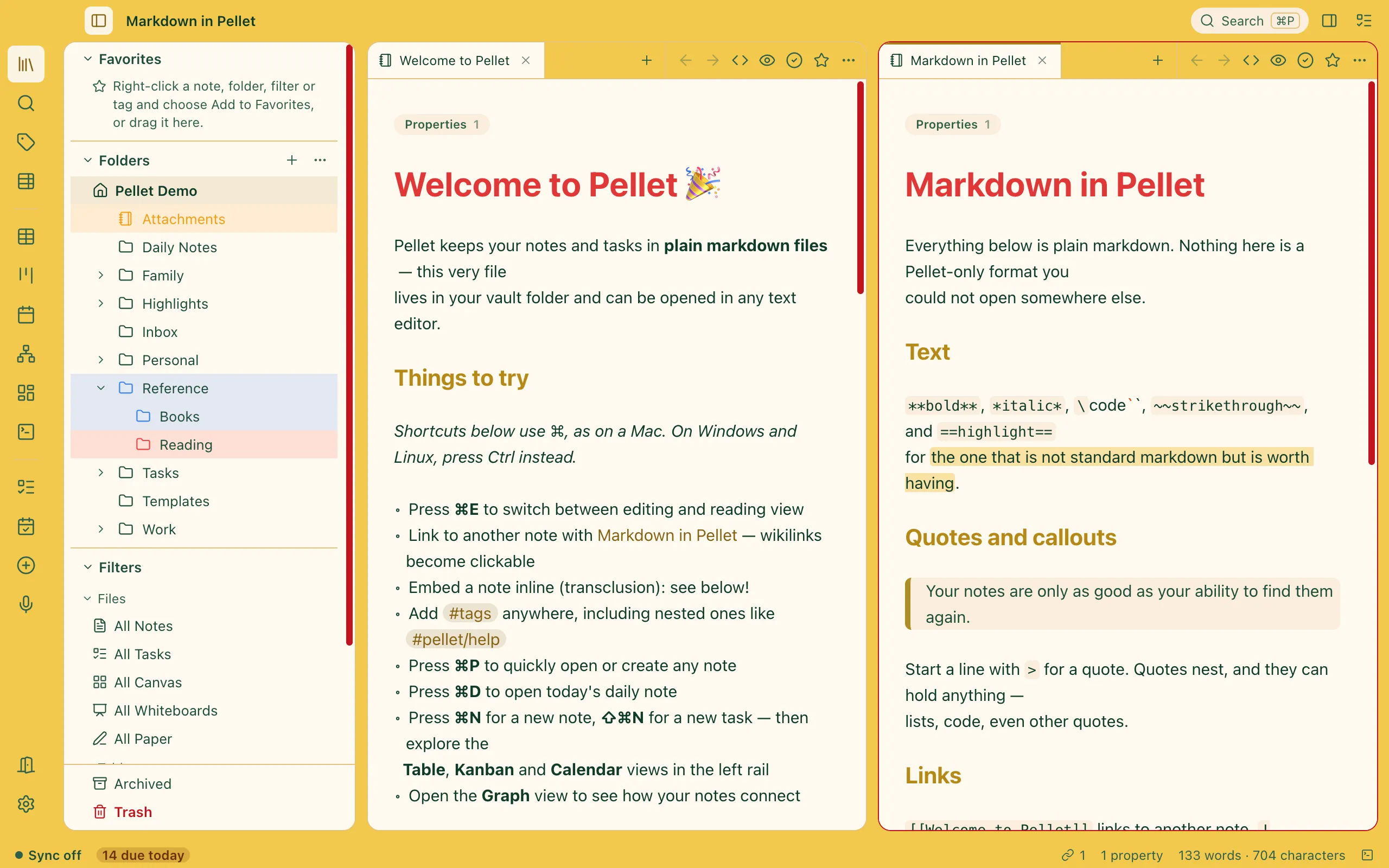
Swipe to see the whole screenshot.
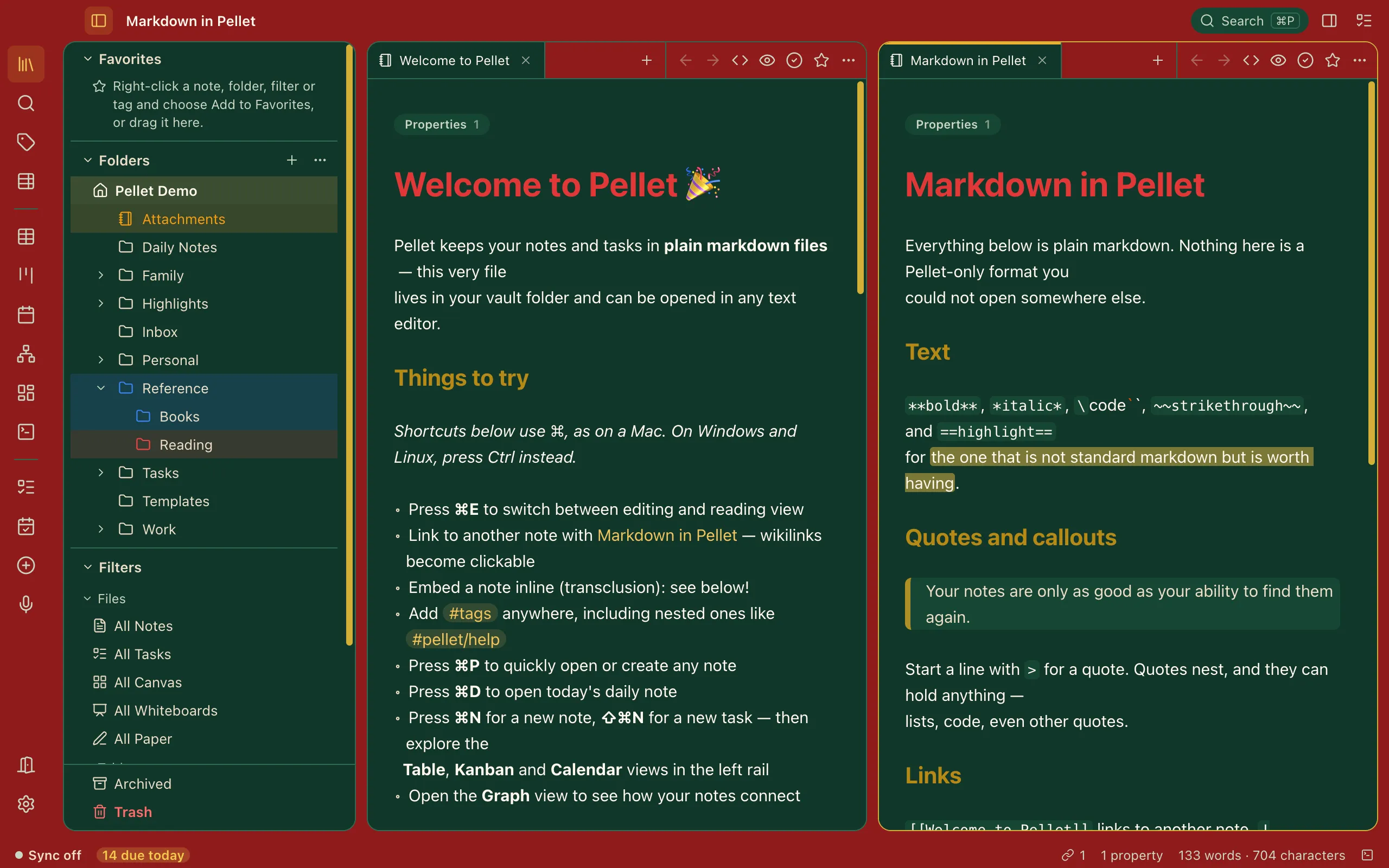
Swipe to see the whole screenshot.
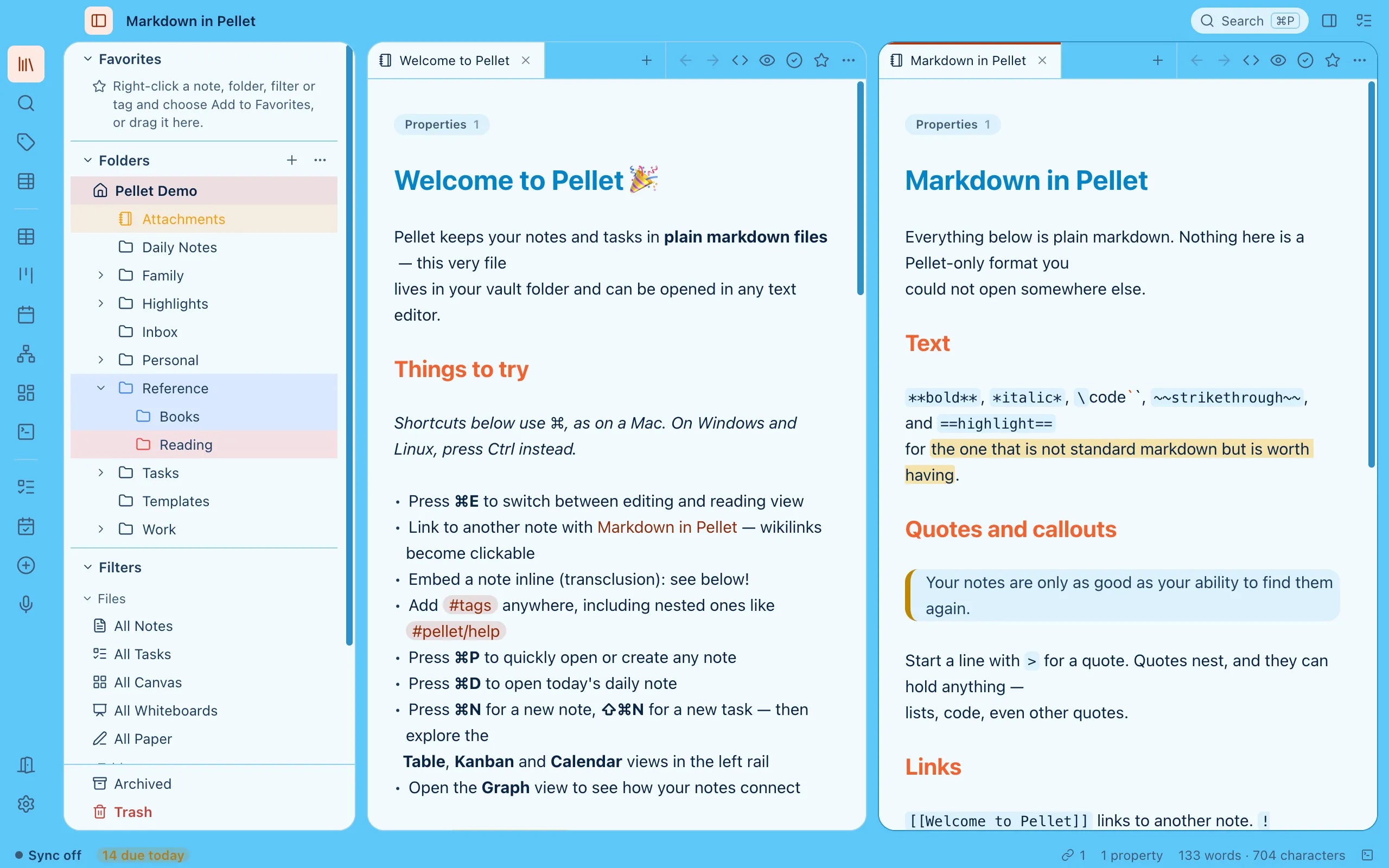
Swipe to see the whole screenshot.
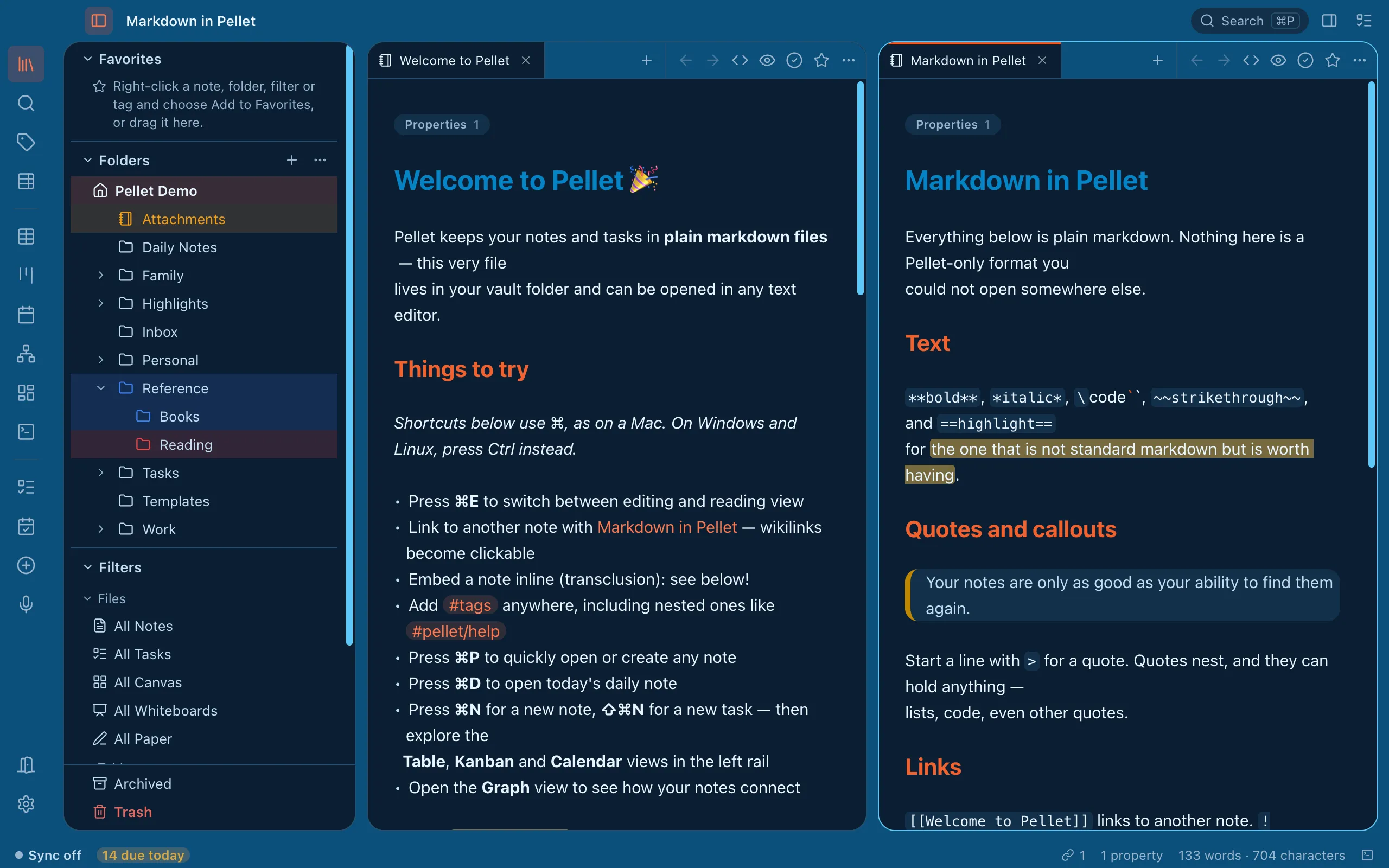
Swipe to see the whole screenshot.
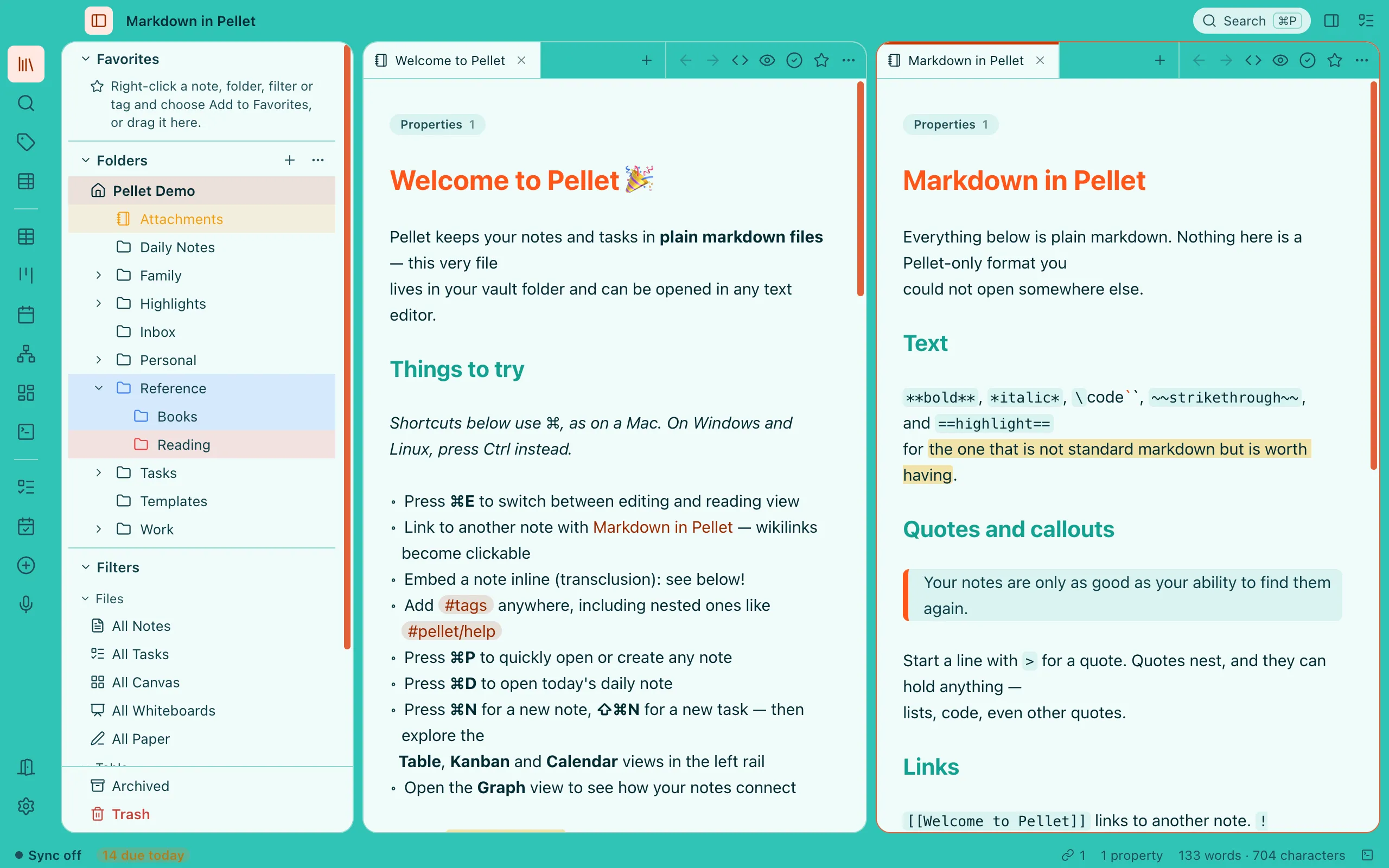
Swipe to see the whole screenshot.
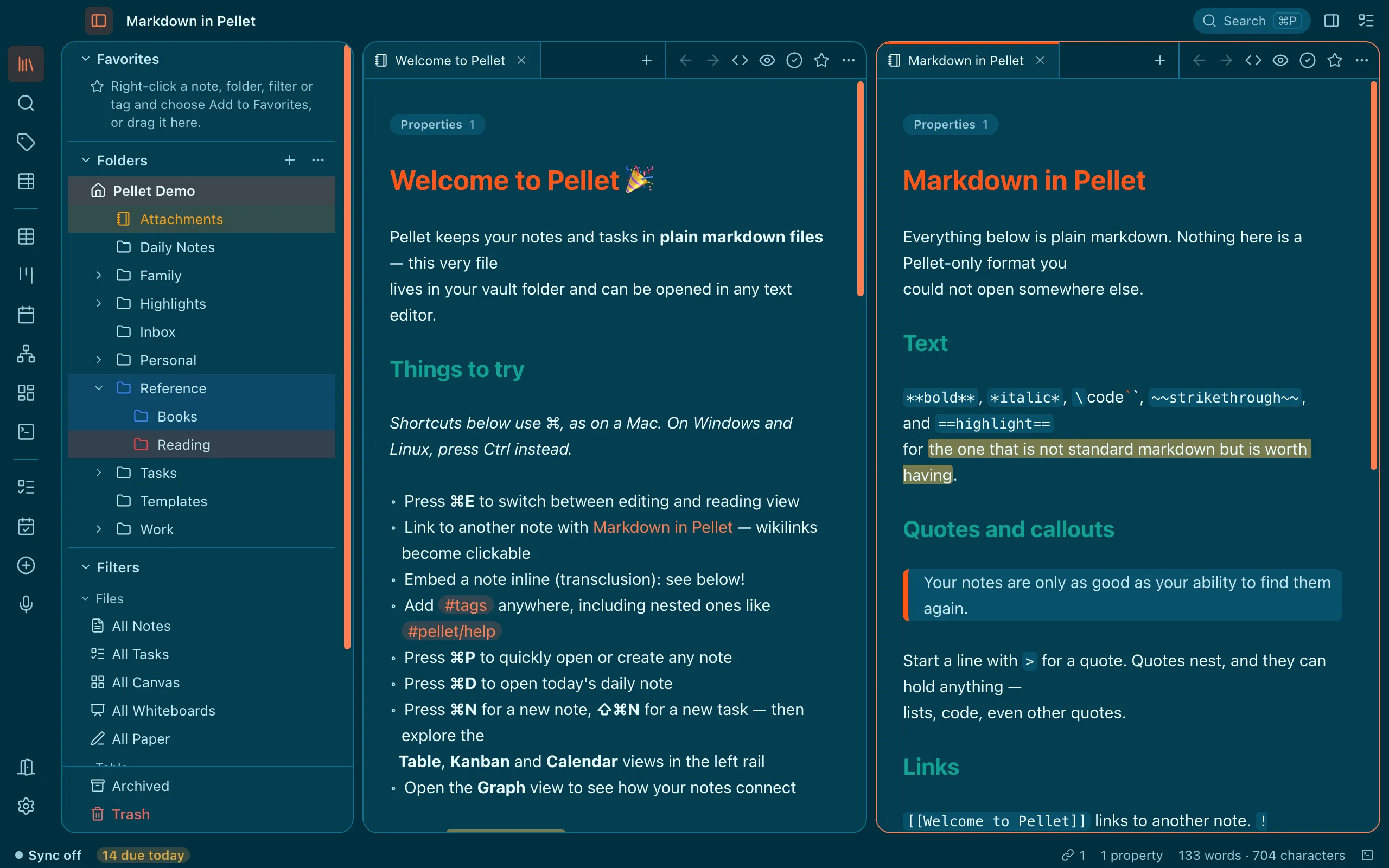
Swipe to see the whole screenshot.
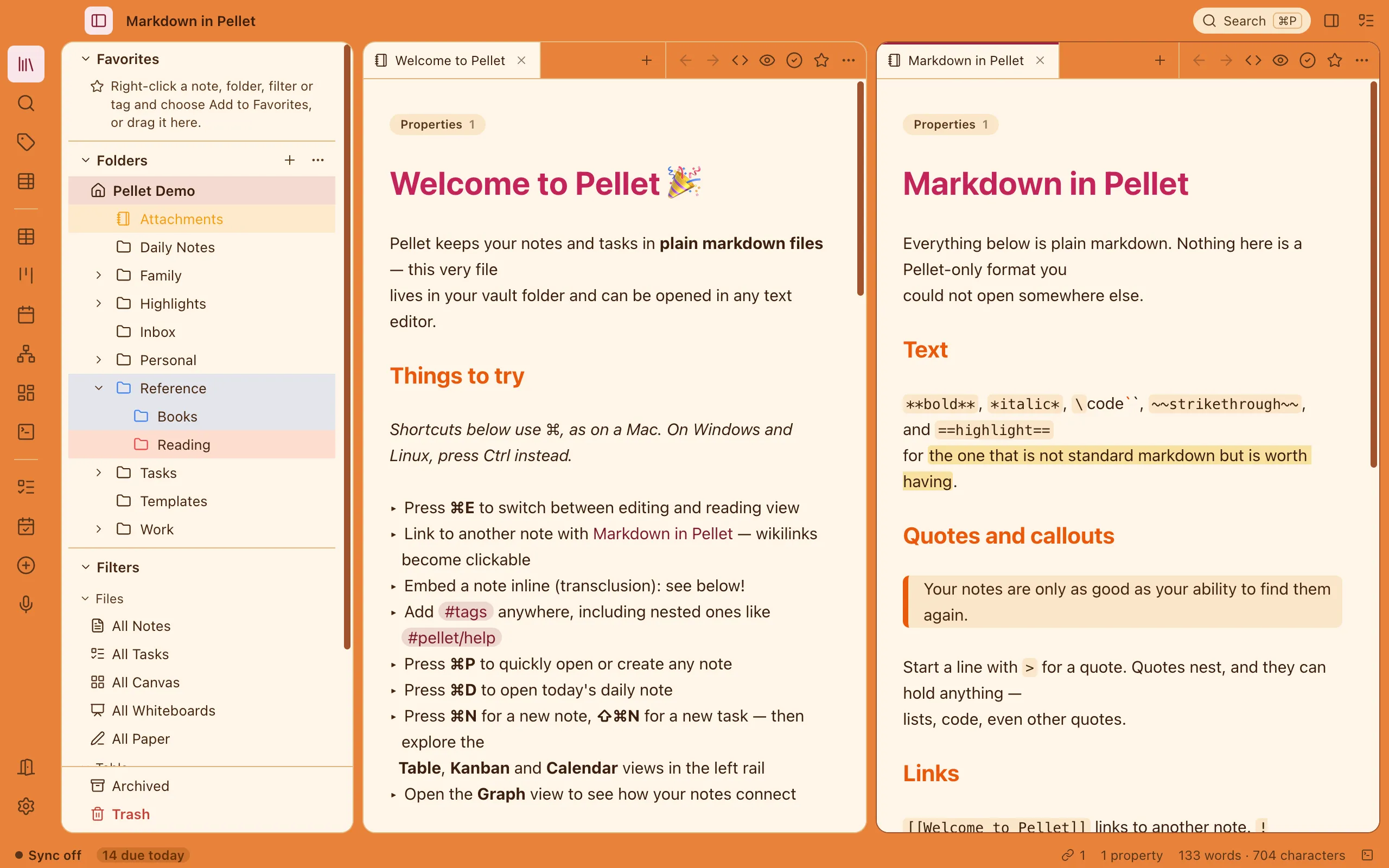
Swipe to see the whole screenshot.
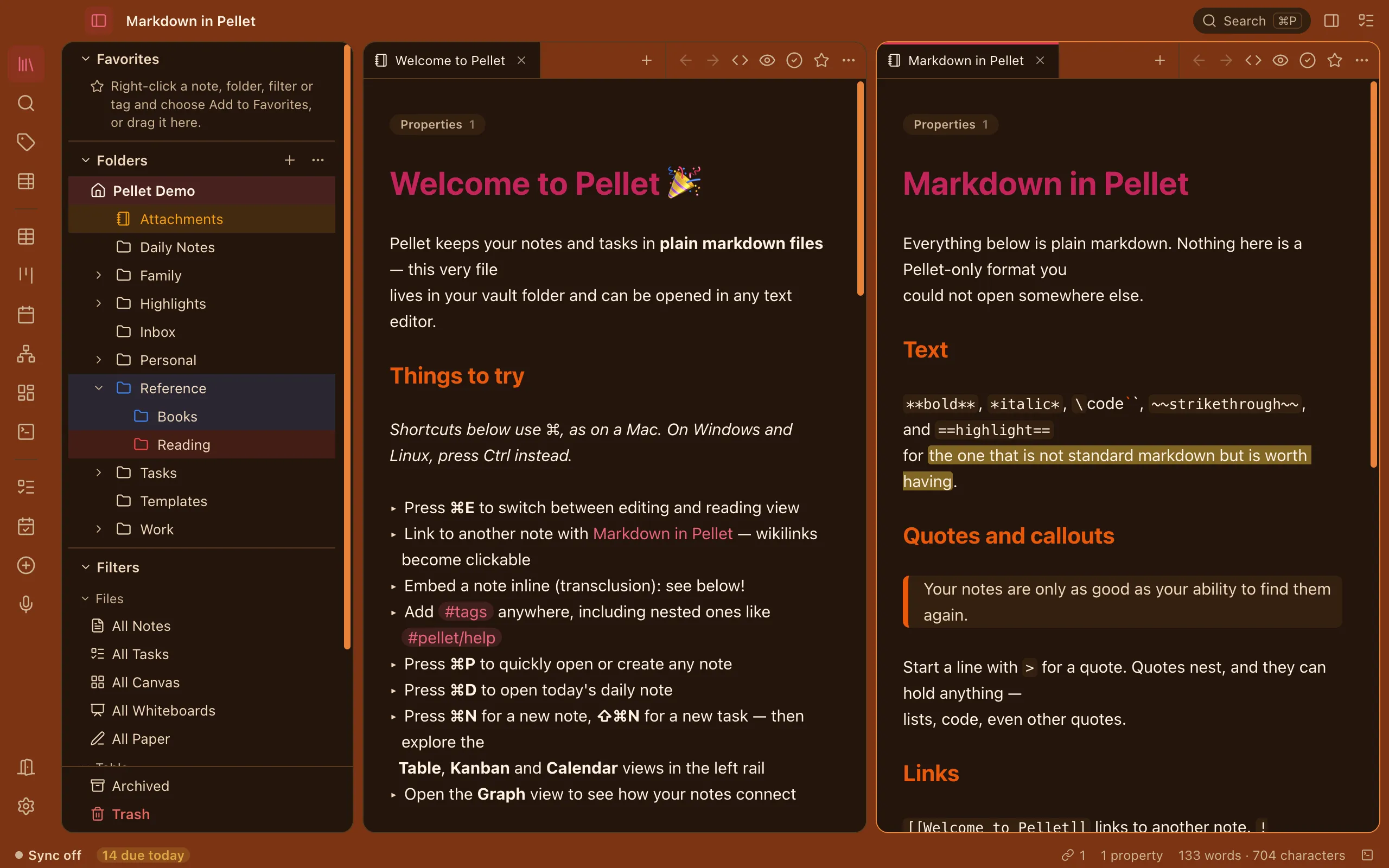
Swipe to see the whole screenshot.
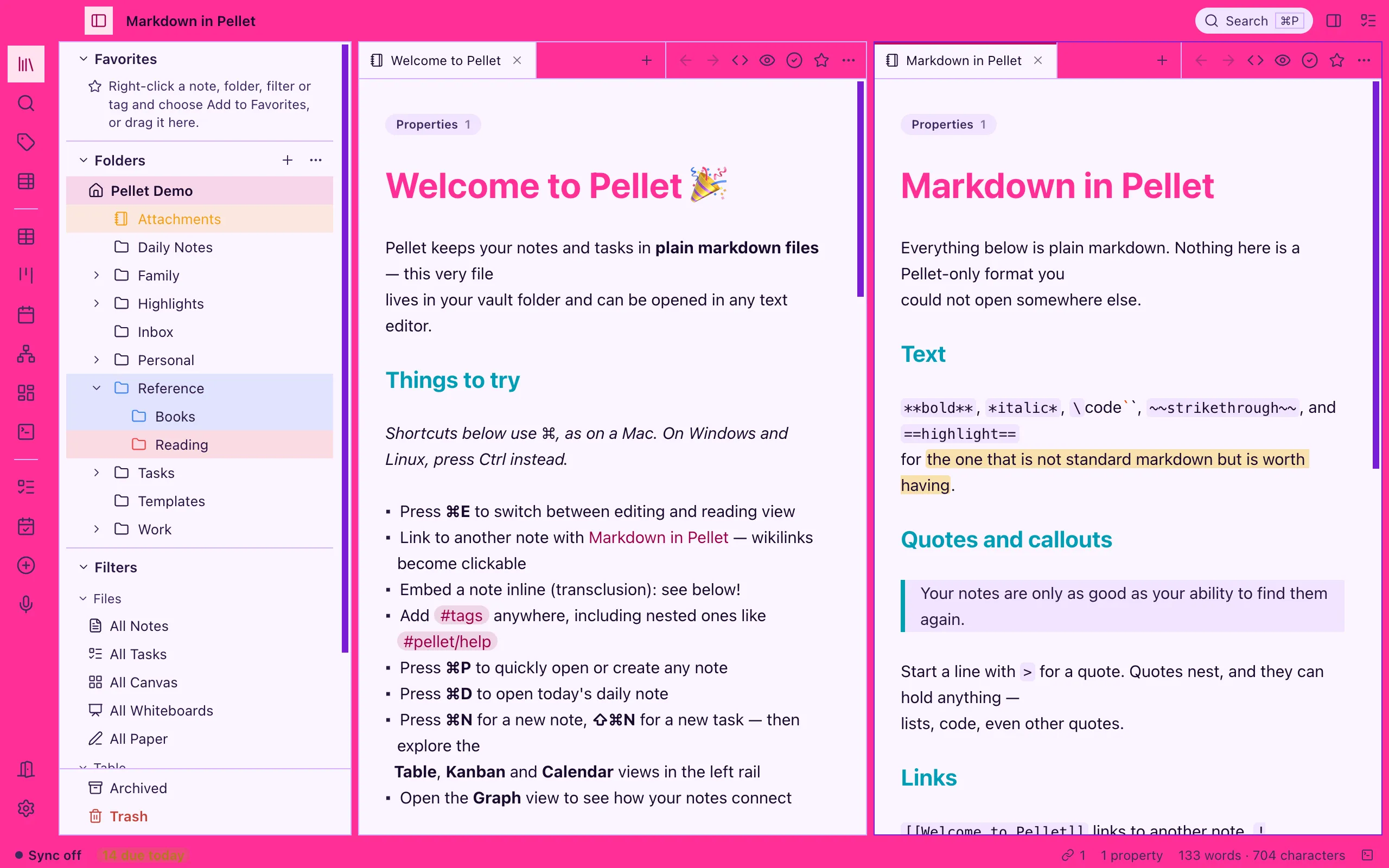
Swipe to see the whole screenshot.
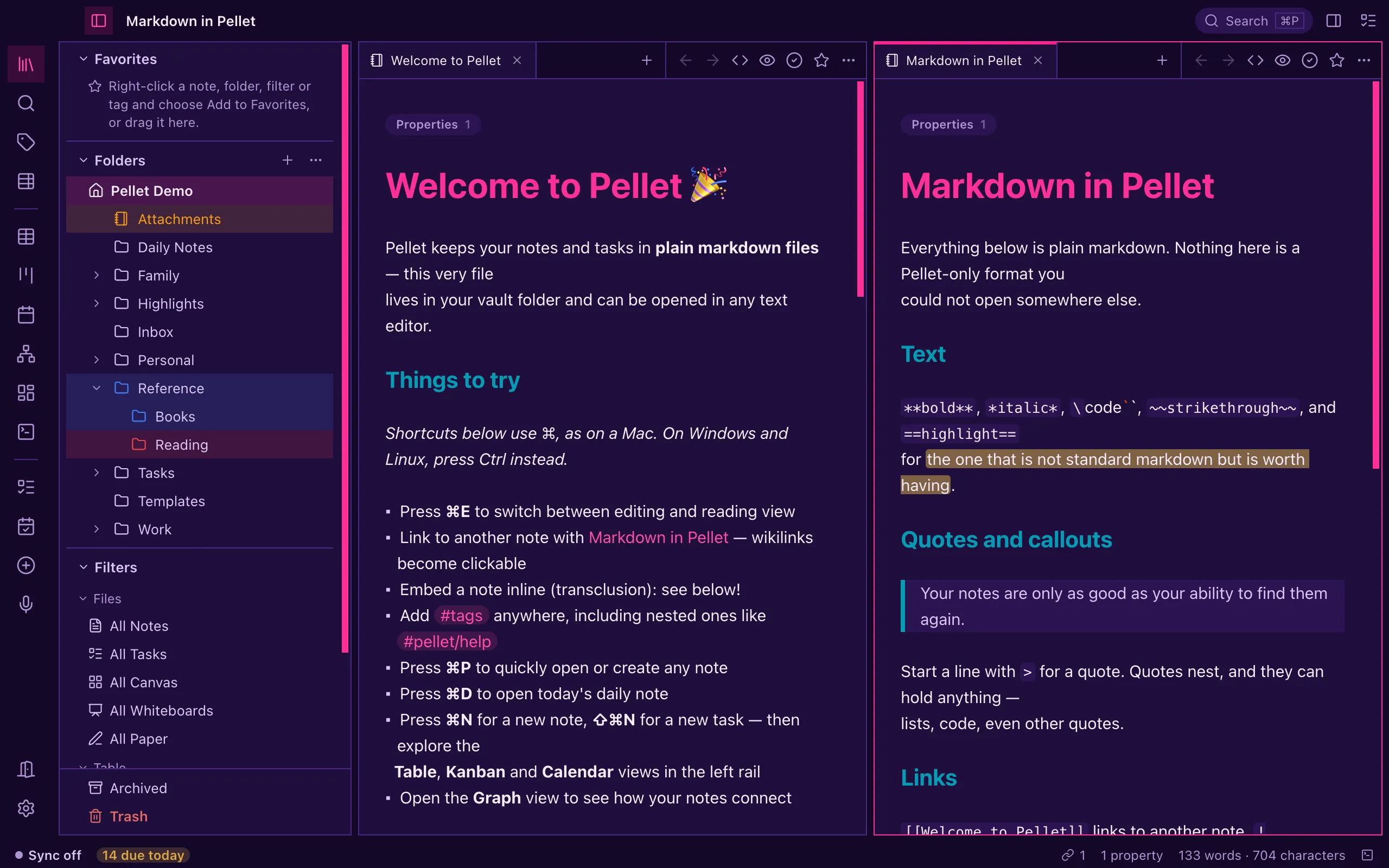
Swipe to see the whole screenshot.
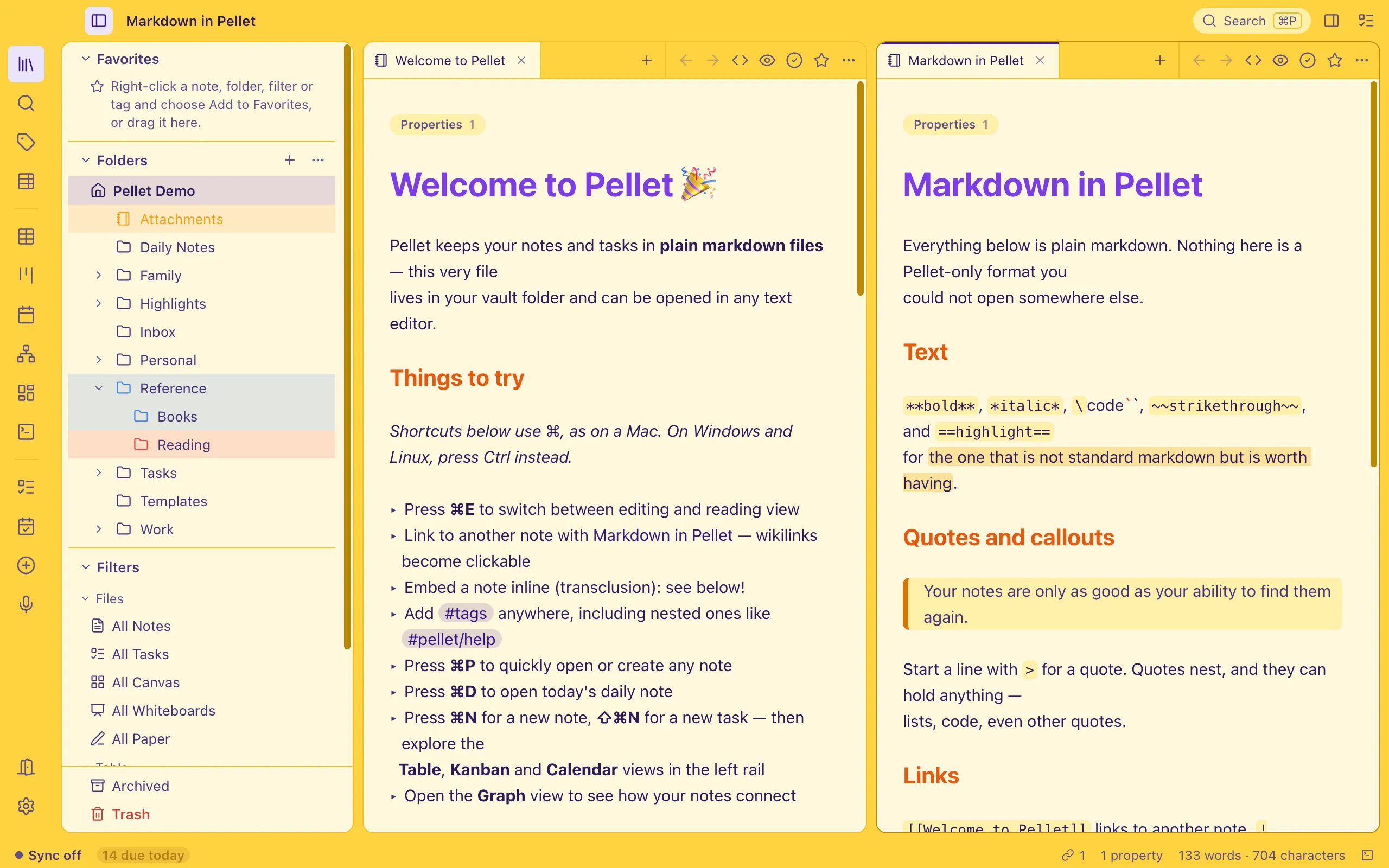
Swipe to see the whole screenshot.
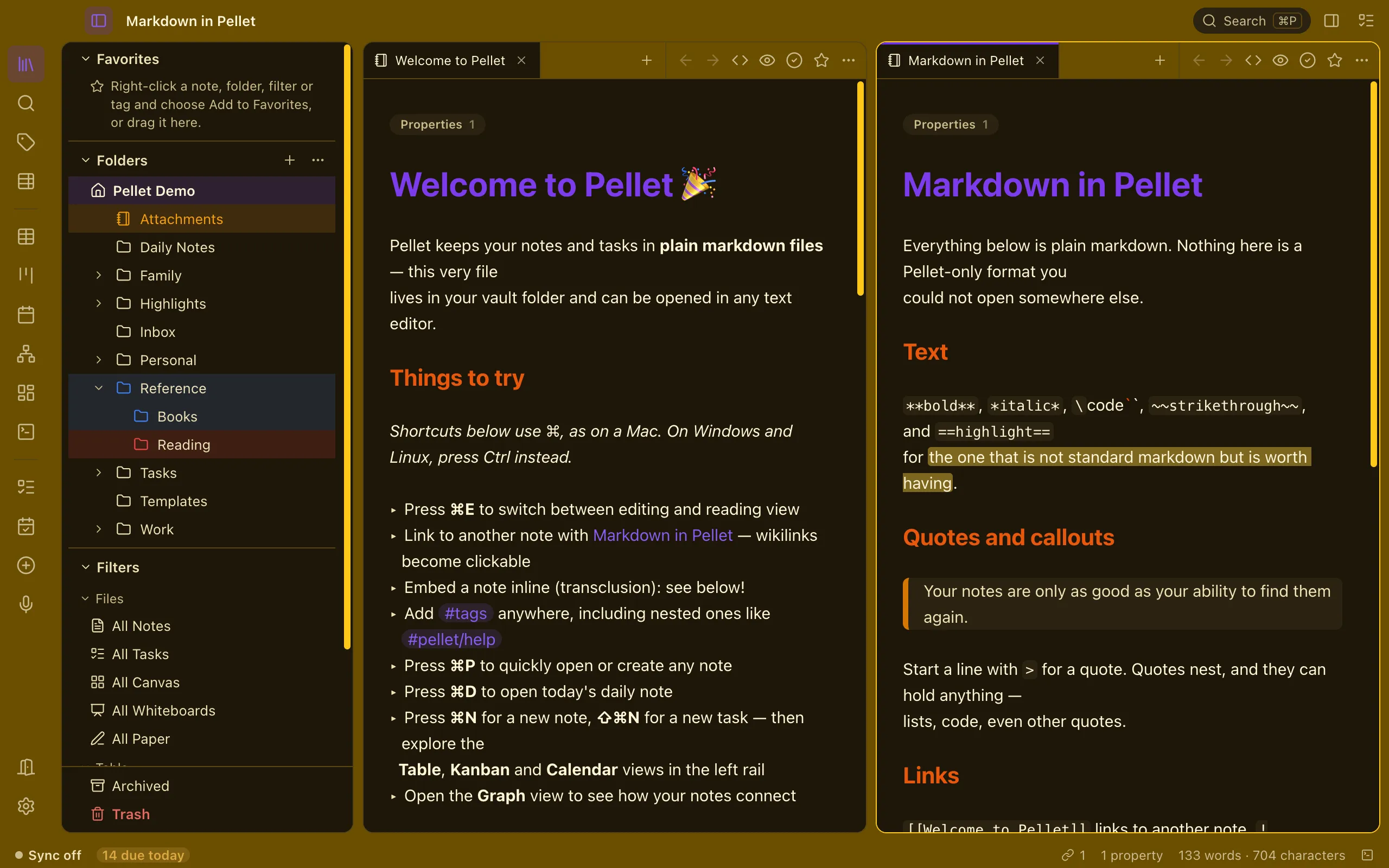
Swipe to see the whole screenshot.
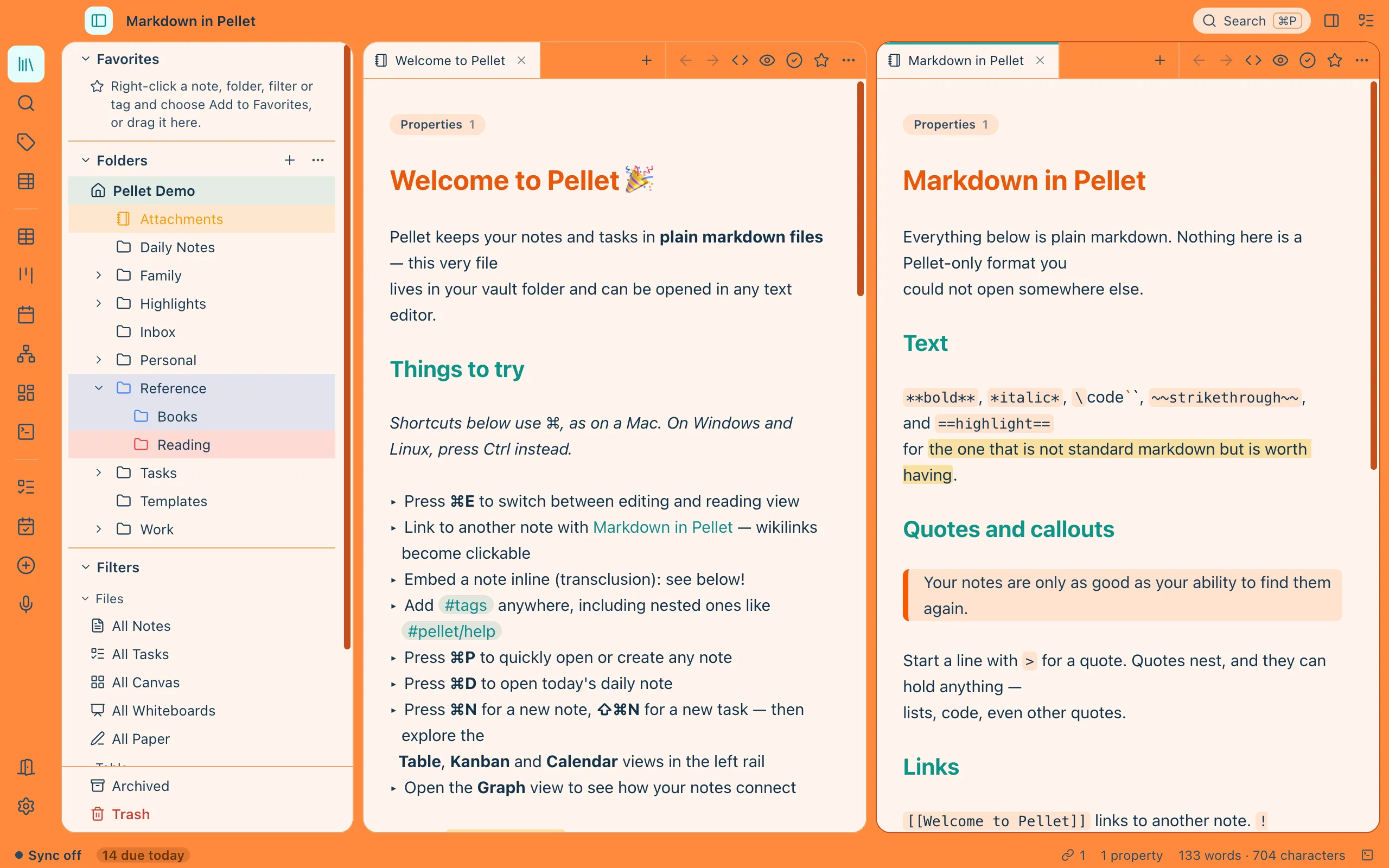
Swipe to see the whole screenshot.
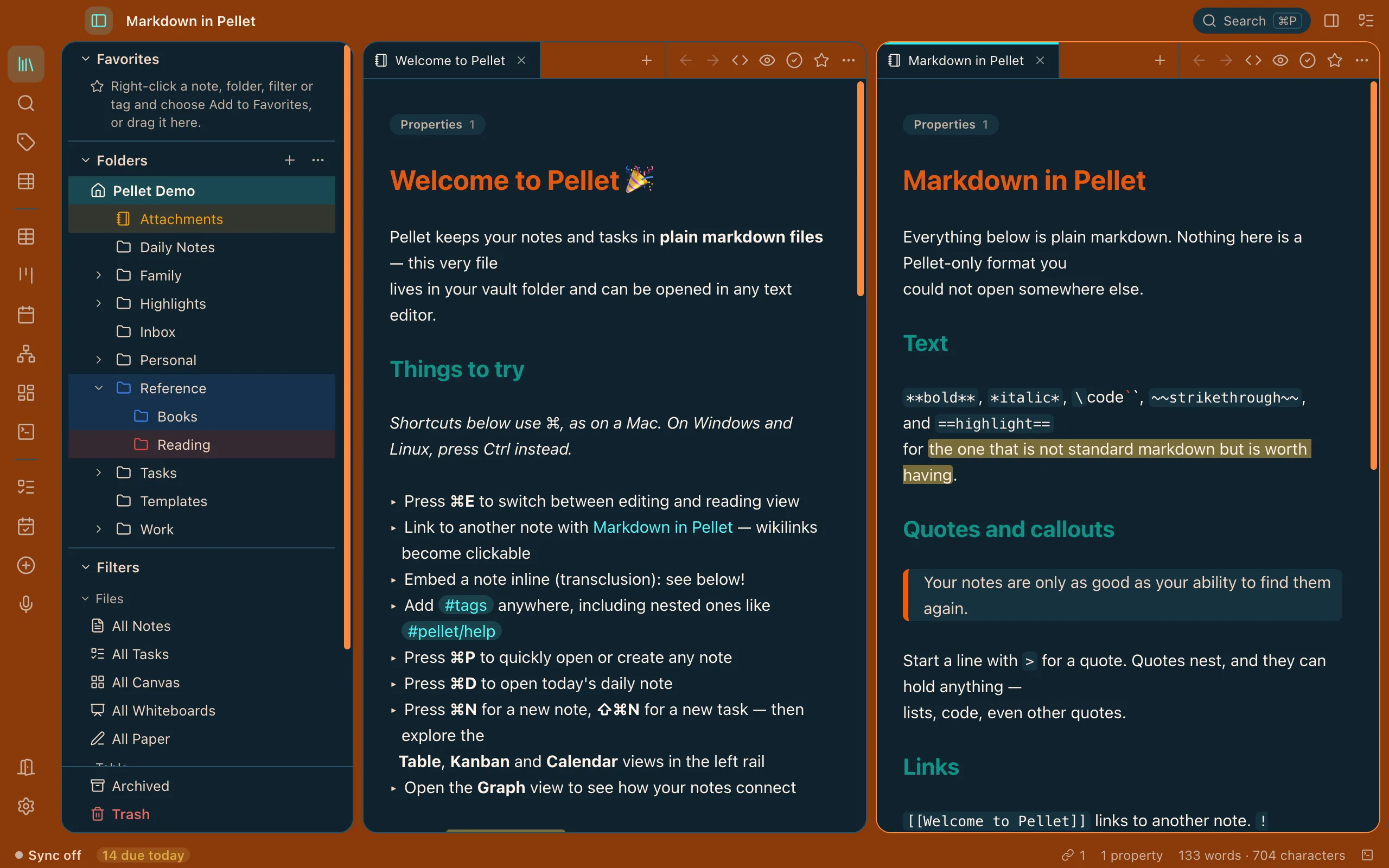
Swipe to see the whole screenshot.